UAstudentn
It works and is secure!
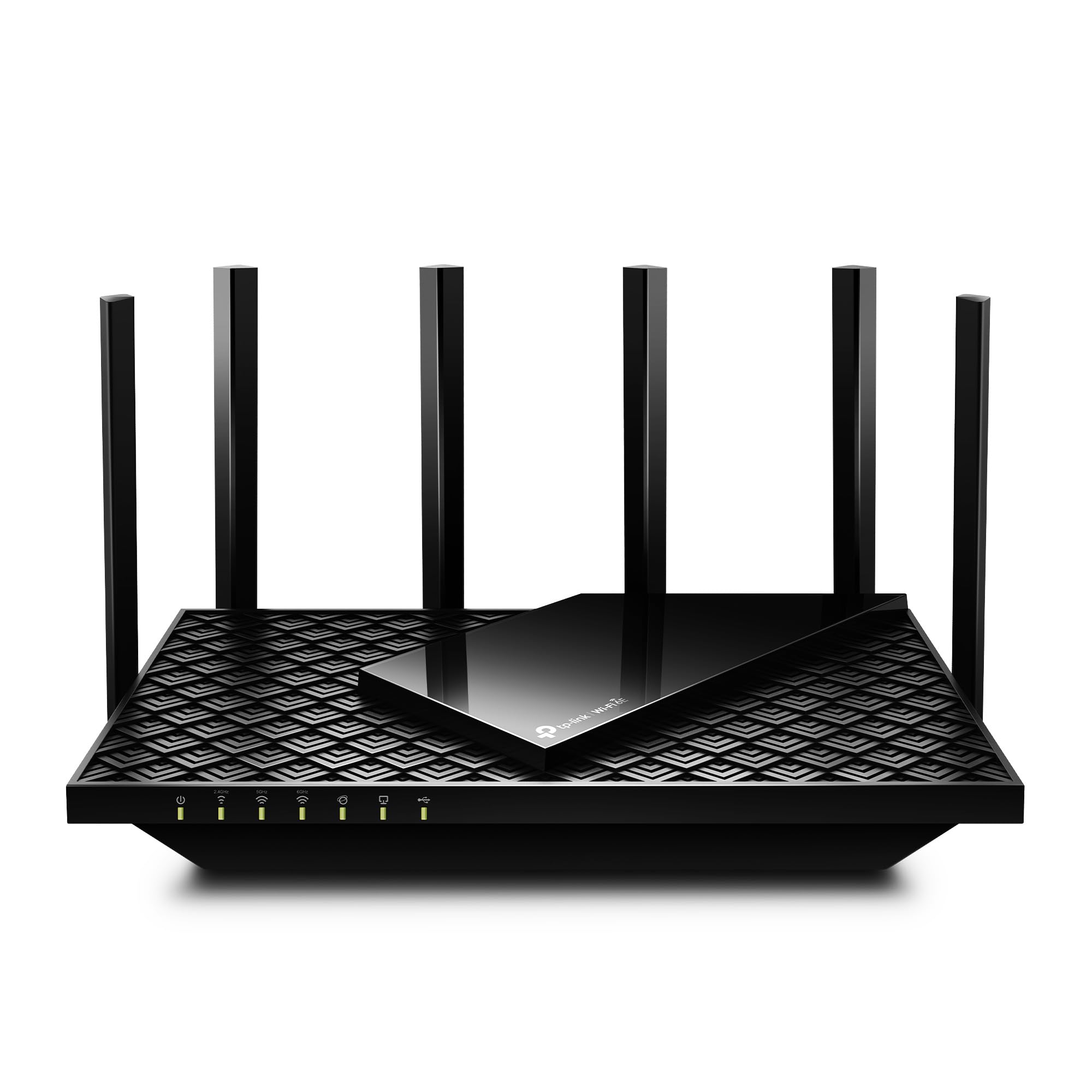
I wanted a more secure WiFi router while also saving money on the rental from my cable provider, so I was suggested to purchase this by a very experienced tech and cyber security wiz. Now, I personally don't feel that I know much about anything technical these days, but I have really enjoyed this so far. Performance wise, but more than anything I REALLY love the security of the back-office type of controls the TP-Link gives you.PERFORMANCENow, my current home is 1500 sq ft and a split level home, so most of the areas I use WiFi at home are never too far from the router. I placed the router right on the TV stand underneath the TV so that certainly is as close as it gets. When I'm upstairs (technically 1.5 levels up from the router) I still seem to get fine enough WiFi when I'm browsing on my phone. I will say that the WiFi randomly cuts out for me, but, this is definitely an issue I had with my previous equipment so I don't blame the router itself, it is my provider. Or the wiring outside my house.. not really sure. I have noticed however that when the service does go out, ever since changing to the TP-Link, the service returns much faster and I never have to reset it. With my old provider-provided router, it would be out for hours and I always seemed to have to manually reset the equipment. So in summary, the service and performance for me has been exemplary!SOFTWAREThe primary reason I got this was to make sure nobody could hack into my WiFi. With other routers, I am not sure if the same service is available, but this was the first I've ever seen it. Yes... we all know that WiFi is password protected. BUT. Someone can easily hack into it, right? Well not with the TP-Link! You can access the router security through the routers IP address, and you set a password for that as well. The user interface is pretty simple for even a dolt like myself to understand. You can control who can access your WiFi by using a blacklist or a whitelist. A blacklist means that all who have the login details *except* for specific IP addresses you've blocked can access. A whitelist means that ONLY the IP addresses you have added to your list can access the WiFi. I am using the whitelist, since I do not want anyone random or unwanted accessing my service. Let me tell you, it works perfectly! Sometimes I forget that I have this setup, and I have tried many times with many different devices to try and access the wifi... heck, even the guest network, that I thought was specifically setup for this, doesn't seem to let random users access it. It also shows you who is currently accessing it, although I find that feature doesn't seem to be totally accurate sometimes. I give the software 5 stars for the simple fact that it is so easy to control access through it.SUMMARYOverall I am very happy with this purchase. It does what I want it to do, very securely. Setup was a little confusing because if I recall correctly, nobody could access it until we were able to get into the back-office software and setup password first. Other than that I really have had no issues and enjoy using it. When I need to change a setting it is super easy to get in and make any adjustments.Ver másVer menos
156 personas la encontraron útil