trs
18 de junio de 2023
Solid performer
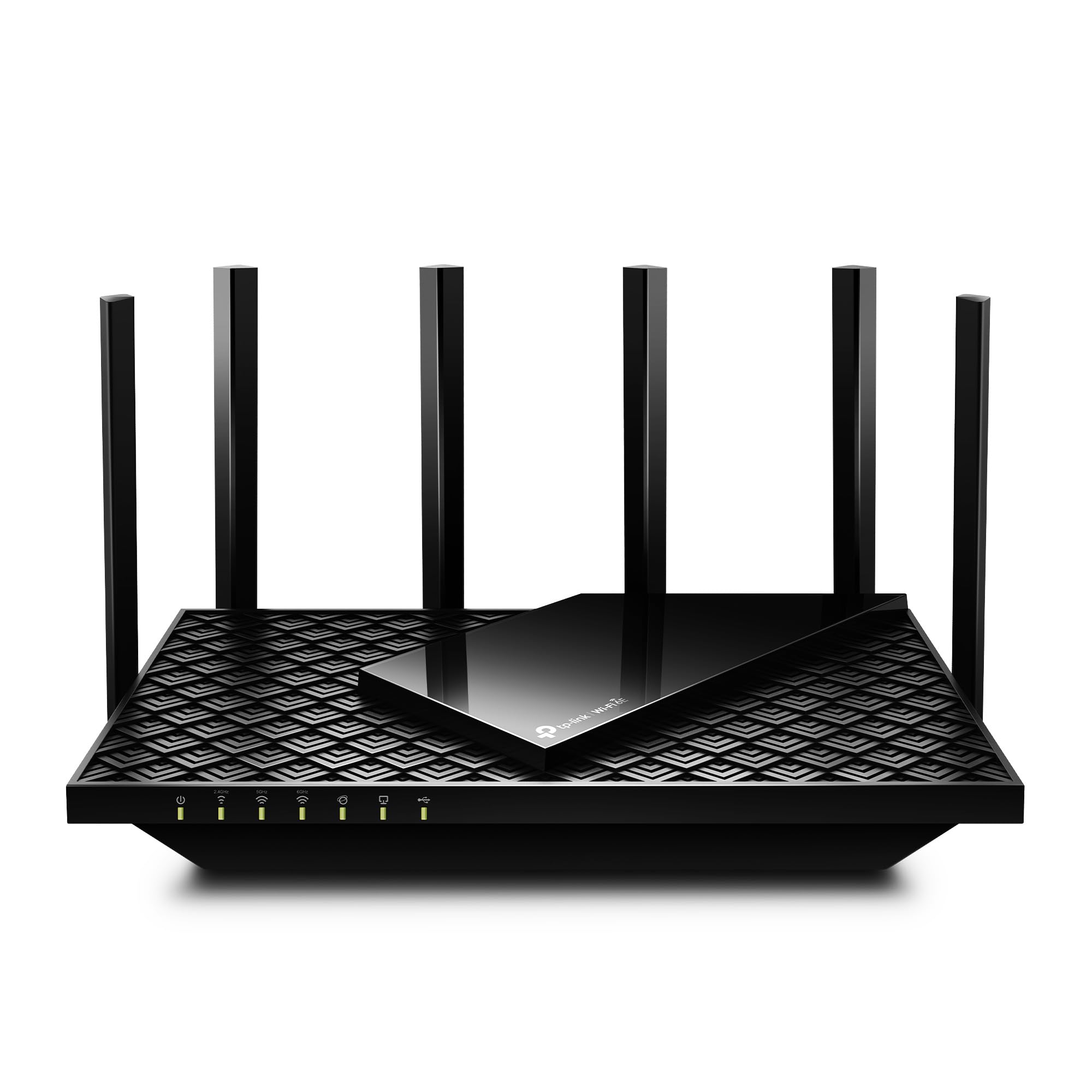
[updated]I updated from a TP-Link Archer C7. I have an Arris SB8200 modem. Here are a few notes.The AX55 signal strength seems a little better, especially in the 5 GHz band. It also adds 802.11ax and WPA3 security as well as "Smart Connect" which allows you to combine 2.4G and 5G bands under a single SSID and have the router decide which to use with each client. You could just give the separate bands the same SSID with any router. In that case each client would decide which band to use. The router login no longer uses a username, only a password.I have now tried "Smart Connect" with 2 TP-Link routers in 2 different houses and I am not impressed. On both I eventually had to separate the 2 bands. It was especially dysfunctional on mobile devices (phones, laptops, etc.). It doesn't seem to switch bands very easily as you move around. Even stationarydevices seem to bounce inexplicably between the two bands, which can have very different signal strengths.The wi-fi encryption settings can be a problem depending on your equipment. The options are:NoneWPA2-PSK[AES]WPA2-PSK[AES]+WPA-PSK[TKIP]WPA3-PersonalWPA3-Personal+WPA2-PSK[AES]WPA2-EnterpriseWPA/WPA2-EnterpriseI wouldn't touch either WPA or TKIP. Previously I used only WPA2-PSK[AES]. I would have liked to have used WPA3-Personal+WPA2-PSK[AES] here, but I have an older 2.4G printer with WPA/WPA2[AES or TKIP]. It would not connect unless the router was set to WPA2-PSK[AES] or WPA2-PSK[AES]+WPA-PSK[TKIP]. In the end, I set the 2.4G band to WPA2 (only) and the 5G band to WPA2+WPA3.Configuration and Installation-----------------------------------Installing the router was pretty straightforward. I turned off wi-fi on my laptop, wired it (DHCP) to one of the router's client ports, browsed to 192.168.0.1, and logged in (password is on the bottom of the router). Alternatively, you could leave your wi-fi enabled and connect to the router's default SSID, also on the bottom. Doing it over wi-fi is just a bit more risky.I configured it entirely through the web interface using the Advanced menus. I changed the password and IPv4 address and left it with a temporary SSID while walking through all the other settings. After that was done, I shut down my old router, changed the temporary SSID and passcode on the new router to the permanent ones, shut down the new router, and connected it to my modem.I have not as yet found anything I can do with the Tether app that I can't do, and more easily, with the web interface.The router would not connect to the internet when I powered it on until I remembered that the modem has to be rebooted to pick up the router's MAC address. It won't connect to a new router until then. I powered off both, powered up the modem, waited until it was fully up, and then powered up the router. It connected immediately and has been running fine since then.Once connected, I reviewed the internet (IPv4 and IPv6) status and settings. For Comcast, at least in this area, the IPv6 WAN connection type is Dynamic IP(SLAAC/DHCPv6) with DHCPv6 and prefix delegation selected. The LAN type is SLAAC+Stateless DHCP. I prefer to use Google's public DNS servers (8.8.8.8, 8.8.4.4, 2001:4860:4860::8888, and 2001:4860:4860::8844), I've set those to override the Comcast-provided defaults.Performance---------------I have 400 Mbps Comcast service with an Arris SB8200 modem. The modem indicates DOCSIS 3.1 service on the downstream side, but not on the upstream side. My laptop wireless NIC is an Intel AC7265 dual-band b/g/n/ac adapter.On a wired connection to the router, I get download speeds of 475+ Mbps. 480 would be the most I would expect given Comcast's typical practice of over-provisioning by 20%.On 5G wi-fi with 40 MHz channels, I get 475 Mbps next to the router and about 20' away in the same room. I get 355 Mbps in the next room, which is 73% faster than with the Archer C7.On 2.4G wi-fi with 20 MHz channels, I get 100 Mbs in the next room and 45 Mbs 2 floors up on the opposite side of the house. That's 25% and 80% faster than with my Archer C7.Those who have unexpectedly slow wi-fi performance and who have "Smart Connect" enabled may be connected via the 2.4 GHz band without realizing it. Another reason not to use that feature.I live in a crowded wi-fi neighborhood with people who think it's a good idea to use 40 or 80 MHzchannels in the 2.4 GHz band. Don't do that. It makes all your neighbors' performance worse anddoesn't really help yours.Ver másVer menos
232 personas la encontraron útil