Emily
23 de julio de 2026
Managing data privacy during client presentations
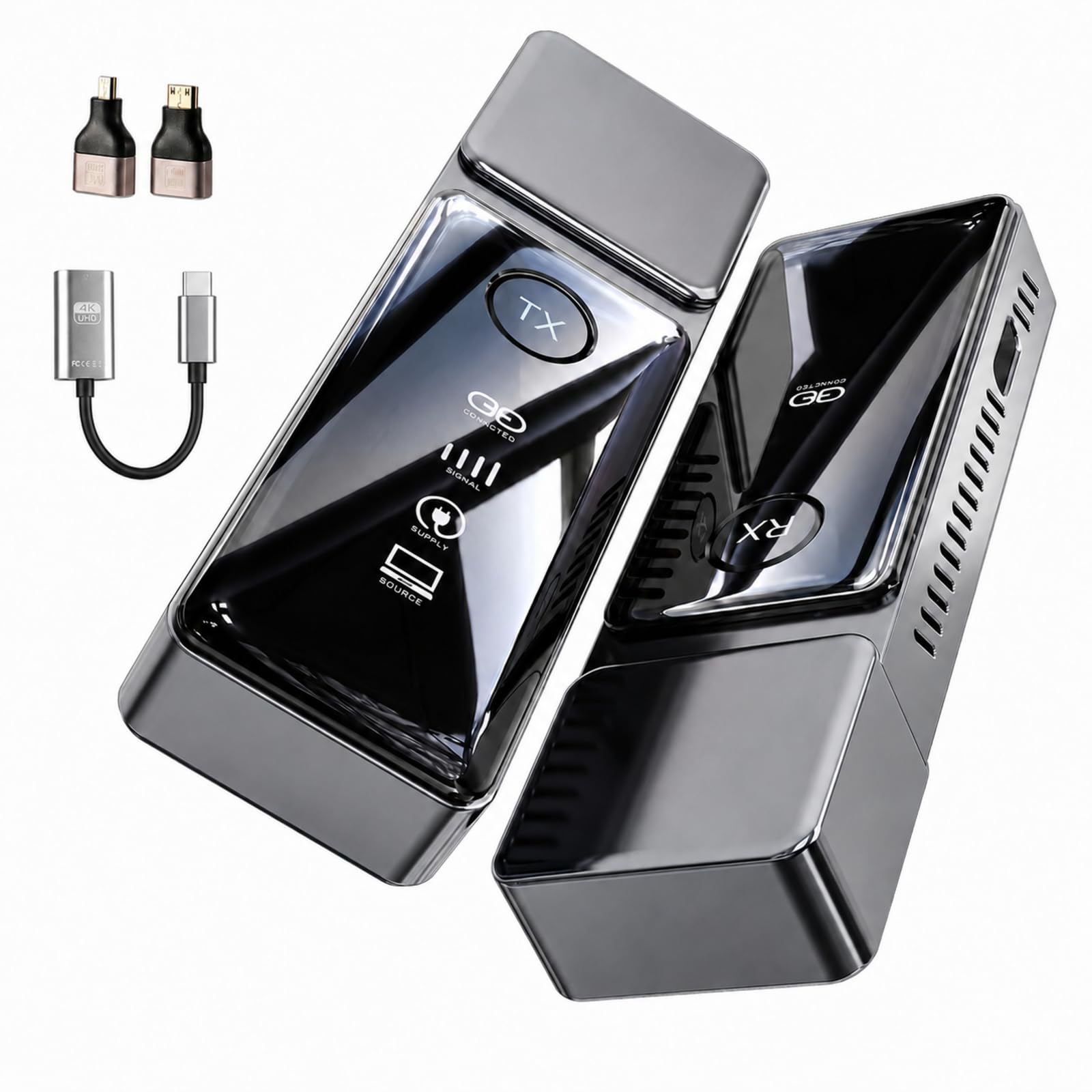
In the meetings I run at the office, I often need to show sensitive data and then hide it quickly when I transition to talking about different topics. I discovered this wireless hdmi transmitter and receiver, and it helps me maintain control over what is displayed to the group. The privacy button is the main reason I keep this connected to my projector. When I need to pause the feed to talk about confidential numbers or internal charts, I just press that one button, and the screen goes blank immediately. It prevents people from looking at things they should not see while I am switching between different documents or applications on my computer.I use this in various conference rooms at the office. The range is enough that I can sit wherever I want and still keep the link active. The setup process is quite quick. I just plug it into the port, and it recognizes the signal without me needing to load any drivers or wait for a computer to find a network. It makes my workflow move much faster. The picture quality is clear, and the text on my documents is legible for everyone in the room. I do not have to worry about the connection failing during a presentation. It provides the security I need for my work environment, and the hardware-based design ensures that it performs reliably every time I need to present.The unit also handles audio well, keeping it synced with the video. This is important when I show clips or training videos to the team. The dual-band technology manages the signal in a way that minimizes interference from other electronics in the office. I feel much more confident when I present because I know the technology will not fail at a bad moment. It is a reliable tool for anyone who needs to manage presentations in a professional setting where data security is a priority.Ver másVer menos
2 personas la encontraron útil