

RBJ
Tiny and packs a wallop!
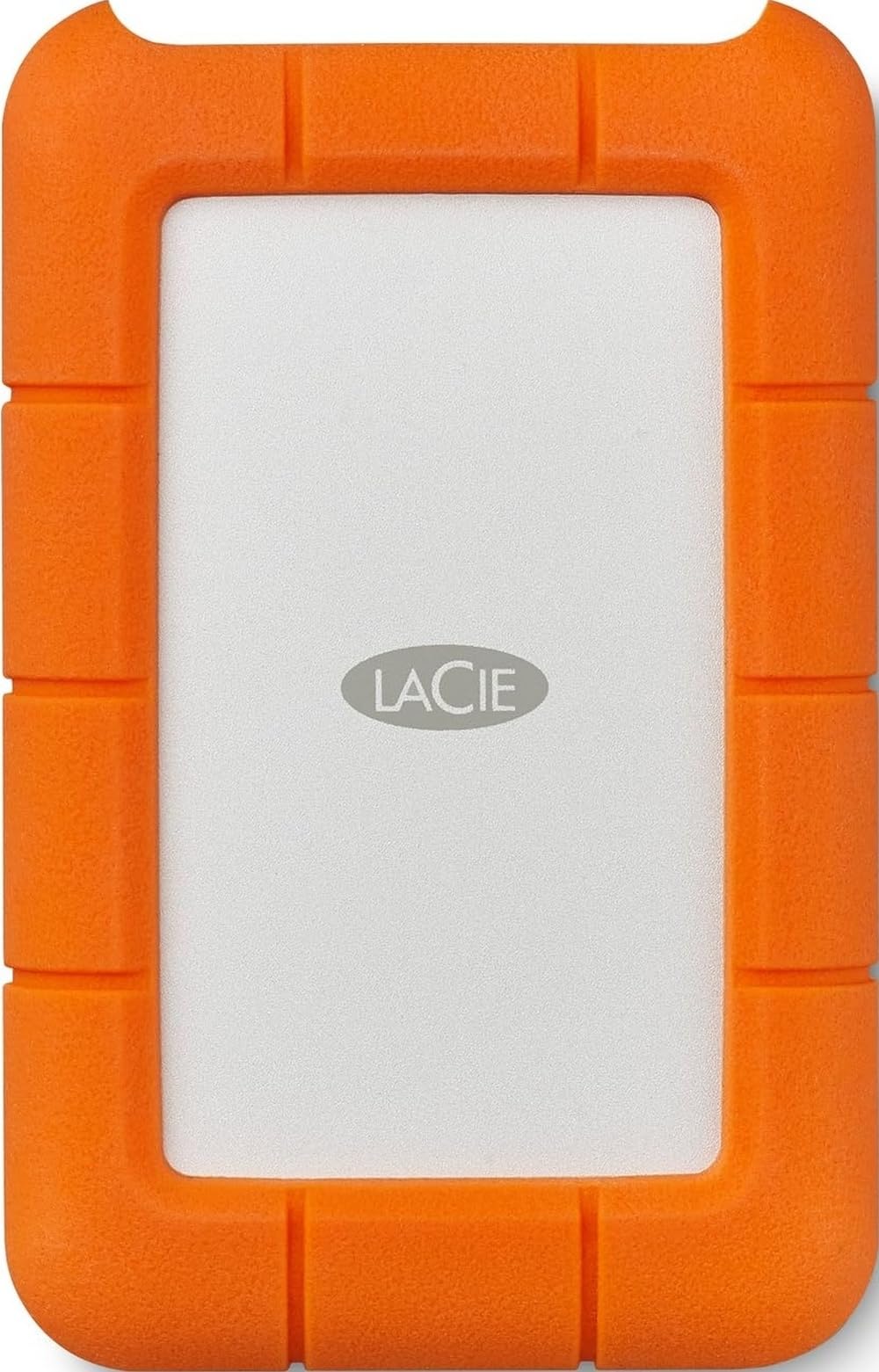
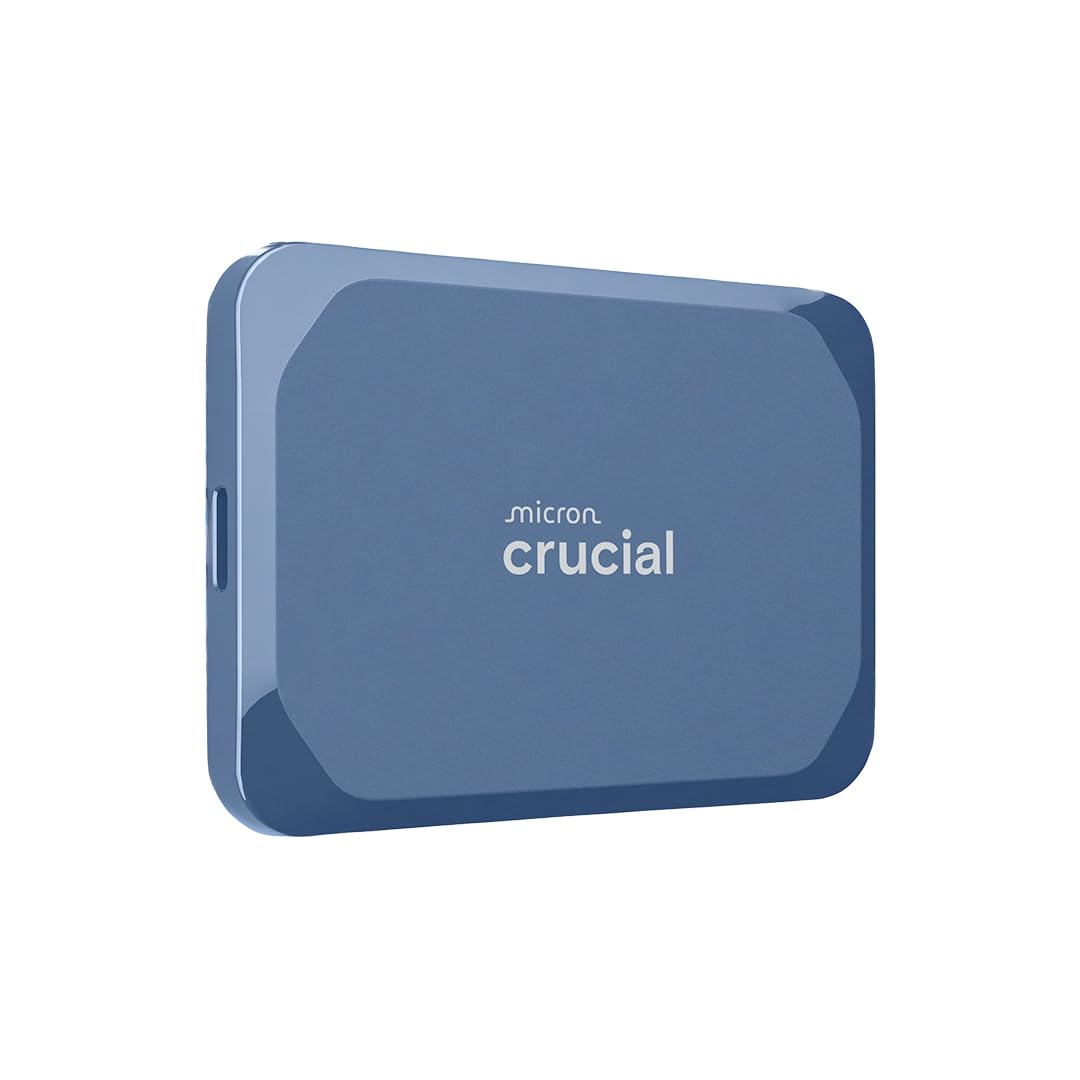
EDIT May 15, 2026: I really missed macOS Sequoia and reinstalled both OCLP (Open Core Legacy Patcher) and Sequoia back onto Crucial SSD. The internal Fusion Drive on iMac 18,2 still is running macOS Ventura, because that is the latest native operating system Apple has designed for my 2017 Mac. However, this didn't stop me from re-installing Sequoia on Crucial SSD, as Sequoia is optimized for solid state drives. But the first time installing Sequoia, i didn't give macOS Sequoia and my iMac 2017 sufficient time to index the new system. That may take 3 days or 3 weeks. Give it some time before letting go. I REALLY wanted the Apple Password App and the desktop widgets. Those apps are killer. 🤯Now after a "period of time," my iMac has completely indexed everything it needs to and functions exactly as I want it to. I'm glad I didn't give up on macOS Sequoia on 2 TB Crucial SSD.EDIT March 31, 2026: Everything is working perfectly with the Crucial SSD, except I removed macOS Sequoia and OCLP (Open Core Legacy Patcher) from the Crucial disk and reinstalled macOS Ventura.However, installing Sequoia on my 2017 iMac Fusion Drive served no real purpose. I had hoped for optimal performance with Sequoia and OCLP on the internal drive, but it became evident that running any macOS on Crucial SSD made up for all the shortcomings of the factory installed Fusion Drive on iMac 18,2. Now I’m running macOS Ventura on both the iMac 18,2 internal Fusion Drive and the external 2 TB Crucial SSD.On the Crucial SSD, I made a container for macOS and another container for my data files. No need to partition. macOS will manage how the two containers use the common 2TB of space. This is one of the great benefits of APFS (Apple File System).Good just got better, and for its age, my 2017 Mac is running perfectly.EDIT July 18, 2025: There is no support for USB 3.2 Gen 2x2 on Apple Computers; Windows, etc. supports USB 3.2 Gen 2x2. Apple's specifications for their Mac models, including those with Thunderbolt 3, Thunderbolt 4, and even the newer M-series chips (M1, M2, M3, M4), typically list support for USB 3.1 Gen 2 or USB 3.2 Gen 2 (up to 10Gbps) and Thunderbolt/USB 4 (up to 40Gbps; or higher with Thunderbolt 5). USB 3.2 Gen 2x2, which offers 20Gbps, is absent from their official specifications. Apple favors Thunderbolt.EDIT July 11, 2025: I still have high praise for the Crucial SSD external drive. My whole computer network and all attached drives are running cooler and faster. Although all drives [1 internal (the Fusion Drive) and 3 external (including the Crucial SSD)] are connected into the iMac motherboard, the Crucial external SSD is running macOS Sequoia [my boot drive] while the other two external drives [rotational] are being run by macOS Ventura.The synergy between all the drives is all that I could have hoped for. When I get a new iMac [maybe 2027 😂], i’m going to utilize the 2TB Crucial SSD for storing audio/video files, which should then be able to approach its full potential of 2,100Mbp/s. Because my 2017 iMac motherboard is only specified for 1,000Mbp/s, the Crucial 2TB SSD will have a lot of capacity left to achieve in an updated 2027 motherboard.ORIGINAL REVIEW June 27, 2025: I have a 2017 iMac [18,2], which has the dreaded Fusion Drive. I have never hated the 1TB internal Fusion Drive, even now after such a polarizing contrast with the Crucial 2TB external SSD Drive. I still like it, however the comparison is like a night and day difference. The Crucial SSD Drive does everything smoother, more efficiently, and FASTER.I’m still using the iMac Fusion Drive running macOS Ventura, but only as a fallback macOS due to the fact that I’m using Open Core Legacy Patcher [OCLP] on the Crucial SSD running macOS Sequoia.Thus, I boot from the SSD Drive 10-times faster with practically no fan noises or heat issues. And all my apps run perfectly.I wish I had done this sooner.Ver másVer menos
94 personas la encontraron útil


![Western Digital 4TB WD Blue SN5000 NVMe Internal Solid State Drive SSD - PCIe Gen 4.0, M.2 2280, Up to 5,500 MB/s - WDS400T4B0E [New Generation]](https://m.media-amazon.com/images/I/61dDFTo+GnL.jpg)