Pix
Interface issues with iPad Pro gaming apps solved!
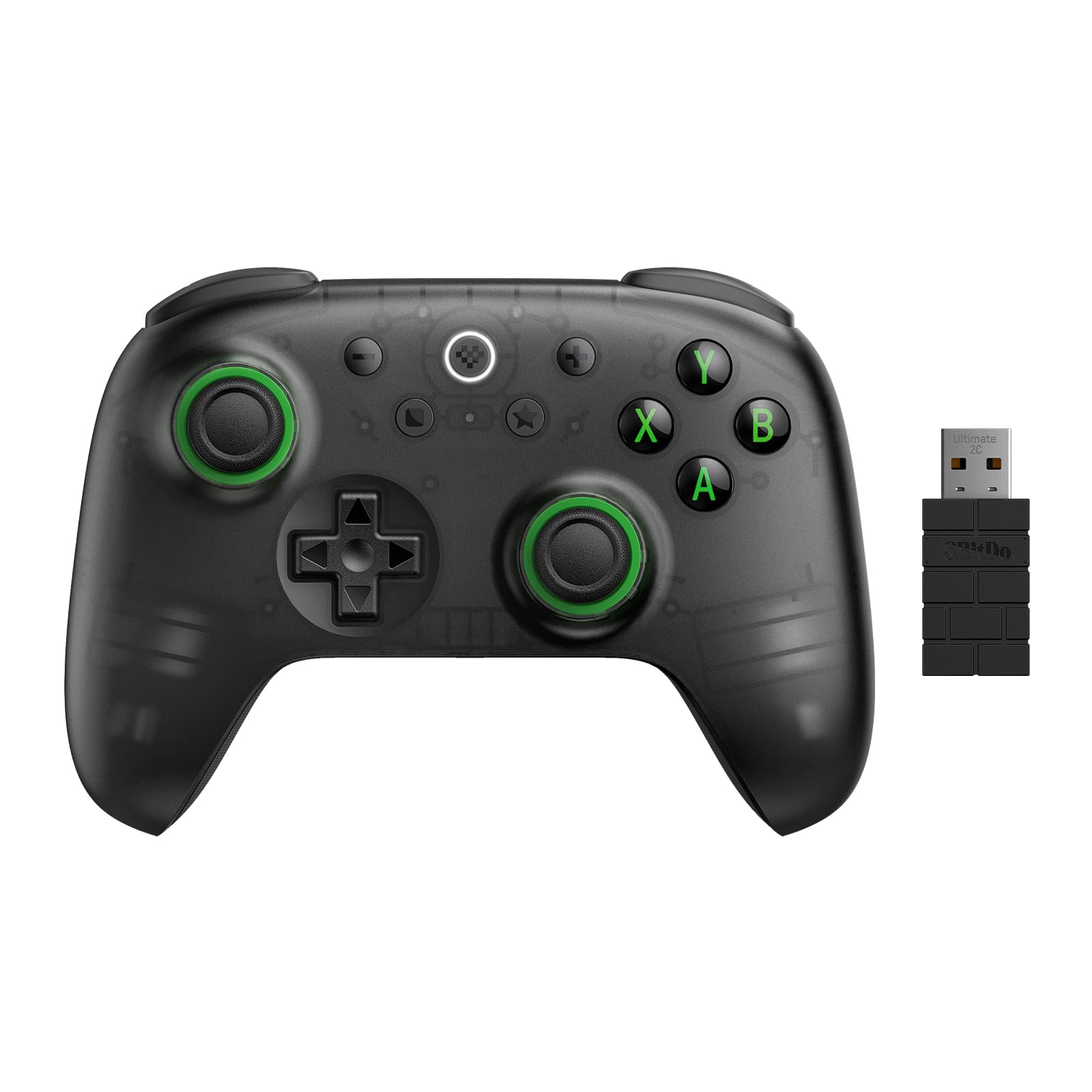
Edit: Upgraded to 5 stars after purchasing an Xbox controller which did the same thing, It took the young man who who recommended it 2 days, but he finally figured it out for the Xbox controller. Pressing the hamburger icon below the Xbox power button enabled and disabled "game mode". Enabling "game mode" rectified the issue. I've since bought another 8BitDo Ultimate 2 because I really did like it. I hooked it up and enabled game mode by pressing the + button in the same location as Xbox hamburger button. It worked! The joystick on myy second one had an "almost imperceptible" drag between the 2 and 3:00 positions but enough that it bothered me. Easy return and got a third. After some game play, it did the same thing. I put a small dab of SuperLube synthetic oil (doesn't deteriorate plastics or rubber) on the end of a toothpick and just barely touched the rubbing areas. This thing is now so smooth! 2 weeks later and loving it!I tried using this on an iPad Pro m4 which has the latest 26.2.1 update. The controller works via Bluetooth. Underneath the controller, ensure you toggle the button from 2.4g to bluetooth. The Assistive Touch function must be turned on for the controller to work. Assistive touch turns on the mandatory Top Level Menu (controller menu) which appears as a white translucent circle, regardless what you are viewing. Touching that circle opens a menu. Turn off assistive touch, the menu circle disappears, and so does the ability to use the game controller. More on that later. Using the joystick, the controller seemed to have a mind of its own and is all over the map as to what it decides to select or do. Some times it will allow scrolling L or R or up and down. Other times, the same buttons have zero effect so you revert to dragging your finger across the iPad. Using the controller with the Wings of Heroes gaming app provided a new issue. The B button is used to drop bombs or use missiles. The B button, by default, ALSO opens the Assistive Touch Top Level Menu (control menu). I could not find a way to un-assign this default function. So, when dropping bombs or shooting missiles, simultaneously and by default, the menu pops up mid game. You must remove your hand from the controller and touch the screen for the menu to disappear. You can remap the B button and assign it to a different button, however it brings the "open control menu" with it. After hours of research, changing settings, trying to hide or turn off the menu, unanswered emails to support, I finally gave up. I tried assigning buttons via the 8BitDo map to no avail. Remapping buttons can be accomplished via Settings>General>Game Controller. Many of the buttons on the controller do not migrate over to the iPad Game controller function. For example, the Palm Right or Palm Left buttons are nowhere to be found in the iPad game controller setup. Also confusing is, the description of the buttons. The iPad game controller setup buttons are labeled differently than the 8BitDo quick setup guide and/or mapping. I did update the controller from my laptop PC. I tried setting up a profile and remapping buttons, and again, to no avail. Seems the Game Controller settings override buttons mapped from 8BitDo. After 2 days of wasted time, I'm doing myself a favor and sending it back. I gave it a few stars because it's pretty, it paired right up, and the other functions worked with the gaming app. It's more than likely an iPad compatibly/interface problem or a user error problem more so than the controller itself, which I really really like. The B button opening the menu with no workarounds is the dealbreaker. I can't say for sure whether other similar controllers would do the same thing simply because it could be limitations placed by Apple. This is the first controller I've ever tried using with my iPad. It seems like a capable controller worthy of 5 stars using an X Box, Windows PC, or Android where you can program all available buttons via the 8BitDo website. For an iPad, in my limited experience, not so much. Maybe a later update either by Apple or 8BitDo will fix this issue. Currently no matter what program or app I used, know that the B button, remapped or not, will open the annoying menu. I'm not smart enough to figure out Macros, which you can apply via 8bitDo site, but again, the Game Controller settings overrode anything I set from 8BitDo. I like the feel, and looks of the controller, but I'm a function over form kind of guy so this is a no go for me. The compatibility with an iPad can and should be improved.Ver másVer menos
5 personas la encontraron útil