Living in Hawaii
7 de abril de 2025
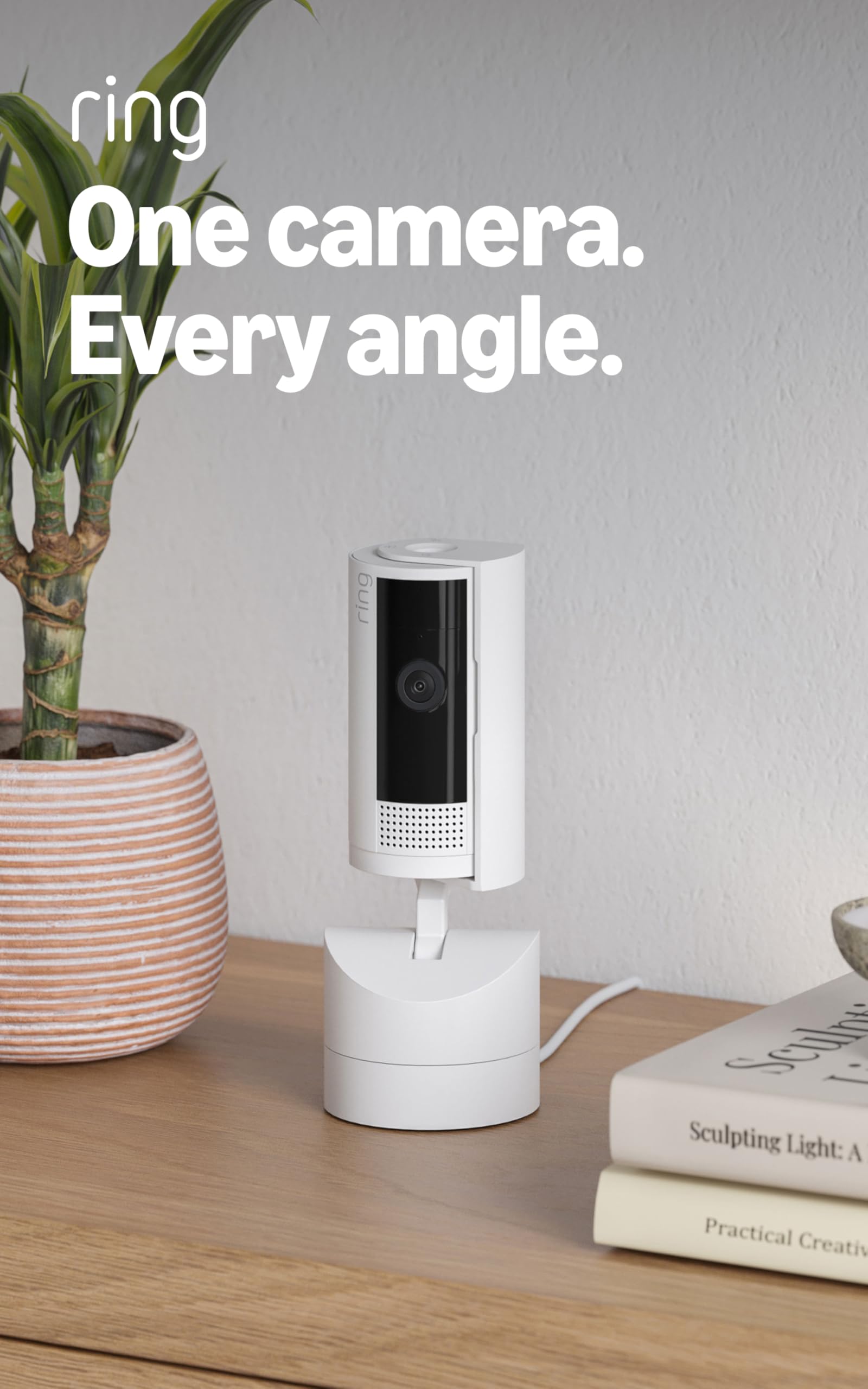
This one camera replaced two plus added options in the app.
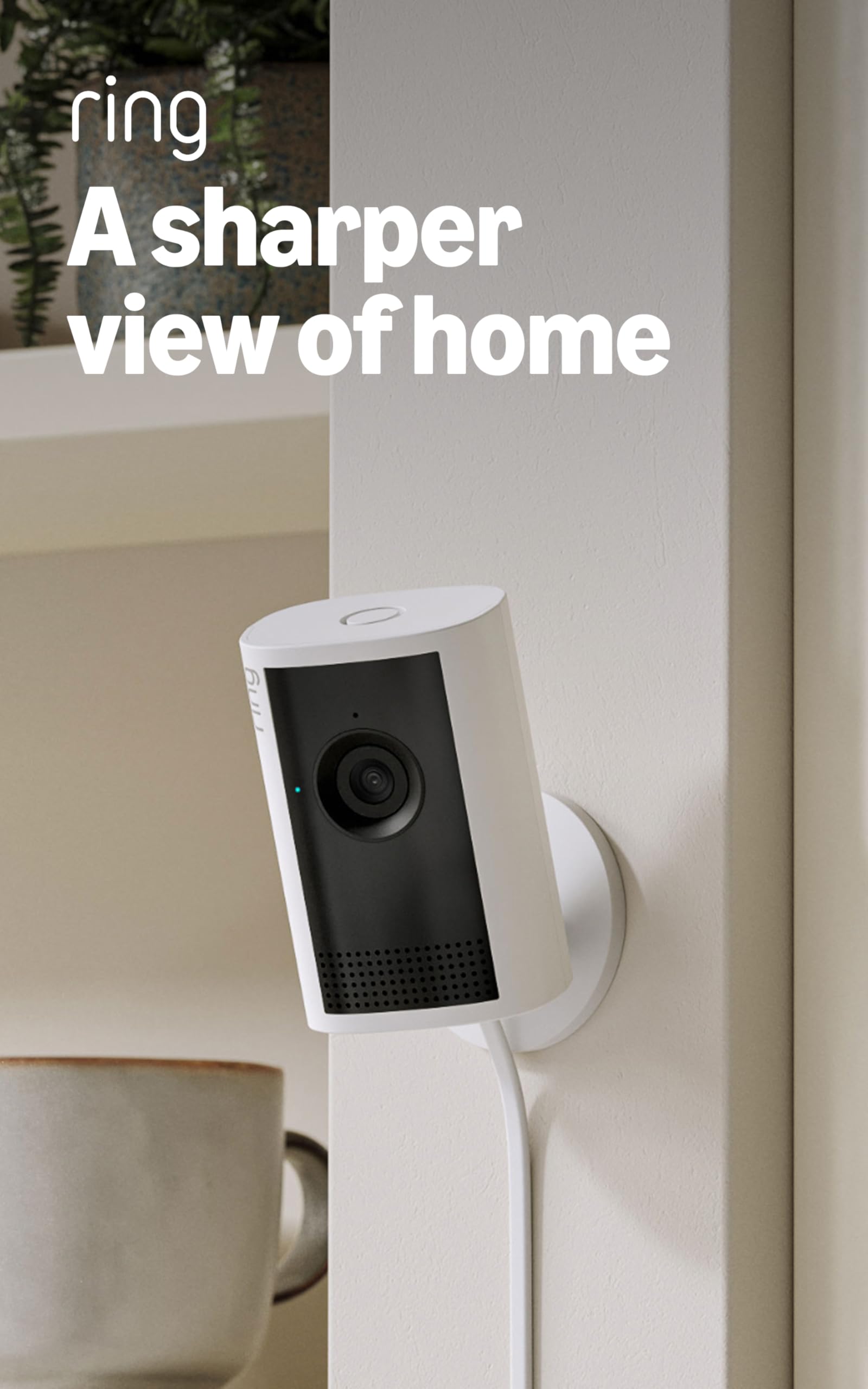
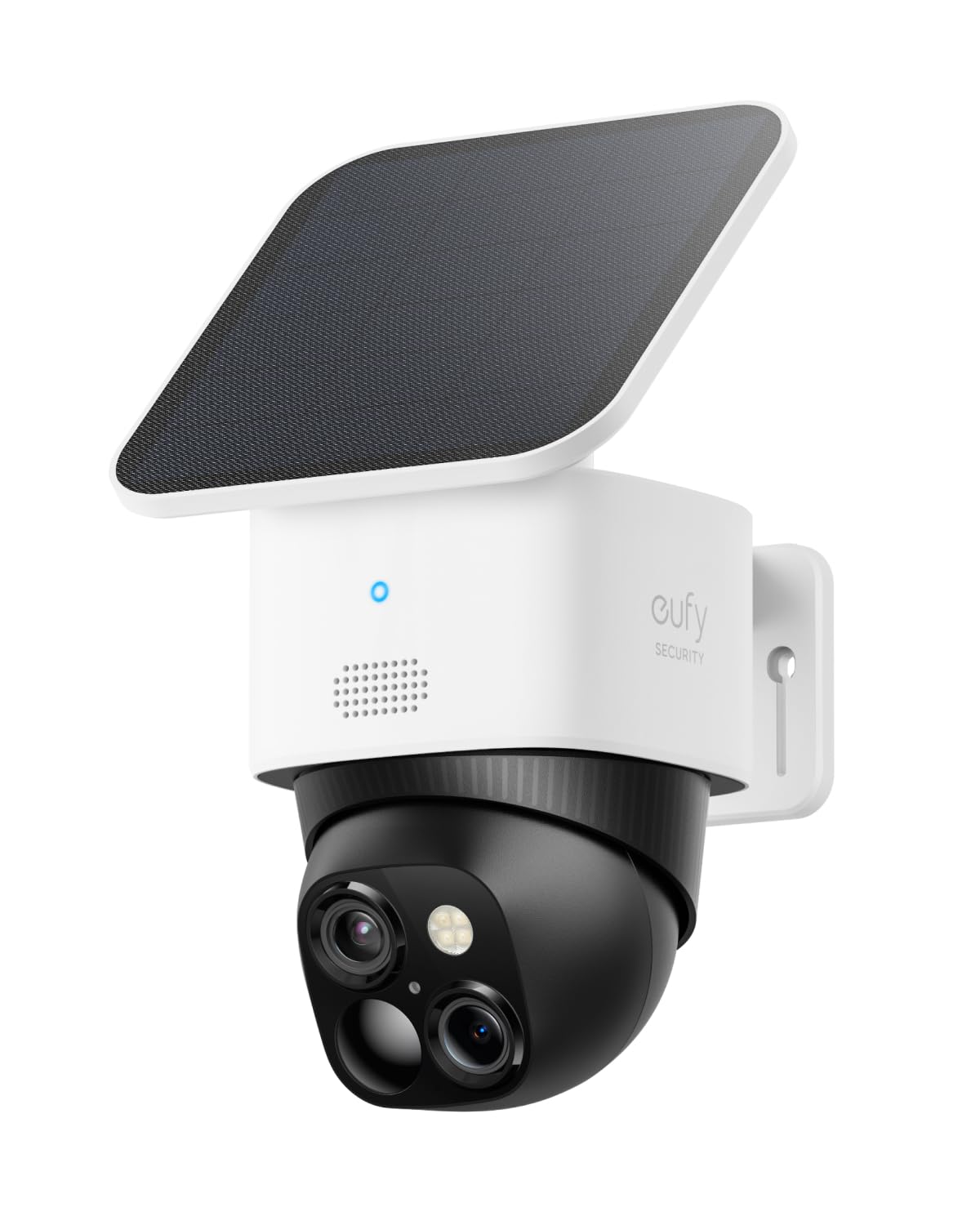
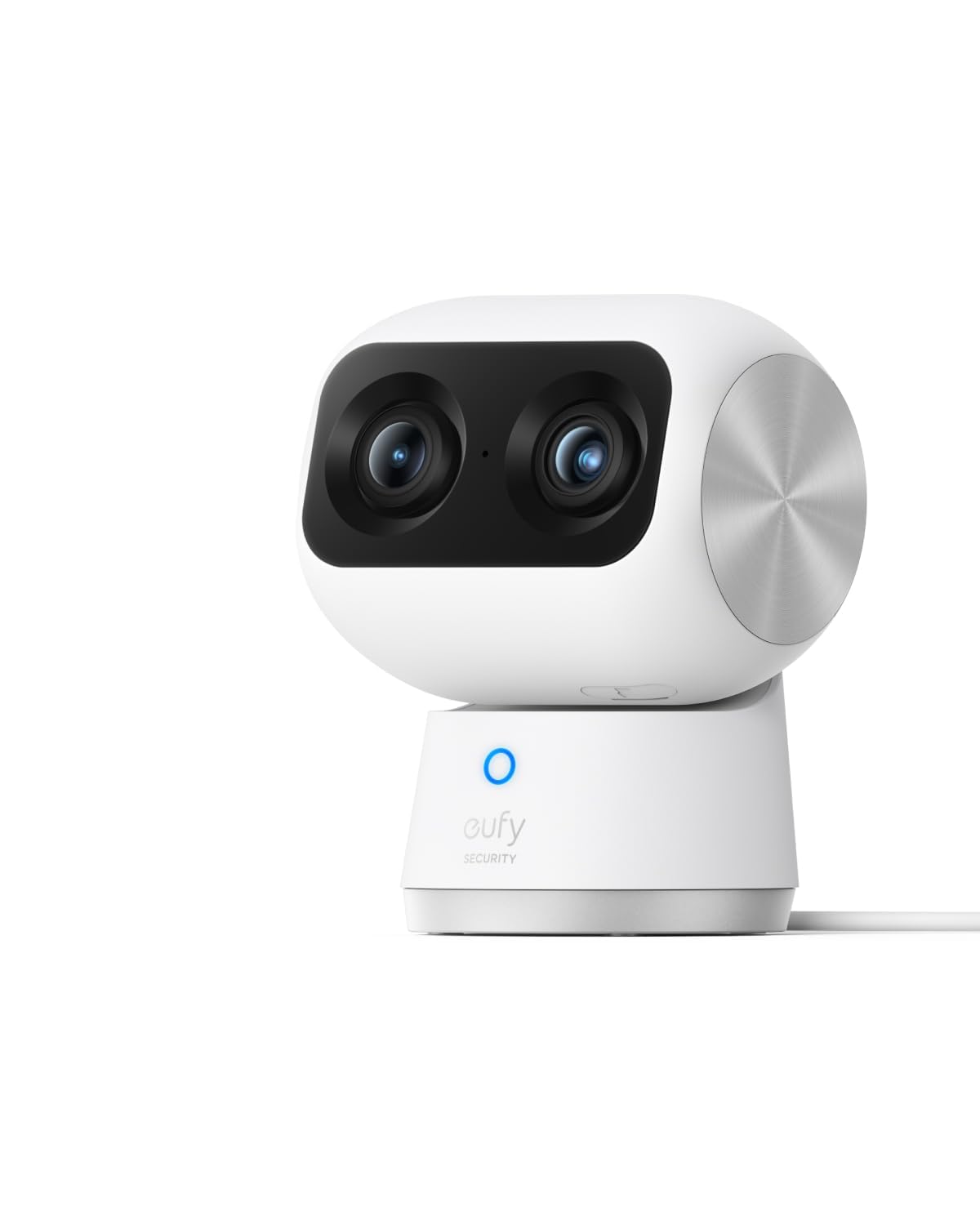
Short answer, I love the camera, it is a huge improvement over the S220, and I highly recommend it.Longer version:I have the Eufy S220 and have been impressed with it. I only take it out when I go on trips. It amazes me that all I have to do is plug it into power and it boots right up and the app has no problems connecting to it. I wanted to get a second camera for better coverage and was going to get another S220 and found this one on sale.It is great upgrade. Installation was simple (with one hiccup that I'll address later) and the clarity is fantastic. I was amazed how close I could zoom in using the telephoto lens then getting up to three times additional digital magnification using the app.Two added features stand out. The first is the camera's ability to automatically move to wherever I touch on the screen. The directional controls on the app have always been a bit laggy and I constantly overshoot. But now I can press on the screen where I want the image to be centered and the camera moves there perfectly. The second is the presets. I can save four camera positions in the app and by pressing one of those buttons, the camera will swing to that location. It even remembers which lens to use, wide or telephoto. And I can designate one of the presets to be the default location. After a set amount of time, the camera will move to that location.I don't know why these features are not available for the S220. It feels like an app feature and not camera dependent. But the S220 looks like it was replaced by the E220 and maybe these features can be used with this new camera. I don't have one of those to confirm or deny.The one issue with the install that I ran into was inserting the memory card. I went through the installation process and when it came up to video storage, the app said no memory card inserted and asked if I wanted to set up cloud services. I looked at the paperwork and all over the camera and didn't see the memory card slot. I finally found it using the drawing on the instruction sheet included in the box. It is under a cover in the barrel part of the camera that tilts the lenses. But it is only accessible when the lens is pointed up. Which can only be done by using the app, which only works after the camera is installed. To avoid any problems, I installed the camera in the app, said I would deal with the video storage location later, tilted the camera up, removed power, inserted the card, then told the app to delete the camera. Then when through the install process again.I like the Eufy cameras because they offer on-site storage. Through a memory card on the camera or using their Homebase local memory storage unit. No subscriptions and monthly fees. And the cameras just work. I haven't had any problems with the older camera and so far the new one has been just as good.Is it worth the huge increase in price over the E220 (current version of my S220)? Current price of the E220 is $35 and the S350 is $130. It depends on your situation. Originally I was going to get a second S220 to get closer view of an area. With the single S350, I can actually put away the S220. With this one camera, I don't need two separate ones because the additional zoom lens allows me to get that close up view. I can also see additional areas (close up) that I hadn't considered, but now realize I would have wanted. I would have needed a third camera to take care of that. Also the added features in the app makes it easier to use for me. For me, the additional cost was worth it.Ver másVer menos
16 personas la encontraron útil