Amiga95
14 de octubre de 2024
Much easier to setup using the Windows app!
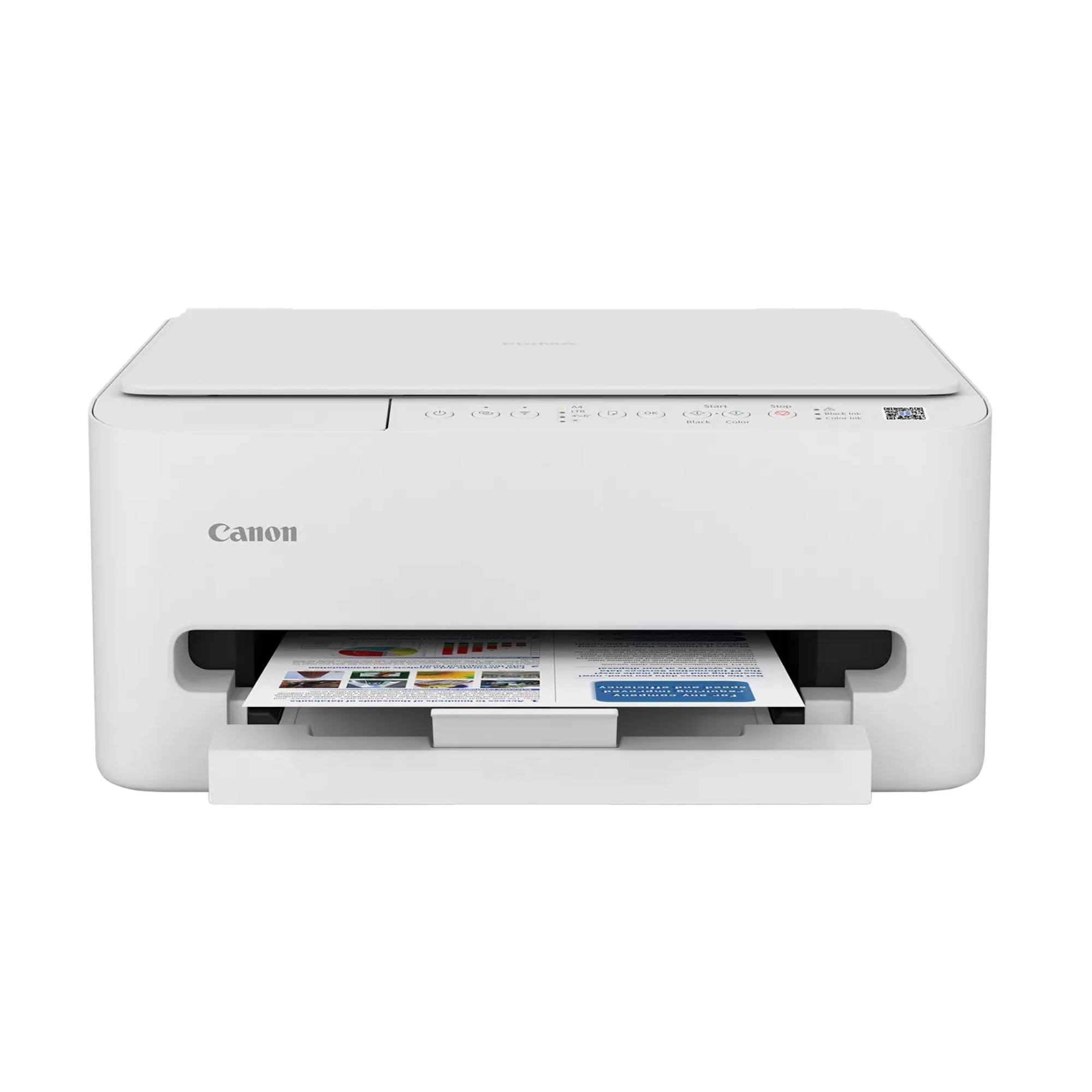
Since 1995 I've used many printers starting off with a Canon bubble jet. Since then I've used Brother, Canon, Lexmark and Epson. Admittedly for print quality Epson's sub lim dye is the best printing you're going to get. Their ink also lasts longer in regards to photo-life. As far as cost and availability of their ink at stores though is another question. Cost-wise they're all pretty much on par with each other for all brands these days.You can improve the print quality on Canon printers but you'll have to fool with the settings to get there which I don't mind doing. You'll also use a little more ink but that's the cost of quality.The Windows App made setting this printer very easy and kudo's to Microsoft and Canon for that. This is my first tank printer which I'm looking forward to using but you have to keep in mind that if you don't use the printer at least some what regularly, the ink to the printhead WILL dry out if you leave it idle for too long. Keep that in mind for EVERY printer unless you're using a laser jet.After adding the ink and updating the software I printed out my test page, simply scanned it and the printer itself set the print alignment to it's best settings. Super easy!Print outs aren't the fastest which is fine I'm not looking for speed to be honest. Print quality is very good on standard settings but I'll probably set it for best print quality later. Canon printers inherently have a sequence of sounds that hasn't changed in 28 years lol. Same for most other brands too. Not annoying but not silent either so don't expect that. It's no louder than the other brands.Canon has always done good black and white printing well before the other printer brands and their color quality has improved significantly as well.Having tanked ink versus having to buy cartridges is VERY cost effective! You essentially pay double for the printer but save long-term in the amount of printing (the REAL cost). We used to have a Cartridge World store that would sell refurbed ink tanks that worked 100% of the time but that location closed recently and sadly. If you have one near you I highly recommend them!I had recently bought an Epson XP4200 AOI printer but finding the cartridges took some time and forget locating them in your local store unless you get lucky, then came the cost. The XL cartridges range $30-$50 which is about what I paid for the printer new. Even off brand ones aren't that cheap.Having a tankless printer saves me time in finding ink and saves me a ton of money over having to buy overly expensive cartridges. Many of the 3rd party ones don't always work either so it's iffy in regards to cost savings.If at some point I have to do the printhead bath to clean them I don't mind, it's well worth it for not having to buy outrageously expensive cartridges. I'm done with them!I definitely recommend this printer even if you're only doing average home use. Just remember to use it every week even if just once.Update:I'm almost 2 years into using this now and I'm still using the original ink that came with it! How's that for REAL cost savings? Over that same time frame for ALL my other printers I would have bought at least 6-8 ink cartridges MINIMUM! At an avg. cost of $33 each that works out to $264 in just ink and then add in the cost of the avg. printer and your now at over $300 easily. In savings alone, I've almost doubled my money!The printer and ALL of it's functions still work 100% of the time and I've probably printed way more than double what I would normally have done. In black ink I'm still over 50% full too! This undoubtedly IS the way to go without question. Yes, it is an upfront investment of sorts but it pays for itself very quickly.Ver másVer menos
294 personas la encontraron útil