LD
29 de enero de 2023
Performance is outstanding, setup was somewhat annoying
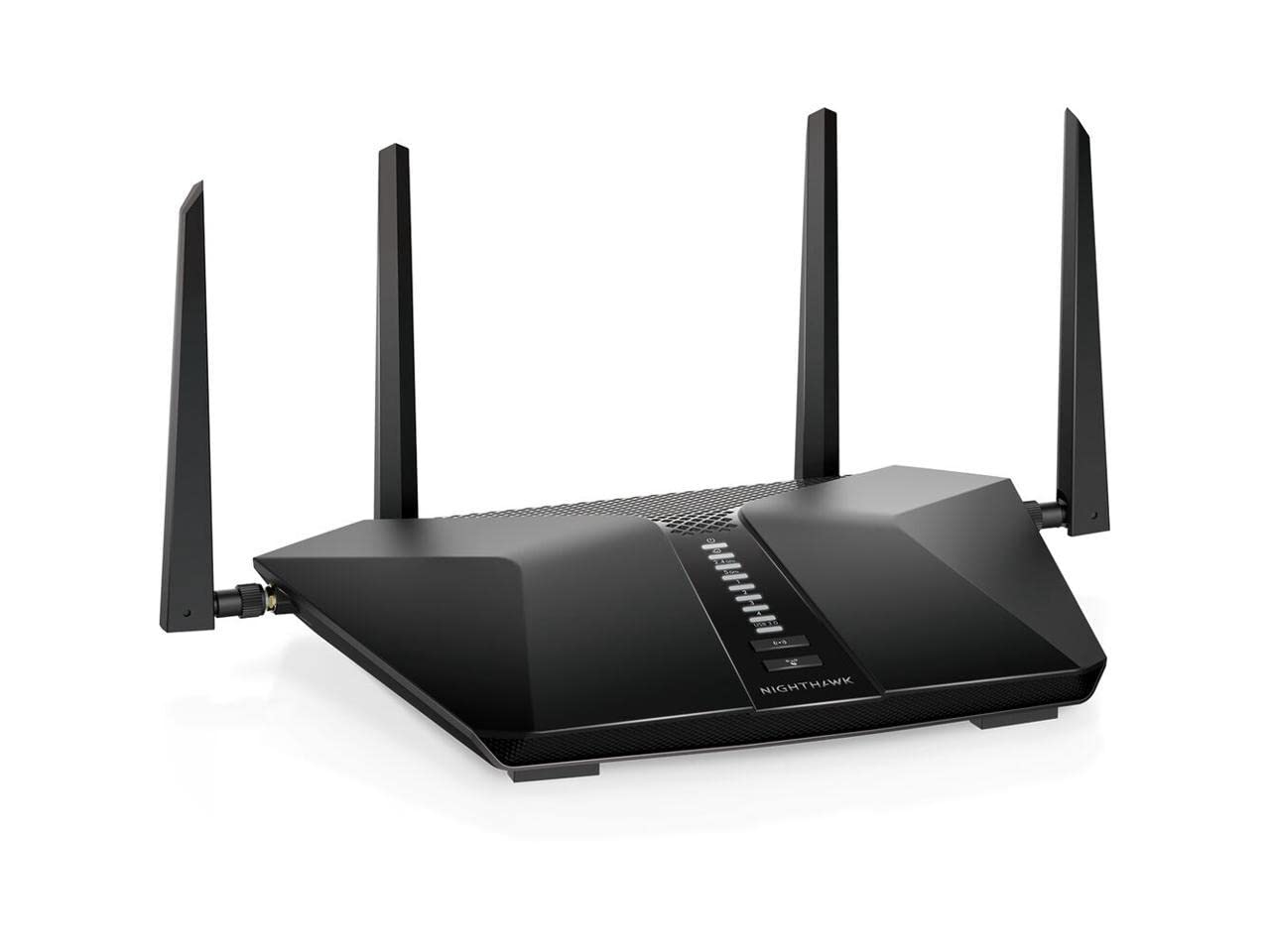
I'm going to start with the good news...this thing really performs. I upgraded from a Linksys AC1750 that was going on 5 or 6 years old. It had always been rock solid (not a single outage in all those years) but I had a feeling I wasn't get the speeds I should have been, boy was I correct. I recently upgraded my FIOS internet from a 100 to a 500 Gbps plan because I have two sons and both are now using tablets, etc. Plus I have a high end gaming PC and we have three TVs in the house streaming 4k, in addition to other devices. After the FIOS plan upgrade I ran a speed test from my PC and was getting about 340 gbps download and upload speeds. However, after I upgraded to this router...520 gbps download and upload! On top of that the range of the 5G network is way bigger than it was, probably triple the area. One of the other main reasons I wanted to upgrade to this router is so I have better coverage in my back yard in the summer. This thing covers my entire house and most of my yard - front and back. I am extremely happy with the performance. Now lets discuss the initial setup...First off, I got it done and it only took me a total of about 15 minutes. But there were some annoyances that I want to share with others. When you first start the setup and open the app it tells you to scan the QR code on the router. Mine didn't have any QR code on it. That was number 1. I checked the box too, no QR codes anywhere. So I had to do it manually. Not a big deal for me, however...when you select to do it manually in the app it takes you out of the app into your phone's settings to connect to the router network (NETGEAR** and the password is written on the bottom of the router). It also says that after you connect to go back into the Nighthawk app to continue setup. OK, so I connected to the router manually (which worked fine) but then wasn't able to go back into the app because the app was still directed to my phone's settings to connect to WIFI. Nothing was happening, so had to close everything and re-launch the app, which then started the process over again. Finally after 3 tries, the app recognized that I had connected to the router and continued with the setup process. Then, the router needed a firmware update. During that update I got an error message saying that it couldn't find the router, but the firmware update finished successfully anyway. Then I had to re-connect my phone to the router (again) manually to move to the final step in the setup. All in all the setup completed correctly but as you can see there were some hiccups. As stated it only took me 15 minutes or so but probably should have taken less than 5. I am being nick picky here but I remember setting up the Linksys router and it went very smoothly and quickly. Not really a big deal though and now that its done it never has to be done again. Given the performance I am getting from it, I don't really care. Hence the five star review.The only thing remaining is to find out how well this stays connected over the years. After how extremely well my Linksys performed I have very high expectations. We'll see...this review may change.Ver másVer menos
136 personas la encontraron útil