W. Mitchell
15 de enero de 2021
Great System for a Small Business
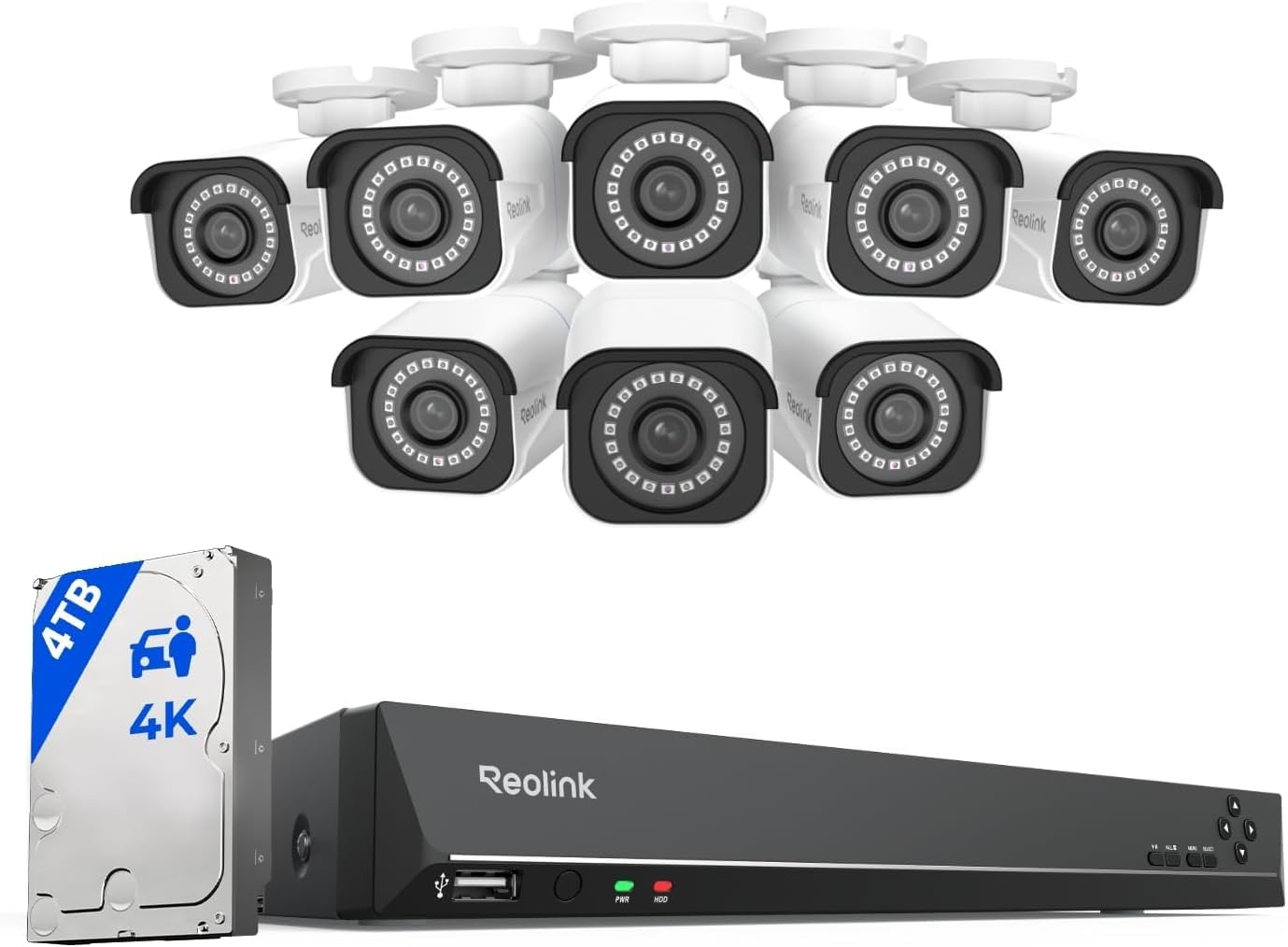
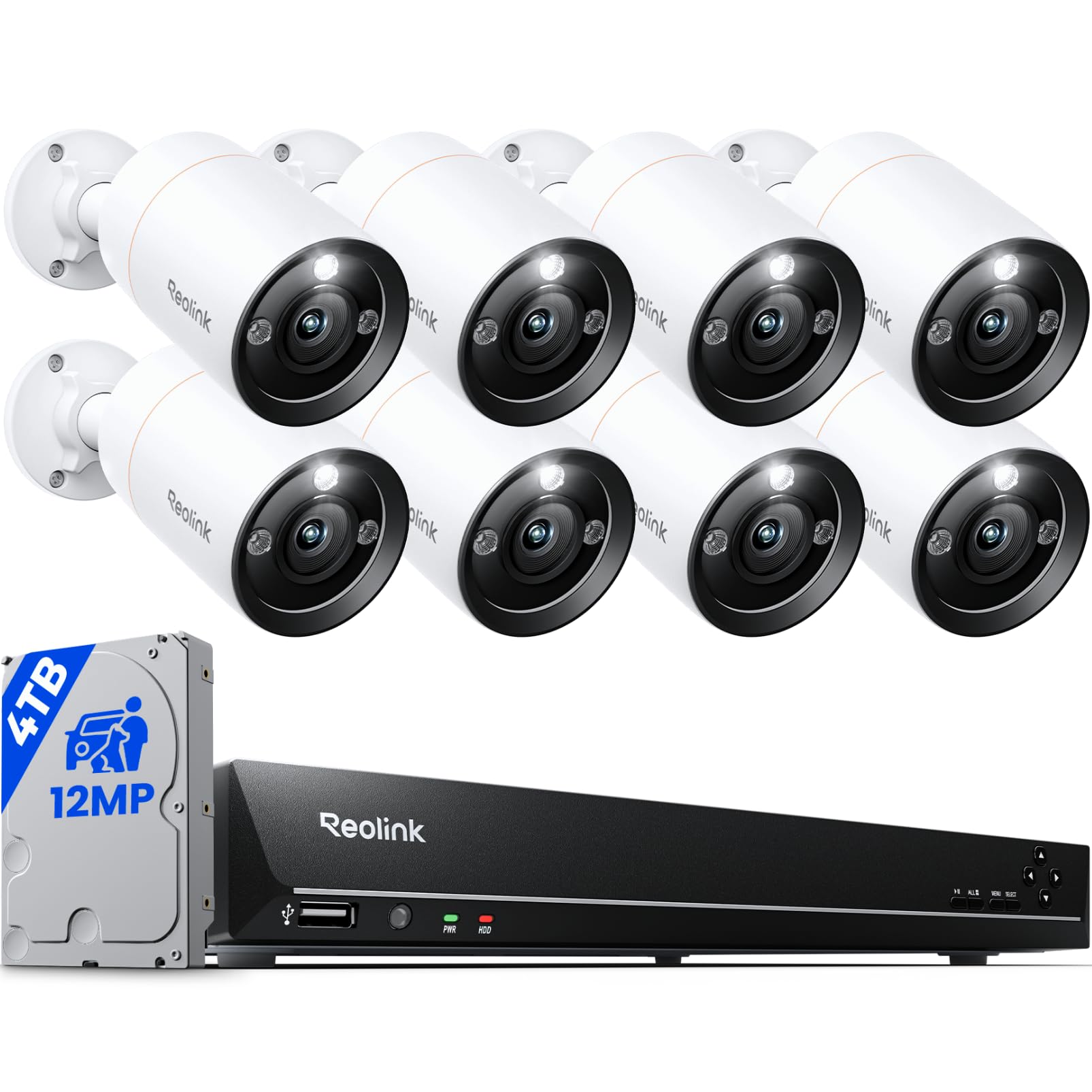
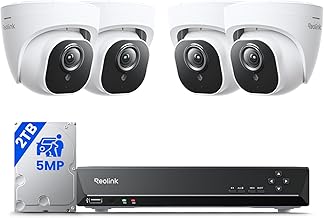
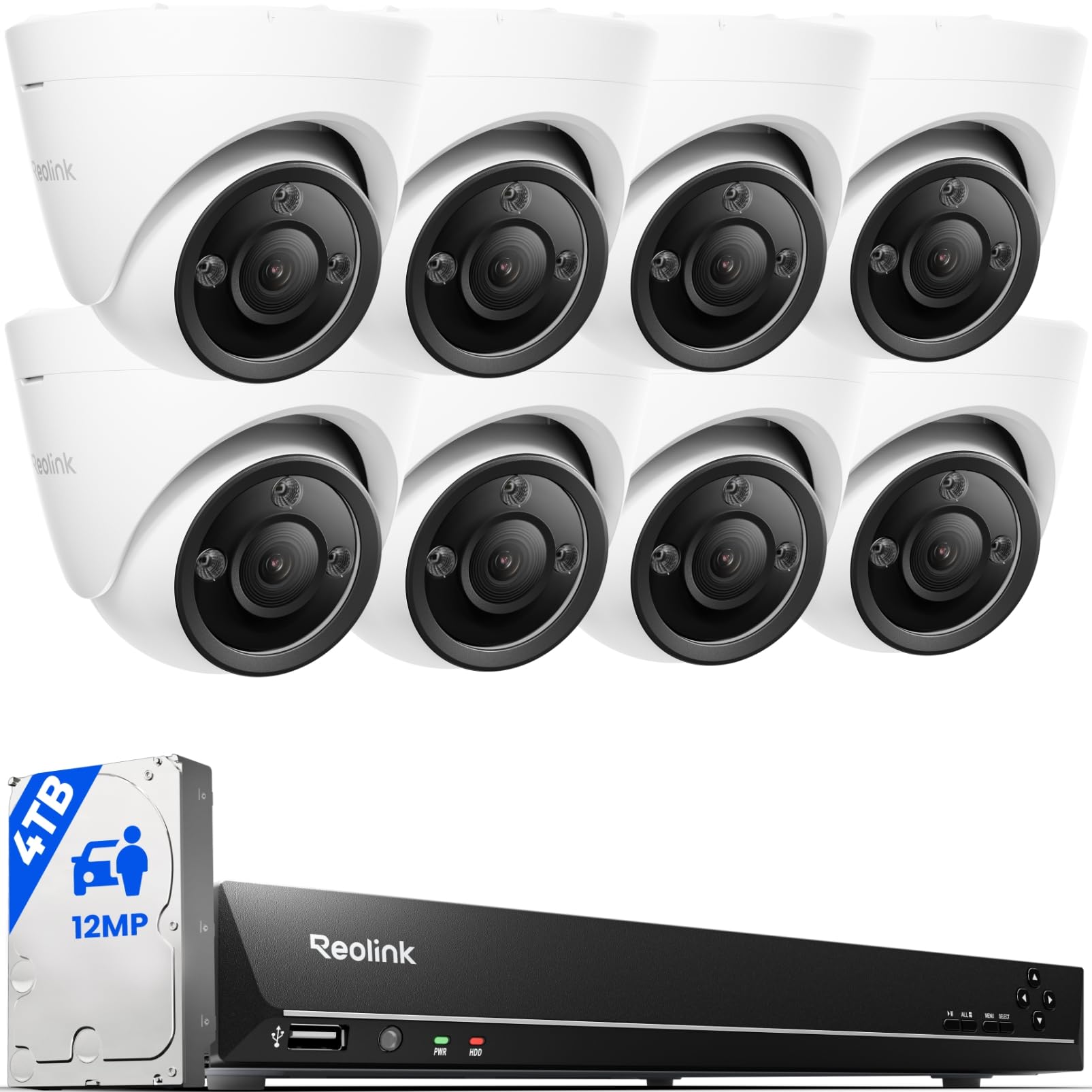
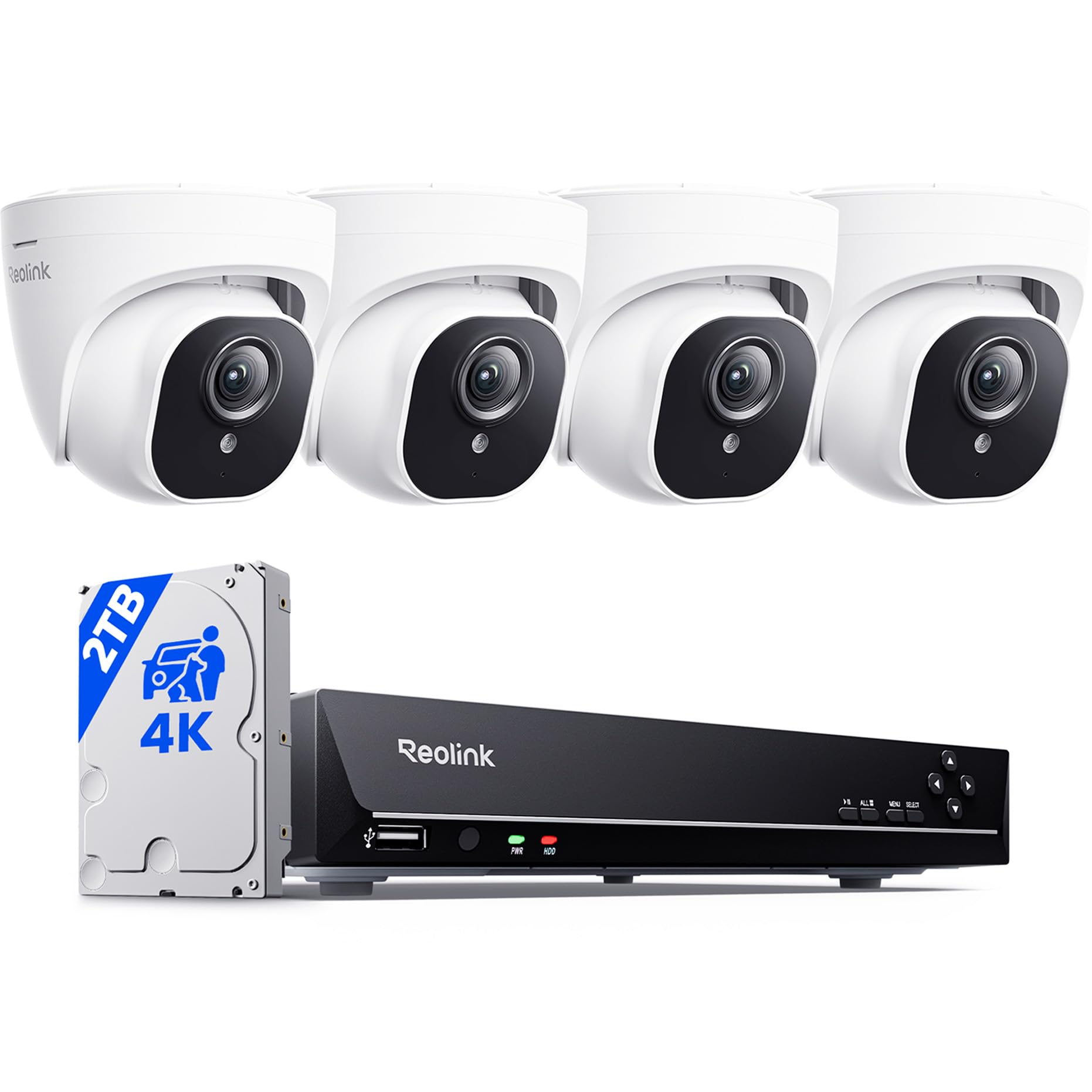
For reference I have worked in I.T. for over two decades and have installed security DVRs before. But I honestly believe anyone with the ability to follow simple instructions and capable of minor troubleshooting should find this system very easy to install and use. This is the first DVR I've set up that provides POE to the cameras via the built-in switch. This greatly simplifies and cleans up the installation. Many of the problems I see in these reviews can be fixed via simple troubleshooting. I haven't actually had to contact Reolink support so I can't really comment on how available or helpful they are. I just wanted to point out a few of the negative things I've seen posted and offer a few tips/explanations.Cameras/Channels cutting out - When you're running your cables in the ceilings and walls, steer clear of electrical interference. Don't let the network cables touch existing wiring or things like light fixtures. Also avoid heat - like ductwork if at all possible. This can all mess with any kind of network traffic and especially 4K video feeds. It can certainly be more difficult, especially if you've never run wiring before but it is definitely worth the extra effort to route the cables properly.Complaints about video quality - I can verify this NVR absolutely records in 4K. The streams that you watch on your phone/PC/monitor are reduced quality for performance purposes. Even the "Clear" setting isn't near 4K. To access the full 4K video, you have to download the recorded files. This too can get confusing because unless your computer/device has a 4K GPU, you may not be able to play the files with a native media player. I installed this unit at a satellite office out of town and have not exported any files directly from the NVR but I have downloaded files remotely. These files are typically 1 to 3 GB in size. To edit or crop the videos, you will need a video editor capable of working with 4K video. This also allows you to remove the slight fisheye effect of the wide angle lenses if desired. The clarity of the video is outstanding for a system in this price-range. Frame captures are near photographic quality if you have good lighting. All of that said, if you do not have the resources to actually work with 4K video, I highly recommend setting the cameras to a more manageable resolution like 1080P. The files are smaller and just about any modern computer can work with them. These settings can be adjusted and you can change them back at any time.Complaints about outdated software - I'm not sure where this is coming from. The apps for mobile devices are as good if not better than those we've used and continue to use for more traditional DVRs. The Windows app works perfectly as well. I have no complains whatsoever. Perhaps if you're having trouble viewing the feeds, the upload speeds at the location of the NVR may not be sufficient for the resolution settings you're using.Limited camera positions - the cameras are tight in their housings but you can rotate and tilt them within the housing. You do need to install the plate close to the angle you want but someone reported that it has to be perfect and that's simply not true. If you're way off you would run into problems but I would guess you have maybe 15 to 20 degrees of play in either direction.Overall I am impressed with the quality of this system. The video is excellent quality and the night vision works great as well. Again, I have no complaints so far. I just ordered two more cameras to add to our current installation. If anything changes and we begin to have problems I will definitely be back to add to this review.Ver másVer menos
153 personas la encontraron útil