

Kevin
Nice screen, just what i wanted
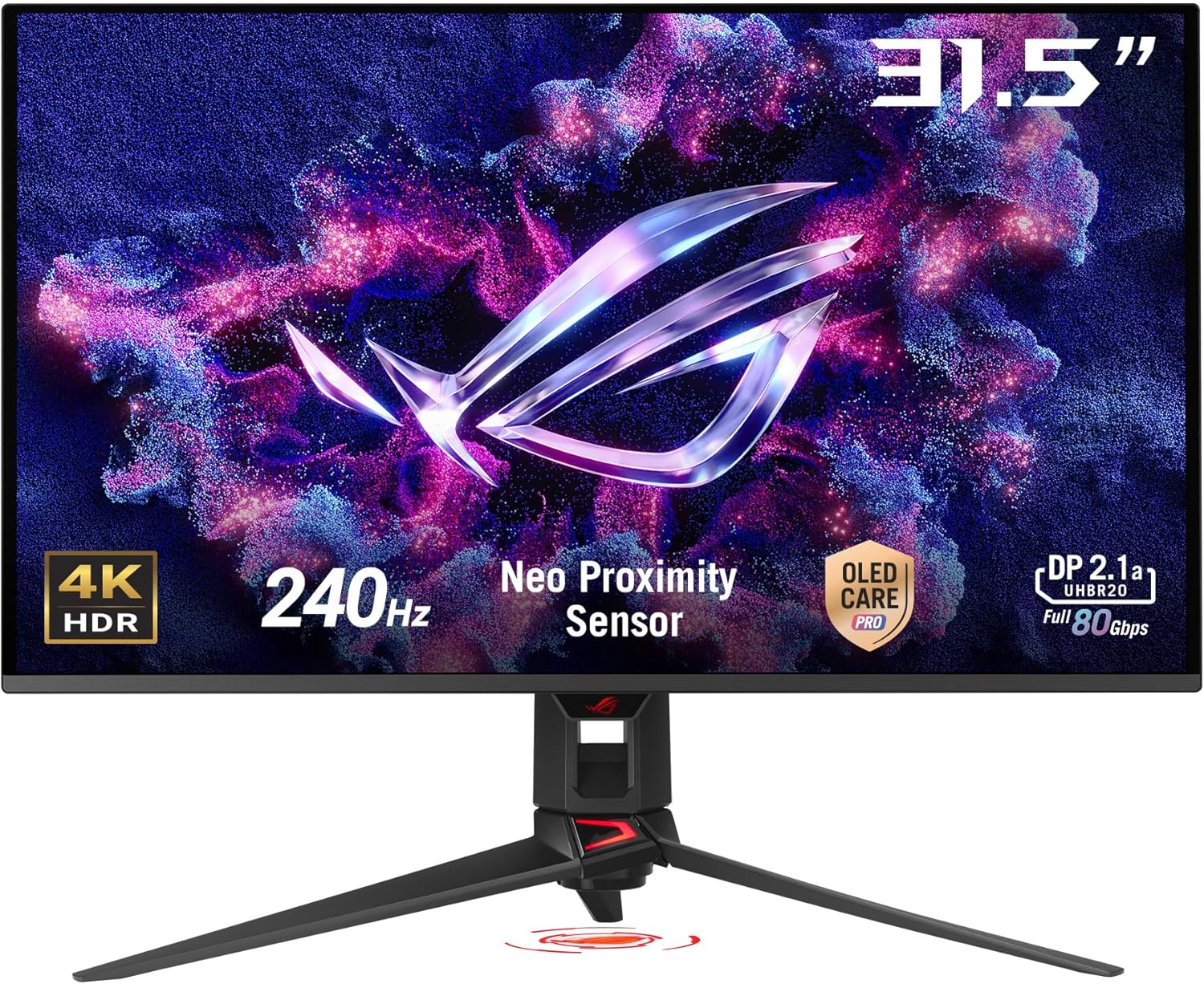
I bought 4 of these monitors as I just may have a small gaming addiction. Although better than having a crack addiction, my choice led me here for a monitor with a better frequency which in turn gives better refresh. All in all, I do not regret one thing except that I had to pay for them.I used 4 of these, in pairs vertically to frame a 30" Dell I had previously. I set my old Samsung displays which, neither were Vesa compliant, on other PC's in the home giving them major upgrades and then used these. I mainly game 5 or 6 different games at the same time and needed more space. I do however love the joy of being able to do research having word open, multiple webpages and documents and maybe a program or two without flipping through. Very productive.Pros:1. They are pretty darned fast with no flaws that I have found, dead pixel or image projection.2. Although they came in with some settings that were quite bright, another reviewer gave the link to a preset profile which was super easy to upload and bring them to a more manageable appearance. Worth the little extra effort, the profile works for all as they are simply the same display. You may need to tweak it, nothing is made exactly the same and you may simply not like the way it looks. It is called preference.3. I have triple SLI Nvidia gtx680's. The ability to use the displayport on these screens was a big plus. Displayport will be the standard as they will shift vga, dvi-x out at some point for the sheer performance. DVI was used on one as I only had three ports and that works great as well. The displayport interfaced displays were jacked up to 144 mhz but I have to tell you that I am unsure I personally see the massive difference. Maybe I do not play the right games, but Crysis 2 looks sweet4. Although I didn't use them, the base looked real nice. This is one place that some displays really skimp you. Not much more for me to tell as I did not implement them.5. Cable management was a nice little touch. I still cable tied everything down the back side but they do provide a way to route the cables in a clean manner.Cons1. Minor, very minor. Since the buttons were on the bottom, I needed to leave some room to have the ability to turn them off if needed. Do I? Almost never and that is only because of the stand and placement I used. Not pulling a star for that.I would buy them again but I sure hope I don't feel the need to :)Update 09/112019:Still going strong and not one issue after all these years. A couple small notes:- Asus as a brand has lost all my respect because of the lack of quality their overall company brings out in products today including my new graphics cards, but these displays held up great with 0 display issues.- In regards to the graphics cards, I have 2 Asus Strix GTX1070's and both have lost one display port now. One lasted a month and needed warranty replacement for a firmware lockup and the new one came only to lose one of the two display ports like the other. This is a trend. I do not believe the display is an issue because i can switch to the working display port on the same card with no issue and the other that went out was to one of the other screens.- Sound. Not sure why it likes to do this, but every single time I update my graphics driver it latches the sound driver as default. Weird, I didn't tell it to but Nvidia seems to think my main sound needs to come out through one of my displays. Multiple ways you can stop this.- When loading the graphics driver, always click advanced setup and choose clean install, graphics driver and physics driver only. Skip the sound driver all the way and it will never mess with default sound.- Go into sound properties and delete the sound devices pertaining to the display.Drives me nuts.Displays themselves still rock and even with the Asus name I would consider buying them again. Really, REALLY hard to beat a Samsung display but these have worked real well for me.Ver másVer menos
36 personas la encontraron útil