

Anime, Manga and Harlequin Romance Girl
Impressive screen - bright and clear, feels premium and love the metal stand
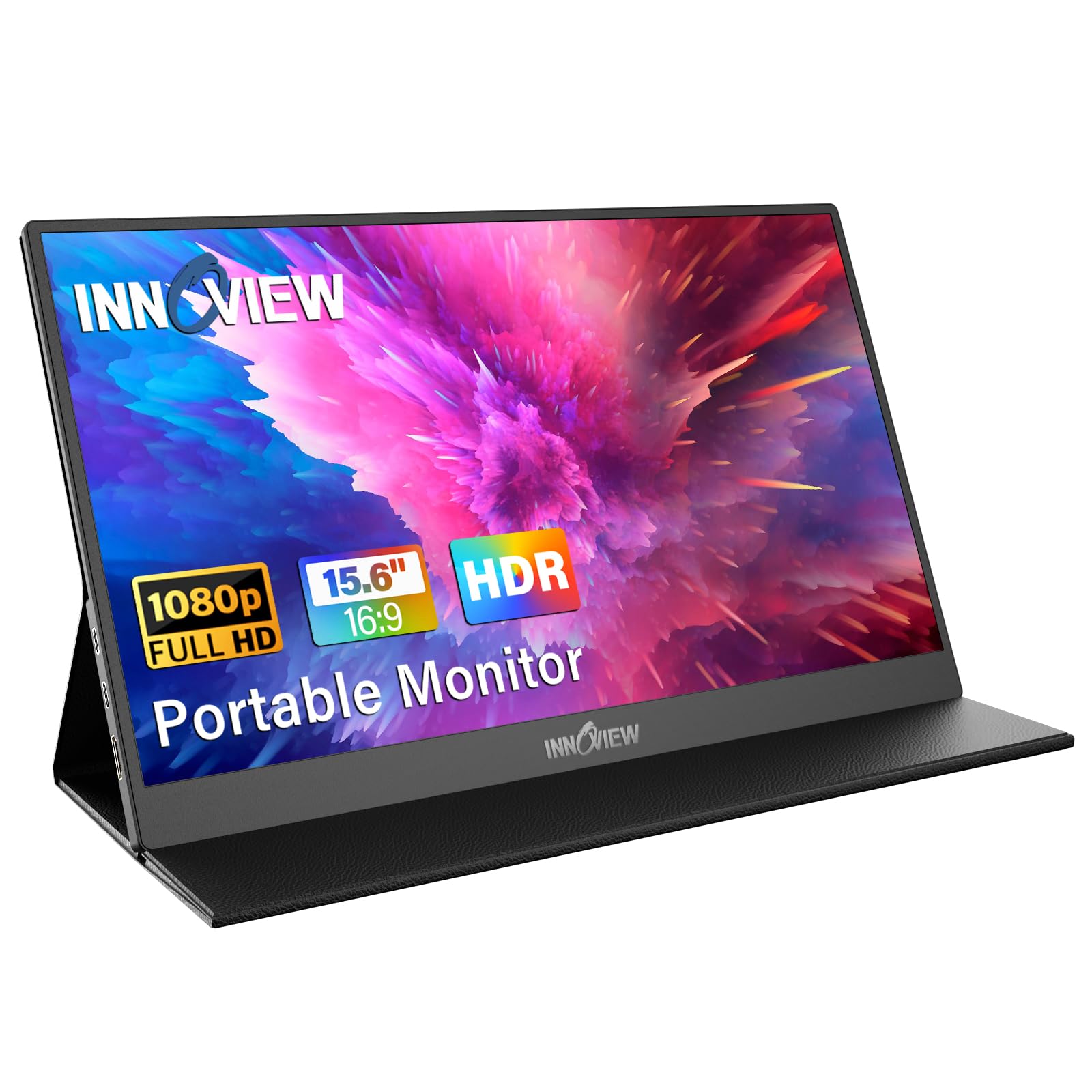
2nd Update: In this day and age, excellent customer service is hard to come by, so I was really pleased when the customer service team reached out to me about the defective monitor. I'm happy to report that I now have a fully functioning one. When I connected the USB-C cable from my laptop to the monitor, the laptop screen appeared on the monitor within a few milliseconds—which my defective unit didn't do before.In the meantime, I had to use another 18-inch monitor for work. It was serviceable, but it had a few pet peeves. You know the saying, "You don’t know what you’re missing until it’s there"? That definitely applies to the Innoview monitor. The extra features the Innoview monitor offers make it extremely difficult to go back to my old one.First, the screen is noticeably brighter, clearer, and—dare I say—beautiful. I took a photo comparing the Innoview monitor (left) and my old 18-inch monitor (right) displaying the same image. While it’s hard to capture in a photo, the Innoview screen is brighter, and the details are much sharper. The screen has no glare.There were other annoyances with my old portable monitor. For example, it would display a low-power voltage warning when only one cable was connected, and the brightness would inexplicably increase when I attached a second USB-C cable. The Innoview monitor didn’t have these issues. Once I connected the single USB-C cable, the Innoview logo appeared within 3 milliseconds, followed by the laptop display.Another issue with the old 18-inch monitor was the control wheel for adjusting settings, including brightness. It was hard to access with my fingers, and I often had to turn the monitor sideways to see it clearly. Thankfully, the Innoview monitor has buttons, which are much easier to use.The Innoview monitor also feels more premium. Initially, I thought all portable monitors were the same, especially since both the Innoview and my old 18-inch monitor had metal stands that cover the ports. But the Innoview is built with sturdier materials. For example, the Innoview has four longer rubber feet—two on the bottom of the monitor and two on the metal stand—while the old monitor only had two shorter rubber feet on the monitor itself. The metal stand on the Innoview is also thicker and feels more durable.Another difference is that the Innoview uses a full-sized HDMI cable, while the other monitor uses a mini HDMI cable. I'm not sure if there’s a major advantage or disadvantage to that. I also received a power wall outlet which nice. I appreciate that the Innoview’s USB-C cable is more flexible and “bendy,” making it easier to manage. The other cable was stiff and harder to hide.All in all, I love the Innoview monitor. I originally planned to use it just for work, but because of its beauty and screen clarity, I now plan to use it for personal viewing and gaming while traveling. Streaming movies on it feels far more enjoyable than watching on a hotel TV. The Innoview also supports VESA mounting but I don't really plan to use that feature.I’m giving the Innoview monitor 5 stars because, honestly, I have a comparison—the other 18-inch monitor I used. The Innoview is definitely an improvement in every way. The 18-inch monitor is just big enough to see everything I need on my screen, and it’s small enough to be portable and easy to carry when I travel to hotels which I do very frequently thanks to my kids extra-curricular activities.I definitely recommend this monitor—especially for its incredibly bright and clear screen. It really makes a difference, and now I can’t go back to my old monitor unless I’m forced to.Here are a few additional observations:When only one USB-C cable is attached, the default brightness is set to 20%, but you can manually increase it to 43%. If you try to go higher, the screen will blink, turn off, and then reset back to 20%.When you attach a second USB-C cable for power (and Innoview includes the wall plug), you can adjust the brightness all the way up to 100%. And wow, is it super bright!There is volume on the Innoview monitor, but it’s just okay. At maximum level, you can hear it if you're sitting directly in front of the monitor, but I wouldn't rely on the monitor's speakers. I'll most likely just use a Bluetooth speaker connected to my laptop or device. For comparison, I’d say my previous monitor seemed a tiny bit louder.Update: Since this review I noticed one more additional review that didn't have my problem of USB-C to USB-C. So I wonder if I got a defective product. I wanted to exchange it but I was only given the option of a refund by Amazon.I planned to use this for remote work as my work laptop screen is too small for tasks like Excel reports. I upgraded from a 15.6" 1080p portable monitor to this 18" model. However, when I connected the USB-C cable to the Innoview monitor, it didn’t display anything—only the Innoview logo flashed. I waited and the laptop screen never appeared on the Innoview. My other portable monitor worked fine - USB-C to USB-C so I knew my laptop and cables were fine. I even tried different USB-C cables and a power brick, but the laptop still didn't materialize on the Innoview using USB-C. Only connecting it through HDMI worked. As an aside, the screen seemed brighter than my laptop screen (when connected via HDMI), and I wanted to check if the Innoview was brighter using USB-C to USB-C compared to my other portable monitor, but didn’t get the chance. Given the price and my preference for fewer cables, I’m returning it, though I did like the metal back and stand.Ver másVer menos
19 personas la encontraron útil