

David S. Drobner
AWESOME FOR: 2nd travel work monitor mainly for document work, for laptop
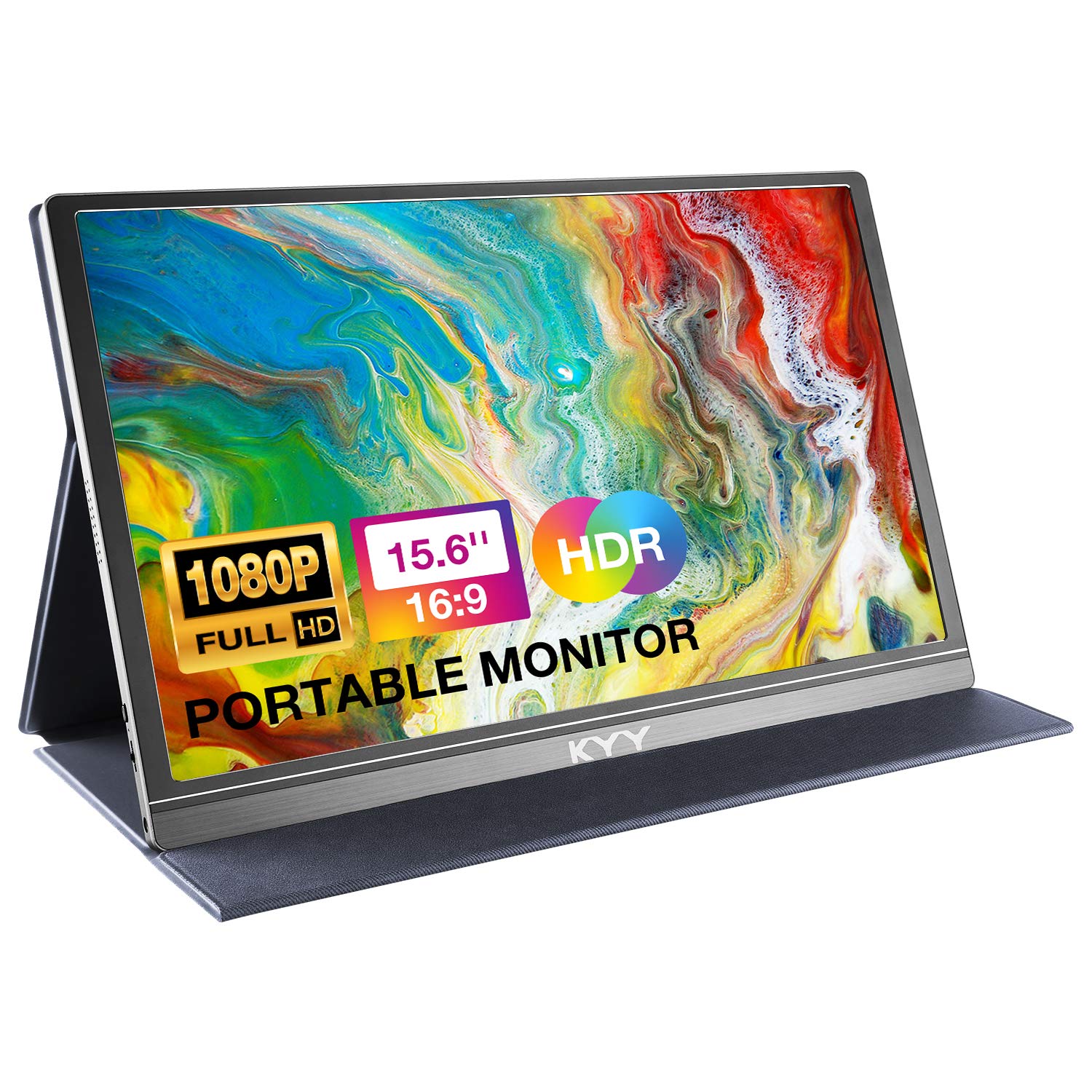
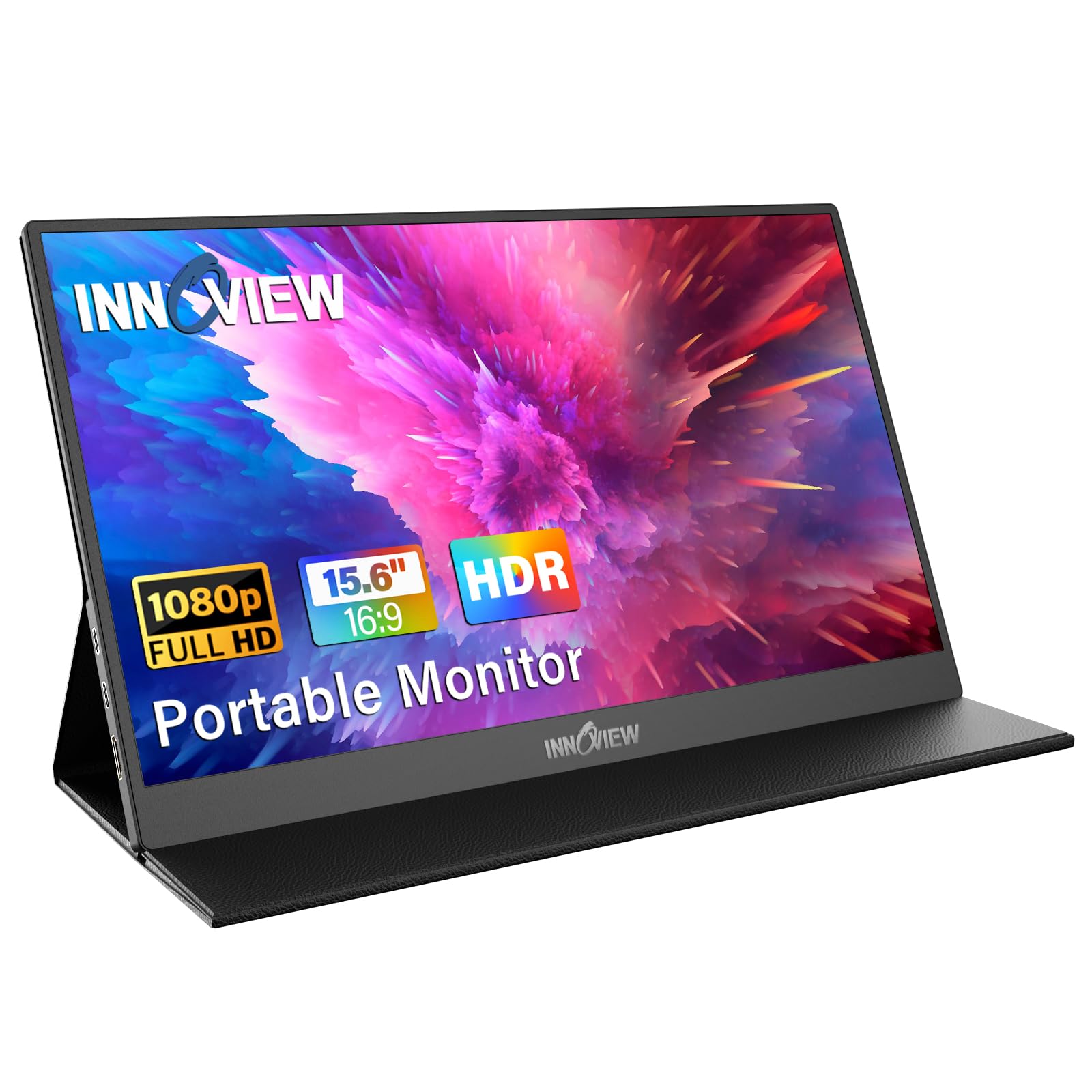
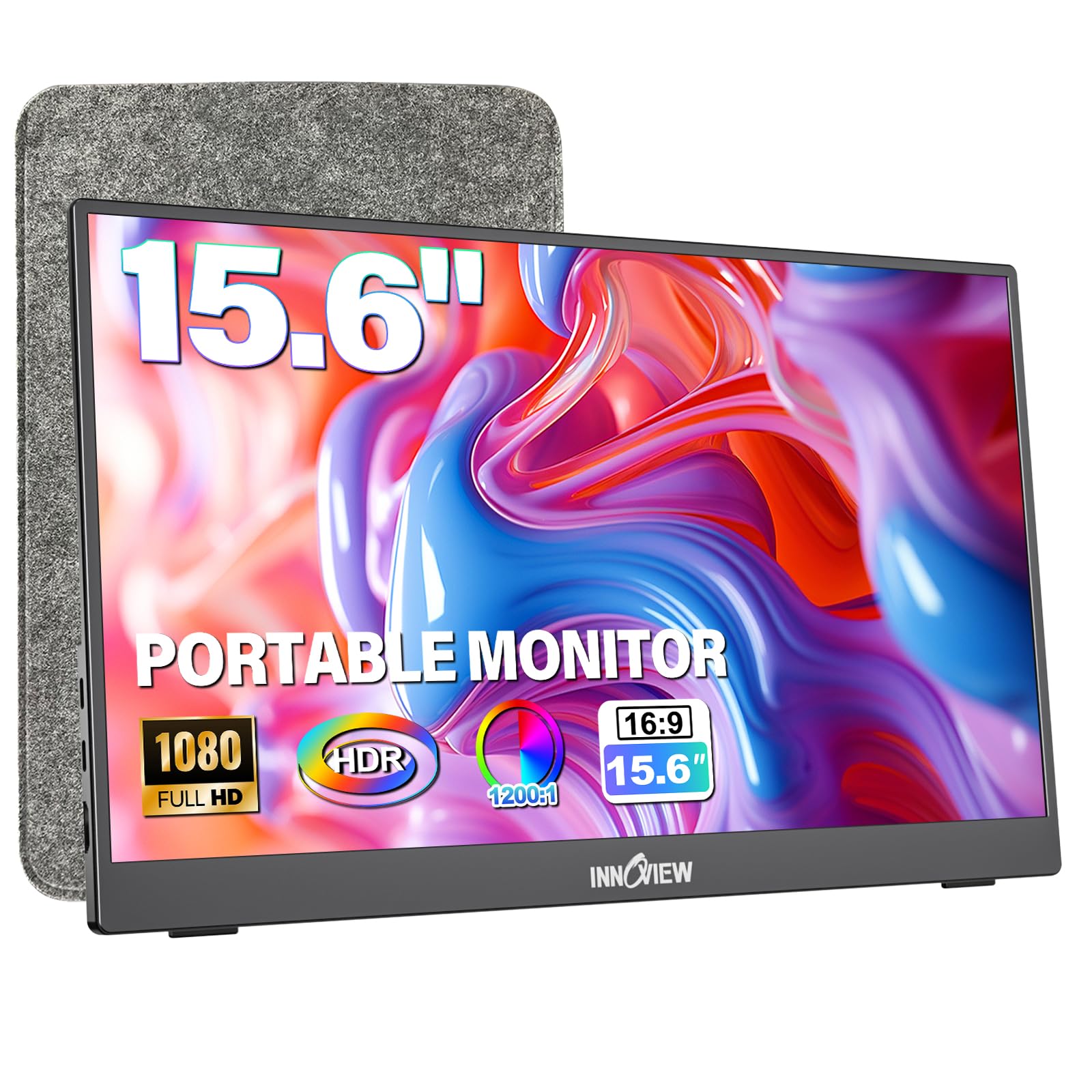
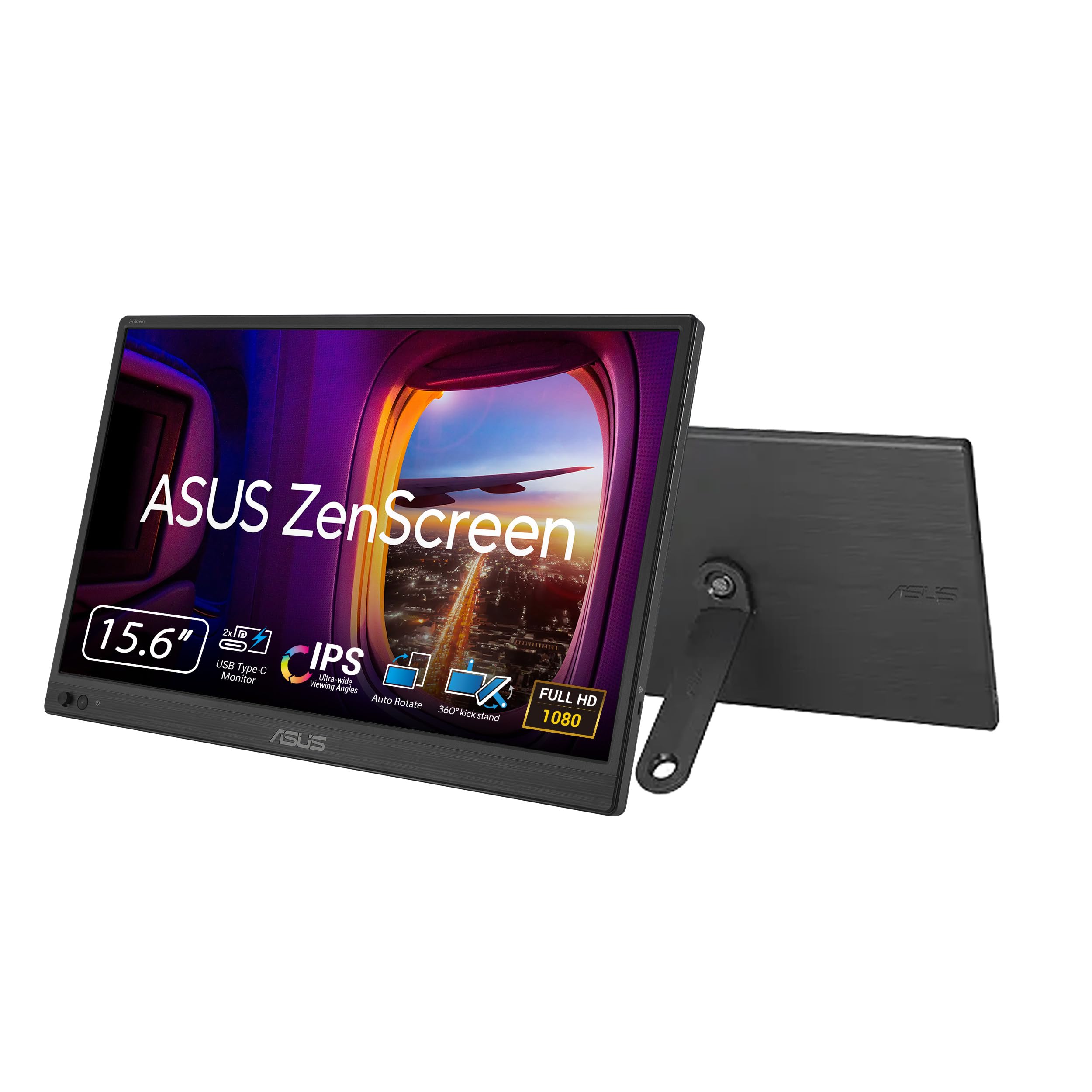
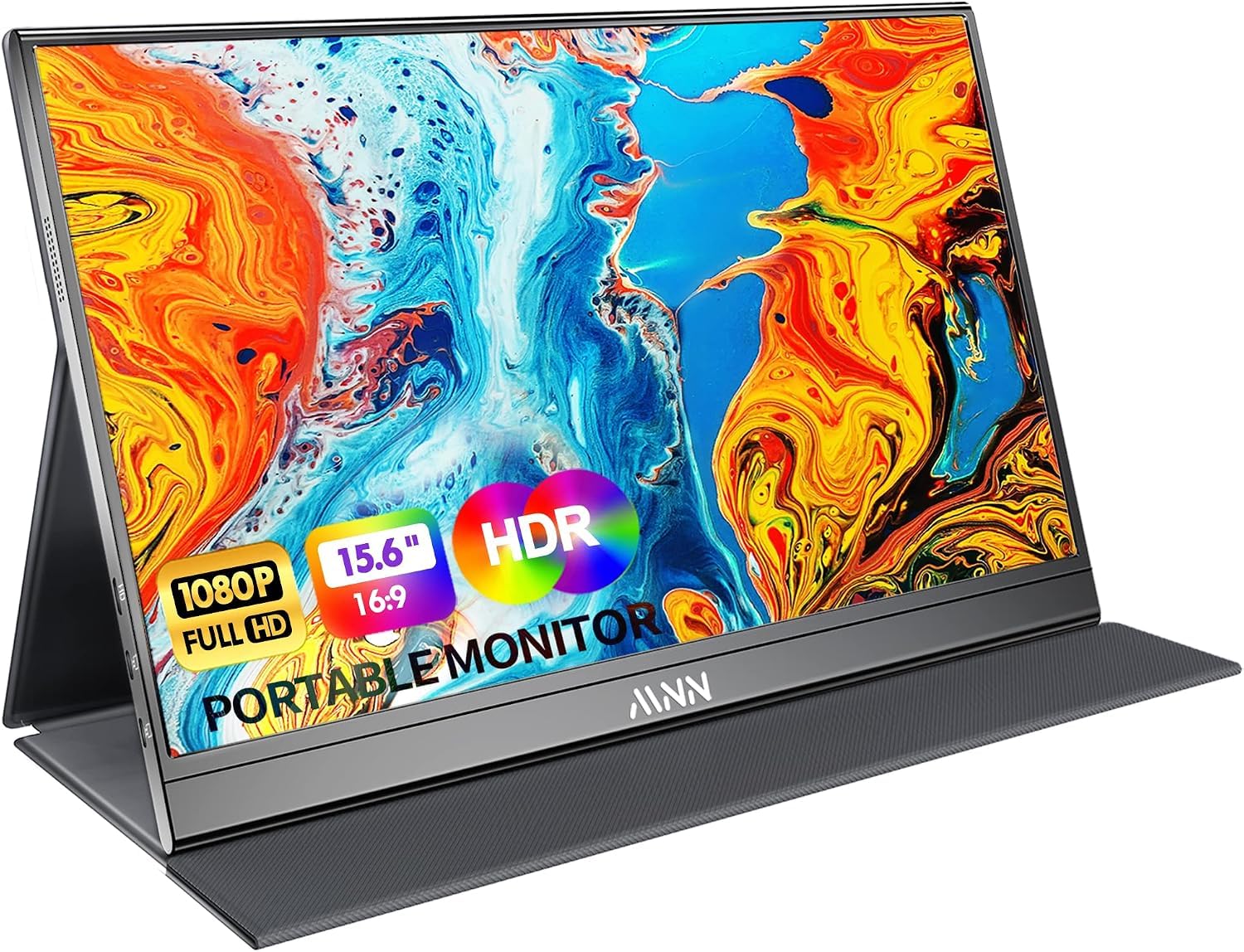
It is key to know what you want this for. I'm not a gamer so this review is only from perspective of someone who works on documents all day, logged into an office remotely. So I needed a portable 2nd monitor for when I travel with macbook M1 Air. Must have read 100 reviews and looked at dozens of youtube videos and ultimately concluded for my use case, I did not need 4K, too expensive and unnecessary; and I do not need high refresh rate, but i did want high nits (brightness). Have tested it out only for a short while and so far, subject to any update I will make to this review, here's the good and the one not so terrible "knock":THE GOOD:For my use case, the 60 hertz refresh rate is totally fine. No doubt not ideal for a gamer; if gaming is your need I would look for one that has higher refresh rate of course.The 1080P is wonderfully sharp - seems like it's better resolution than 1080P but probably just because the screen size is 15.6" so pixel density is still good.It came with several seemingly very good quality cables and a simple charger plug. Charger plug is USB A so it's not giving tremendous current but evidently it's fine. It also came with USB A to USB C cable for this charger plug to power the thing. It also came with a very nice USB C to USB C cable that plugs into one of the two (2) USB C ports (one under the other) on the left side and the other end plugs into USB C on Mac and it instantly just recognized the video stream and showed it, mirroring my Mac. Mac then lets you select to use it as an extended display. Both USB C ports on left side are labeled as USB C with a lightning bolt. I suspect this means both support the video stream and power into the device; I randomly picked one for the video connection and one for the power connection and it worked find; I suspect this means it doesn't matter which. I read on-line in specs that these USB C ports were on different sides, and only one supported video; this one is configured a little differently and perhaps just slightly updated since they wrote out their specs. NOTE - the USB A charging plug got very warm and the metal of the USB A plug was HOT when I unplugged it - I'm thinking I'm going to plug it in for power to a USB C charger to USB C port on device and see if that gives it the power it needs without heating up; will see... maybe but don't want to give it too much current and cause a problem; will think on that. UPDATE: have now used little anker usb c 20 watt charger plug with usb c to usb c for power and that worked fine and the metal usb plug at the charger did not get hot.I tested the two speakers on this monitor, having the Mac choose those speakers (all going through the one USB C cable) and the speakers are fine, just not as good as the speakers on the Mac (not really giving base but otherwise clear and sharp with OK volume). But who cares for this use case.It ALSO came with another seemingly very solid, not cheap, cable that has HDMI MINI on one side, and standard HDMI on the other. I have a USB C to HDMI (standard sized) adapter so I will try that out as well but haven't yet. Left side of the device has the HDMI mini female port for this connection. UPDATE: have now tested the HDMI cable - works fine, zero issues.Over my enterprise level (CITRIX) connection there were zero issues with recognition of the second screen so, voila, remote working with 2 monitors (Mac screen and this second screen).The thing has a bit of heft/weight to it but not terrible; maybe a pound and a half in weight. Feels fairly solidly built, not cheap.Right side has a power on switch and a little "rocker" wheel like the old school volume controls on side of transistor radios; when the monitor came on, I turned the rocker wheel up and it increased brightness to highest level. To me that's a nice direct mechanical capability to up the brightness without having to dig into settings. Naturally I put it to highest level of brightness. But, see below on this topic.UPDATE: have now also plugged it into iPad (Air 5th gen w/ usb c) and it also works perfectly both to mirror iPad or do center stage allowing a couple windows open on the extended display. Rather awesome.Finally it comes with a detachable thin case that wraps around it, covering screen when closed; and folded back using magnetic attachment to back of display, it stands at a couple different angles, similar to typical tablet covers that fold around, like on the iPad. Worked just fine.THE ONE SMALLER "KNOCK" AND A NIT:Brightness: OK so one of my hoped for criteria was high NITS; I'm not so young and wanted a bright screen. Mac M1 Air gives 400 nits; my older Mac used to give 500 nits I believe and to older eyes, BRIGHT display is really helpful. In all my reading of reviews nearly ALL of the lower cost 1080P monitors from companies with unfamiliar brand names said they did 250 nits of brightness but this one said 400. I figured, probably not true but on a black Friday sale at $79 I figured, how could I possibly really go wrong? Well, it came, and it seems pretty close to the Mac display on brightness - huge relief. Then looking at the paperwork that comes with it, it is acknowledged as only 250 cd/m2; and yet, to my surprise, it seems plenty bright and acceptable for my needs. I would NOT think it's worth it to spend another $150 for a display that purports to give 4K as those are the ones that seem to promise more nits.OVERALL I say for the price point, for the sharpness, for the ease of set up, for the cables it comes with, for the ease of use, for the seemingly solid feel to it all, and for a buyer looking for a VERY affordable option for a second "travel" display to bring with a laptop - I find it difficult to believe ANYONE could knock this thing or say it is not well worth it and quite good. A real "gem" of a find on Amazon in my view. I will update this review over time if and as I learn more or have more to note or if anything I say above changes.Ver másVer menos
556 personas la encontraron útil