






Luis G.
Keychron PixArt 3395 1K (All Silent) vs MX Master 3S
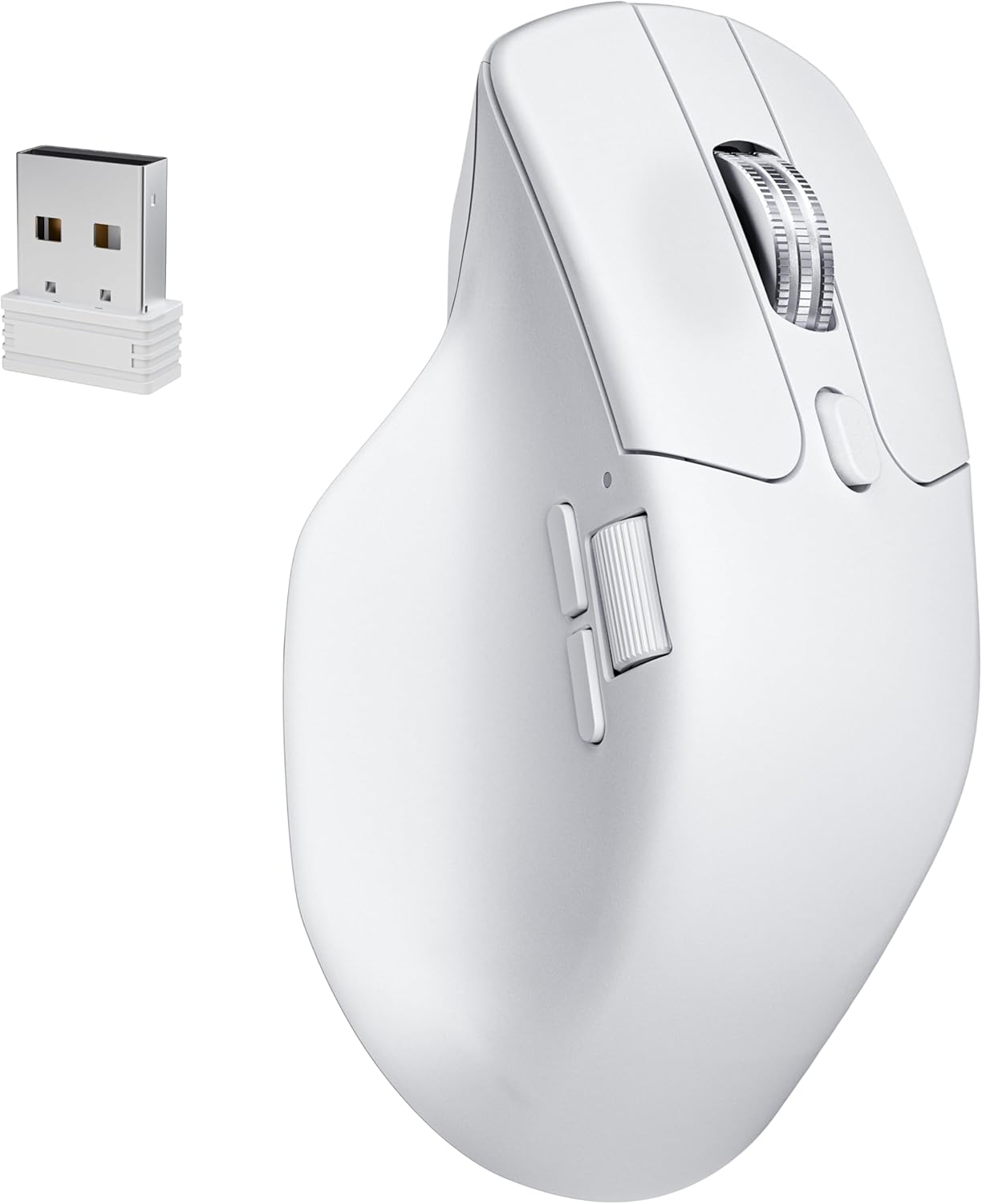
Important note before unboxing-------------------------------------Don’t let the box fool you. Keychron seems to have some printing errors that they really should fix, otherwise they will face many unnecessary returns.In my case, the box says M6 LITE, SKU M6S-A1, and lists the PixArt 3311 sensor, including all specs for that sensor—which is incorrect for my mouse. Because of this, I almost returned it and even opened a support ticket. They suggested I try the mouse first.After testing, I realized the mouse was actually the PixArt 3395 1K version. Here’s how I confirmed it:- In the online Keychron Launcher, I was able to set DPI up to 26,000- The firmware version installed is exclusive to the PixArt 3395 1KSo yes, it was clearly a printing error (come on, Keychron 😅), and I decided to keep it.Why I started looking for an MX Master 3S replacement----------------------------------------------------------------There were two main reasons:Right click issues:1. The right button started to become unreliable. Sometimes it wouldn’t register clicks depending on how the button was pressed.2.Terrible 2.4 GHz connection:The wireless connection on the MX Master 3S is a nightmare unless the dongle is less than 10 inches from the mouse. During work, it would randomly become laggy. Turning it off and on temporarily fixes it—but expect the issue to come back.After discovering that the same 2.4 GHz dongle is used for the MX Master 4, I concluded this is likely a protocol issue. That’s when I decided to try another brand.Why the Keychron PixArt 3395 1K is better than the MX Master 3S (and possibly MX Master 4)-------------------------------------------------------------------------------------------------------------- Much smoother gliding than the MX Master 3S. I use a PU leather desk mat, and the difference is huge—mouse movement feels far more pleasant.- Great materials: The Keychron plastic feels premium and solid. In contrast, the rubberized coating on the MX Master started peeling after about one year.- Left & right click buttons: Very different from standard mice. They have more travel and better tactile feedback, which I personally love.- Middle button: Hard to describe, but noticeably easier to press than on the MX.- Side buttons: Forward and back buttons are much easier to press compared to the hard MX Master 3S buttons.- Weight: It feels significantly lighter—almost weird at first—but I ended up really liking it.- Polling rate: 125 Hz (MX) vs 1000 Hz (Keychron). Pointer feels softer and more responsive- Connectivity:Keychron: 5 devices (3 Bluetooth + 2.4G dongle + wired)MX Master: 3 devices (2 Bluetooth + 2.4G dongle)The Keychron 2.4G connection is stable 60 inches away with no lag.- Software: No more glitchy software. Keychron Launcher is free, web-based, and works flawlessly.Being picky-------------- The metal scroll wheel on the MX Master 3S rolls more smoothly.- The side wheel on the Keychron feels a bit stiff when scrolling.Ver másVer menos
27 personas la encontraron útil