
Don
13 de abril de 2026
Incredible Photos, Low Ink Usage and Easy to Use
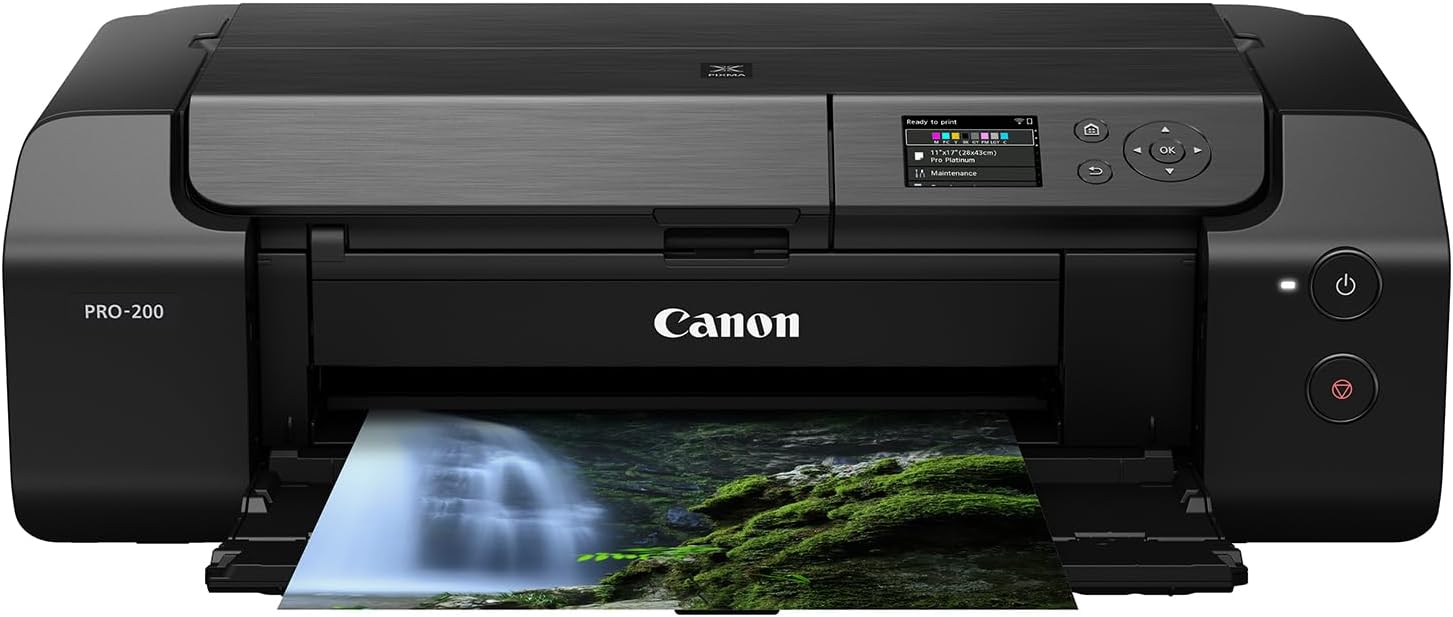
Before buying this printer I did exhaustive research on print quality and reliability. In truth, if you're looking for a quality dye-based ink photo printer, either Canon or Epson would fit the bill. But the research I found showed that the Canon print nozzles do not clog as frequently, and that Canon printers require less overall maintenance. The 200S is cartridge-based, so ink costs will be higher than the tank printers. Still, this printer seems pretty economical because after set-up, it did not use any ink that I could tell. After printing several letter-sized photos to test out different Canon papers, the ink levels are still almost topped up.The printer quality is, simply put, amazing. Even matte black and white prints are stunning. The colors on glossy, luster, and semi-gloss papers really pop. The blacks and gradients show details that I couldn't detect on my computer or phone screen. If you are a photographer or artist, you will be extremely happy with the results!Now, for the downside. Firstly, the printer itself big and fairly heavy. So you'll need a deeper and sturdy table to place it on. That said, it is also very well built and does not feel flimsy at all. Secondly, the set-up is not the best. If you use the phone, the install screens seemed to jump, and I couldn't expand the view without losing the page. I had to go to a youtube video of the installation, which was much better. There was also the issue of connecting to my wifi, which took a while. I also have a Canon Laser printer that was connected to wifi, and that connection was interfering with linking up to the 200S. After I turned off the laser printer, the 200S made the connection.I installed this for both my cell phone and my computer, although the install makes you choose one or the other. Others have said that the installation is not that great and I have to agree. Also, a note to Canon-- please hire an instructional designer who knows how to write clearer instructions! I'm pretty tech-oriented, so I figured I could get this to work. But this is a customer service issue and those who are not tech confident may have some issues completing the installation. If you're plugged in through USB it may be easier but I didn't use that option.I downloaded the Canon App for my phone, and print through that. I haven't yet downloaded any ICC files for other papers because I'm trying out the Canon papers first. So far, they are excellent.Overall, once the printer is set up, the ease of use, low ink usage, and super high quality prints make the Canon Pro-200S an incredible photo printer.Ver másVer menos
22 personas la encontraron útil