

dtrotter61
23 de diciembre de 2025
A Great Solution for Multi-Room Audio Needs
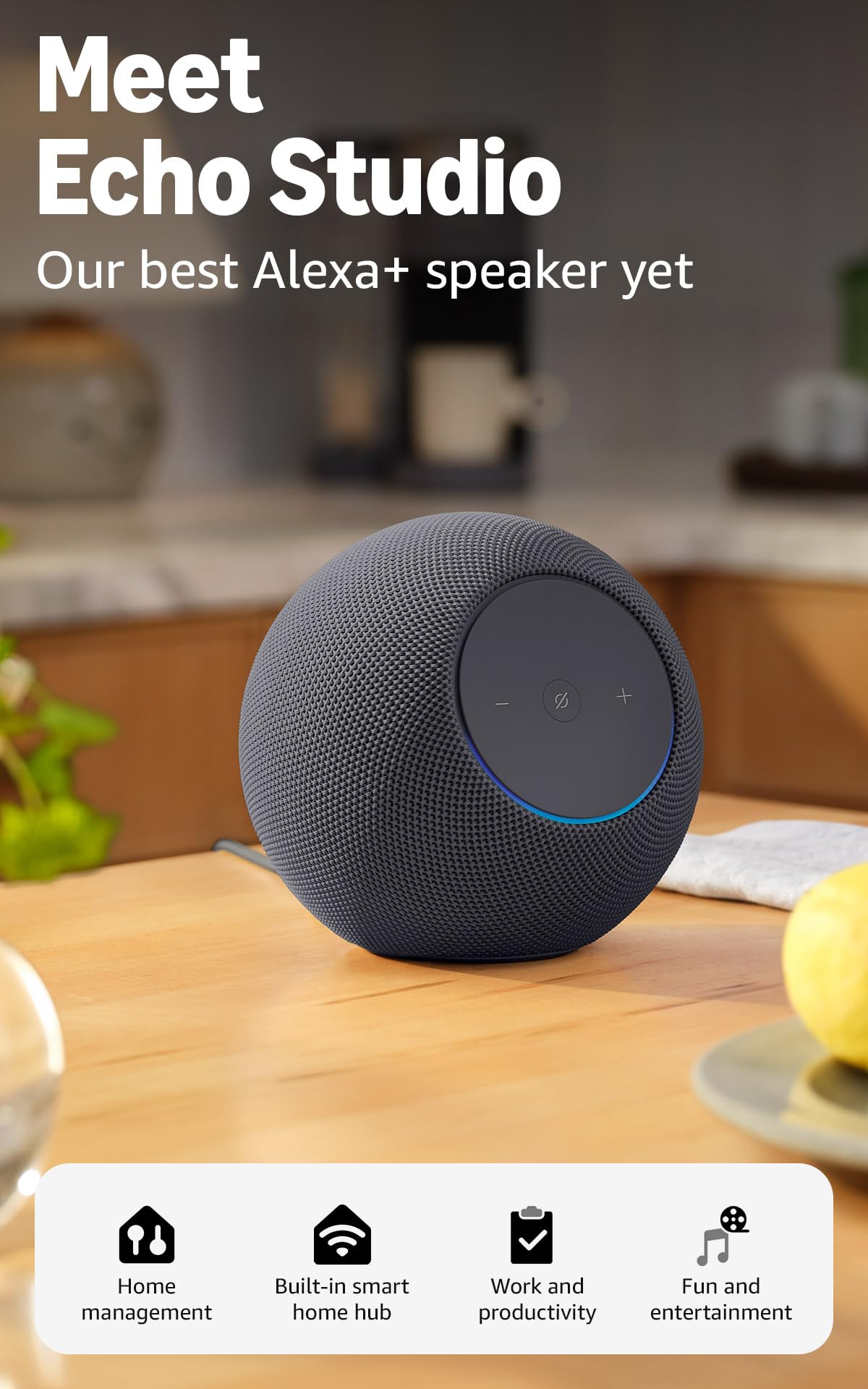
The Echo Studio speakers have been the perfect solution for our church's multi-room A/V needs. Recently, the church moved our three ViewSonic projectors from rolling carts to ceiling mounts and needed something other than a wired connection (which was either too expensive to do well due to wiring installation costs, or too feeble to be useful when done with more affordable speakers) or Bluetooth speakers, which were too complicated, inconsistent, "buggy," and not able to be integrated as a single functional unit.The solution? Installing an Amazon Fire TV Stick 4K to make each of the ViewSonic projectors "Smart," naming each Fire TV Stick by location, connecting the Fire TV Stick 4K to the WiFi network, and connecting the Echo Studio speakers to the Fire TV Stick in each room. Setup is dead simple: use the Alexa App to set up the speakers (you may need to run a software update... Do It as there are significant software improvements) and connect the Echo Studio speakers to the WiFi network (the App walks you through the steps). Then, use the Fire TV Stick remote to set up Home Theater mode in the Fire TV Stick options. Ensure all components are connected to the same Wi-Fi network, or this won't work.The Echo Studio speakers connect to the Fire TV Stick via the Home Theater Mode setup. The software to set up Home Theater was slow to roll out, coming after the speakers had been on the market for several weeks, but as of mid-December, the software has been updated and improved, and the speakers pair seamlessly and sound fantastic, with rich, immersive, spatial audio and Dolby Atmos.An added benefit is that the Fire TV Stick and Echo Speakers connect as a single group and can be controlled by the Fire TV Stick remote. The only downside, which is entirely manageable and a more-than-fair tradeoff, is that the Home Theater Mode takes a moment to connect when the system is turned on each time. A message will appear on the screen, "Home Theater Being Optimized." It takes some time, but it is worth it.The projectors can now be used to show streaming video via Apps (YouTube TV, Disney+, Prime Video, Peacock, Paramount+, Netflix, Spotify, and any other available App) and to mirror laptop computers for applications like PowerPoint presentations. Amazon Fire TV Stick does not support Apple AirPlay (thanks, Amazon), but there are applications you can download to enable Apple mirroring. Mirroring from a PC is enabled through the Fire TV Stick settings.These speakers are expensive, but they were the best solution we found for our A/V needs and work perfectly, delivering room-filling sound and an actual theater-quality audio experience.Ver másVer menos
56 personas la encontraron útil