Carlos Canales
A productivity and gaming monster. Make sure your system BIOS is updated before purchasing.
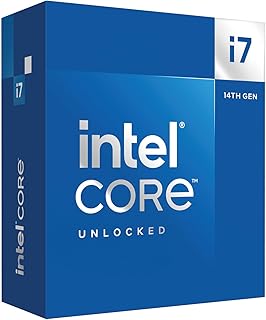
0x12F (12F in hardware info)^See that code? Make sure your Motherboard BIOS has that microcode for your CPU. It's the microcode that has the Vmin SHIFT instability fix. You NEED the BIOS version that has that microcode instruction. If not, your CPU will not last long. Also, be VERY CAREFUL buying any used 13th/14th Gen Intel CPU. As it's not readily apparent if the CPU sold to you has degraded. Keep ALL receipts.On to the product itself; This thing is a productivity monster. Cooling it can be a bit of a problem, but even without overclocking this CPU performs spectacularly right out of the box. I recommend this CPU over the rest of 14th gen intel to be honest with you. i9 runs too hot and generally not worth it. This cpu hits the sweetspot for performance and cooling. I recommend a good tower cooler like Noctua or Thermalright to cool this CPU properly. Anything under that will just not work well enough. On the AIO side, a 240mm can work, but a 360mm is recommended. I use this for Video Rendering and Gaming, and it crushes it on both of those tasks.Ver másVer menos
23 personas la encontraron útil