


CheshireCat
4 de febrero de 2024
Like New, So far Great
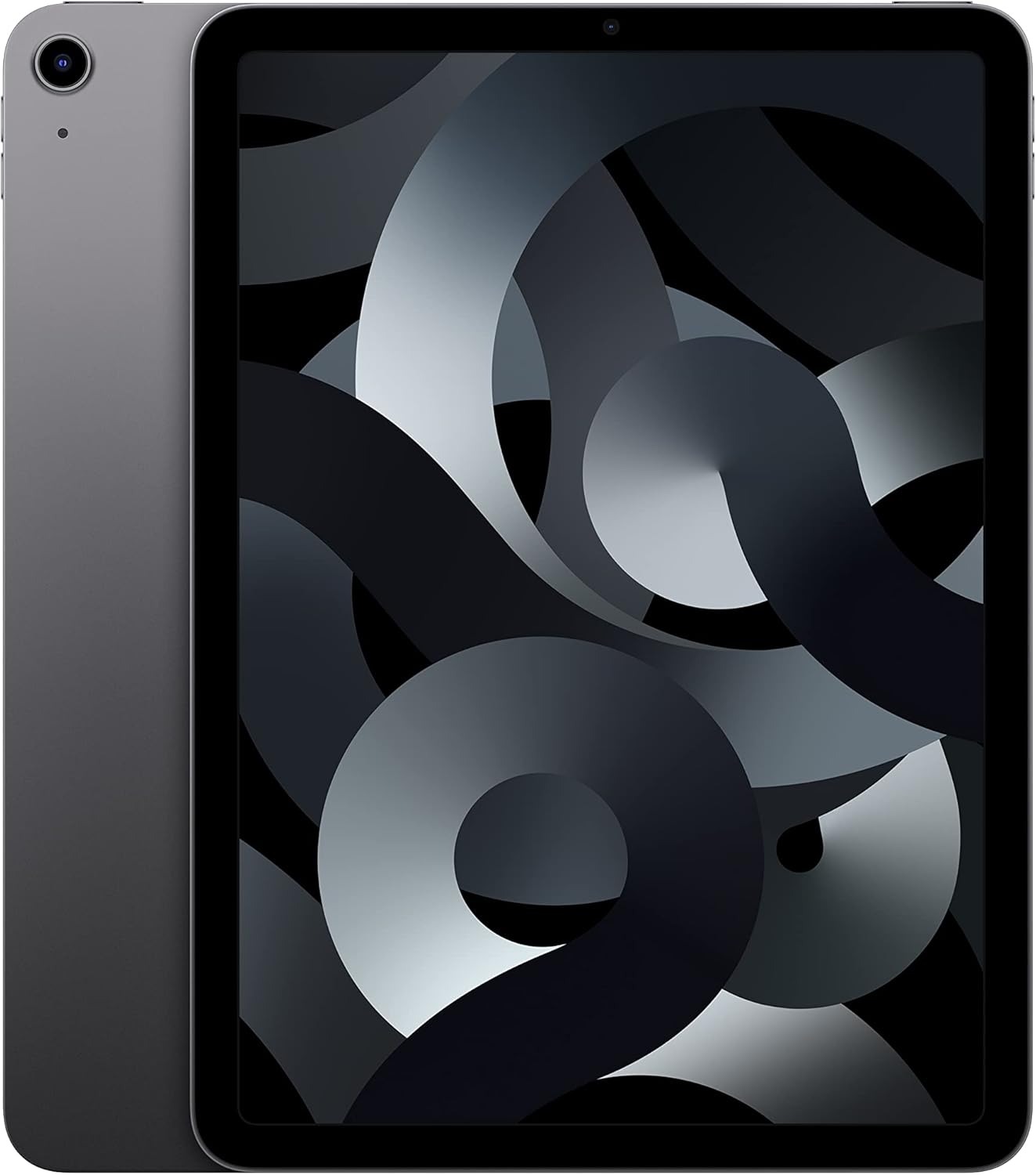
I’ve just had this a couple days but from what I can tell so far this was a great purchase. It did not come with the original Apple charger but it did come with a nice long 10ft charging cable which I liked since I tend to need longer charging cables anyway. The exterior of the iPad Air is completely clean and looks like new. I was able to charge and set it up with zero issues. The battery life is great so far! It does not drain quickly. I liked that I was able to get a 4 year protection plan on this too, which is a major reason I went with it, because Apple’s plan only lasts 2 years or you have to pay monthly forever. I think the 4 year plan with Asurion is just right and they also have their own monthly plan if you want to look into even longer coverage. I actually bought this 5th generation Air to replace a 4th generation that quit due to a bad motherboard (First time I’ve ever experienced that with an Apple product and my whole family uses only Apple products that have lasted at least 7 to 10 years.) I had that previous Air 3 years, just a year past Apple coverage which was definitely frustrating but I learned my lesson that I need a longer care plan than just 2 years. I recommend everyone going with as long a protection plan as you can afford, because you are just as likely to encounter any issues if not more so past that 2 year timeframe. My power button on the last device was also starting to get stuck despite using a case and those buttons are not easy to repair on an iPad Air due to their proximity to the motherboard, so definitely do all you can to protect your device. Don't use a casual thin case that just looks cute, use something with enough padding to protect the whole device, especially if you live in a home with kids and pets, things get knocked over despite best practices. If you want your power button to last longer I recommend trying assistive touch too! It limits how much you need to use that power button and the volume buttons, since you can use Assistive Touch with a small button directly on the screen to do things like lock your screen, restart your device, control volume, and take a screenshot. Very cool!Ver másVer menos
10 personas la encontraron útil