

Rebeck Truman
28 de enero de 2026
A true generational upgrade
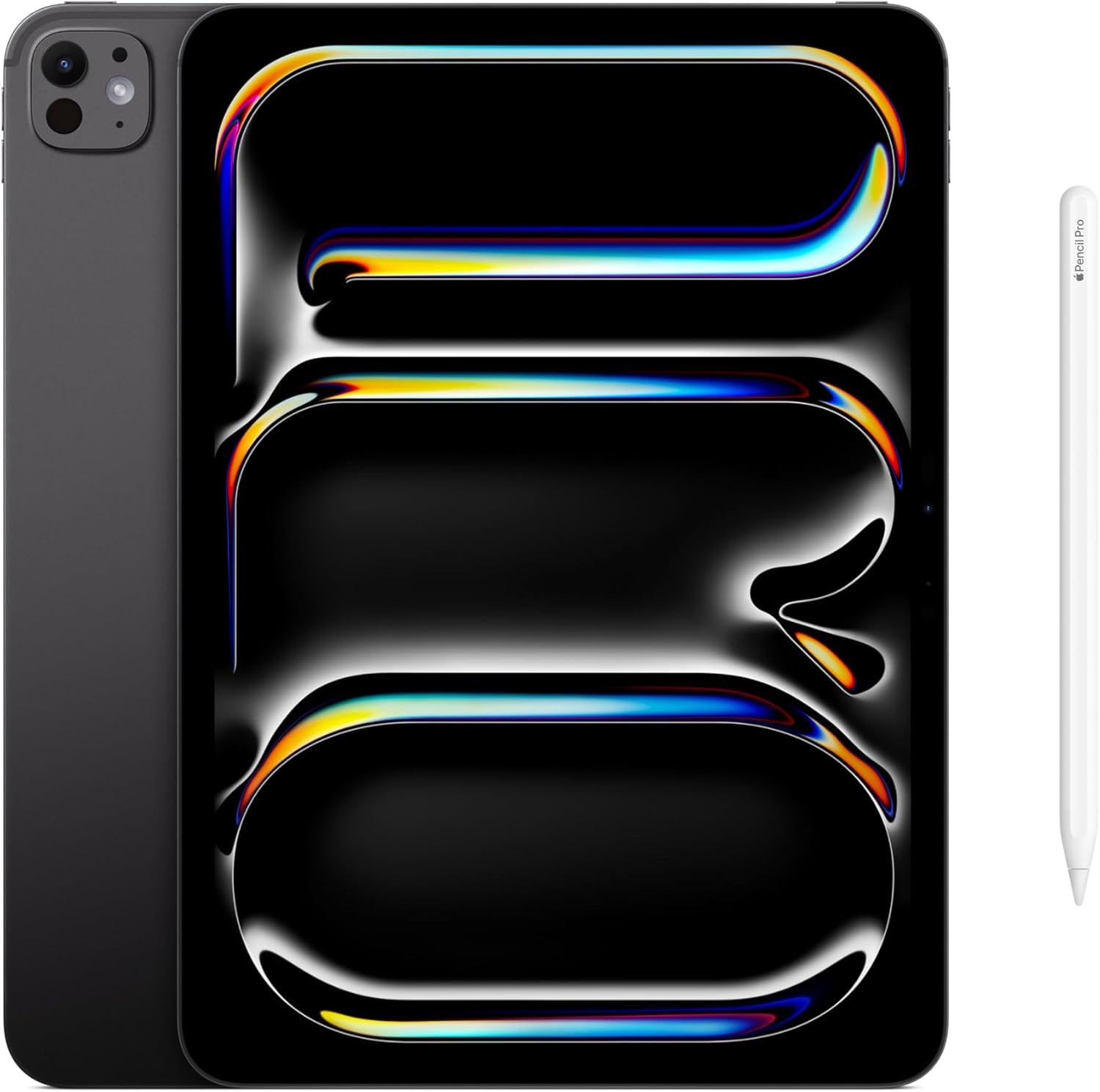
I upgraded to the 11” iPad Pro M5 from an iPad Air (3rd generation) with a cracked screen, and the difference is not subtle.This is not a small performance bump.This is not a minor refinement.This is a completely different tier of device.Comparing an older iPad Air to the M5 Pro almost feels unfair. The experience has fundamentally changed.⸻Display and 120Hz ProMotion: The Defining FeatureThe most noticeable upgrade is the 120Hz ProMotion display.Scrolling lecture slides, writing notes, zooming diagrams, and moving between apps all feel significantly smoother and more precise. Once you spend extended time taking notes on a ProMotion display, returning to a 60Hz screen feels noticeably less responsive.For long study sessions, this matters. The smoother motion reduces visual fatigue, improves handwriting accuracy, and makes the entire workflow feel more natural. When annotating slides in GoodNotes for hours at a time, the difference is obvious.If you are deciding between an iPad Air and an iPad Pro, the refresh rate alone is a compelling reason to choose the Pro.⸻Performance: More Than You’ll Ever Need — In a Good WayThe M5 chip provides more performance than most people will ever fully use, which is exactly what you want in a long-term academic device.Running GoodNotes with split screen, multiple PDFs, Safari tabs, and reference apps simultaneously is effortless. There is no stutter, no hesitation, and no delay when switching between tasks.The device doesn’t feel fast so much as it feels completely unconcerned with workload. That kind of performance headroom allows you to focus on studying instead of managing apps or limitations.⸻Writing Directly on Lecture Slides: Ideal for Heavy Note-TakingI purchased this iPad specifically to write extensive notes directly on lecture slides.This is where the iPad Pro excels.The combination of:• 120Hz ProMotion• Apple Pencil Pro support• Extremely low latency• Reliable palm rejectionmakes digital handwriting feel intuitive and precise. Annotating dense slides, drawing diagrams, highlighting structures, and layering notes all feel smooth and natural. The device never lags behind your hand or interrupts your focus.For workloads measured in hours per day rather than minutes, this level of responsiveness makes a real difference.⸻Size Choice: Why the 11” Works BestI chose the 11” model and would make the same decision again.It provides enough screen space for comfortable annotation and multitasking, while remaining easy to carry between lectures, libraries, and study spaces. It fits well in a backpack and works just as comfortably on a desk or in your lap.For students who move frequently throughout the day, the 11” strikes an excellent balance.⸻Build Quality and Battery LifeThe iPad Pro feels solid, lightweight, and well-built without feeling fragile. It handles daily academic use confidently, and the battery easily lasts through a full day of lectures and studying.I have never felt concerned about battery life during normal use.⸻Who This Is For — And Who It Isn’tThis is a great choice if you:• Are in a demanding academic field (medicine, law, engineering)• Annotate lecture slides extensively• Take handwritten digital notes daily• Value smooth writing and navigation• Plan to keep the device for several yearsIt may not be necessary if you:• Use your iPad primarily for media consumption• Rarely write or annotate by hand• Do not benefit from a high refresh rate display⸻Pros• 120Hz ProMotion significantly improves note-taking• Exceptional performance with heavy multitasking• Excellent experience for annotating lecture slides• Portable yet productive size• Feels well-positioned for long-term useCons• Premium price, especially when paired with Apple Pencil• More power than casual users may need⸻Final VerdictUpgrading from an older iPad Air to the iPad Pro M5 feels like stepping into the version of the iPad that Apple has been working toward for years.For students who plan to spend long days inside lecture slides and handwritten notes, this is not just a luxury device—it is a productivity tool. The smoothness, responsiveness, and lack of friction make sustained study sessions easier and more efficient.Once you experience a Pro with a 120Hz display for serious academic work, it is difficult to go back.Ver másVer menos
62 personas la encontraron útil