
RB
16 de diciembre de 2022
Easy to setup, easy to use, great sound
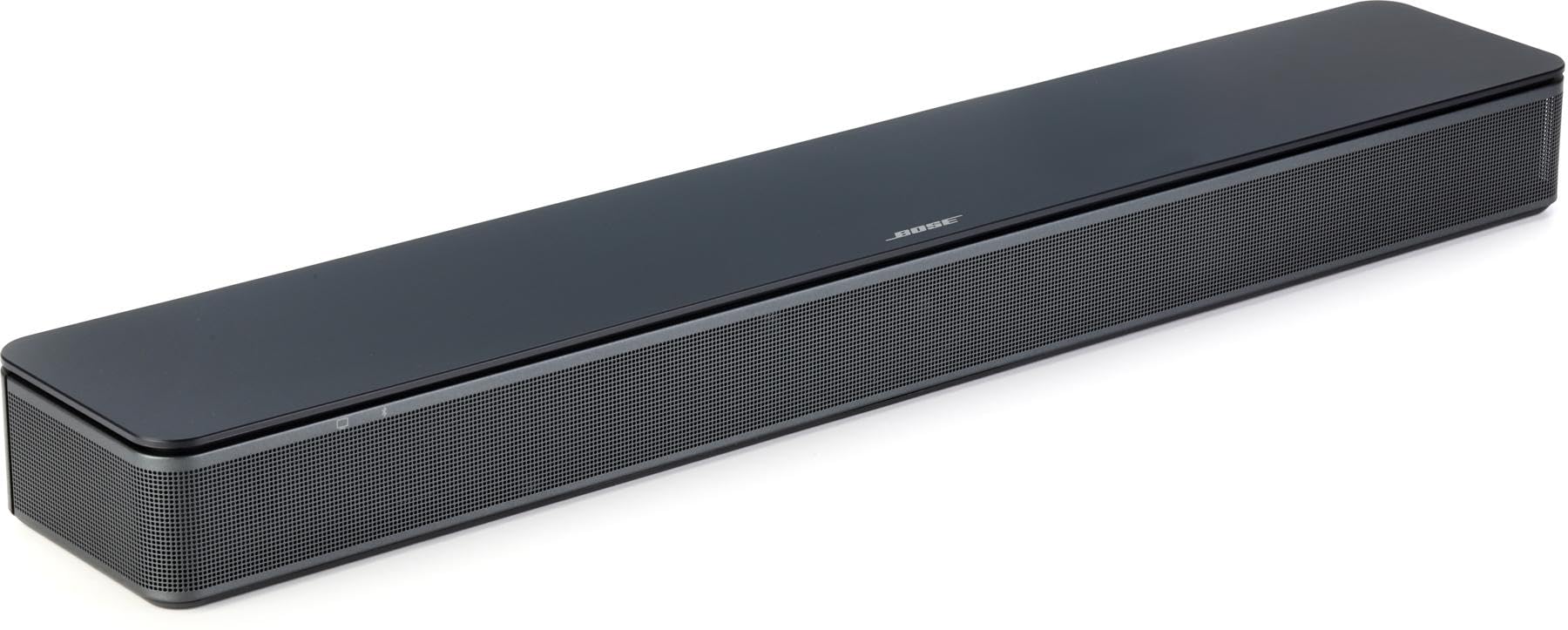
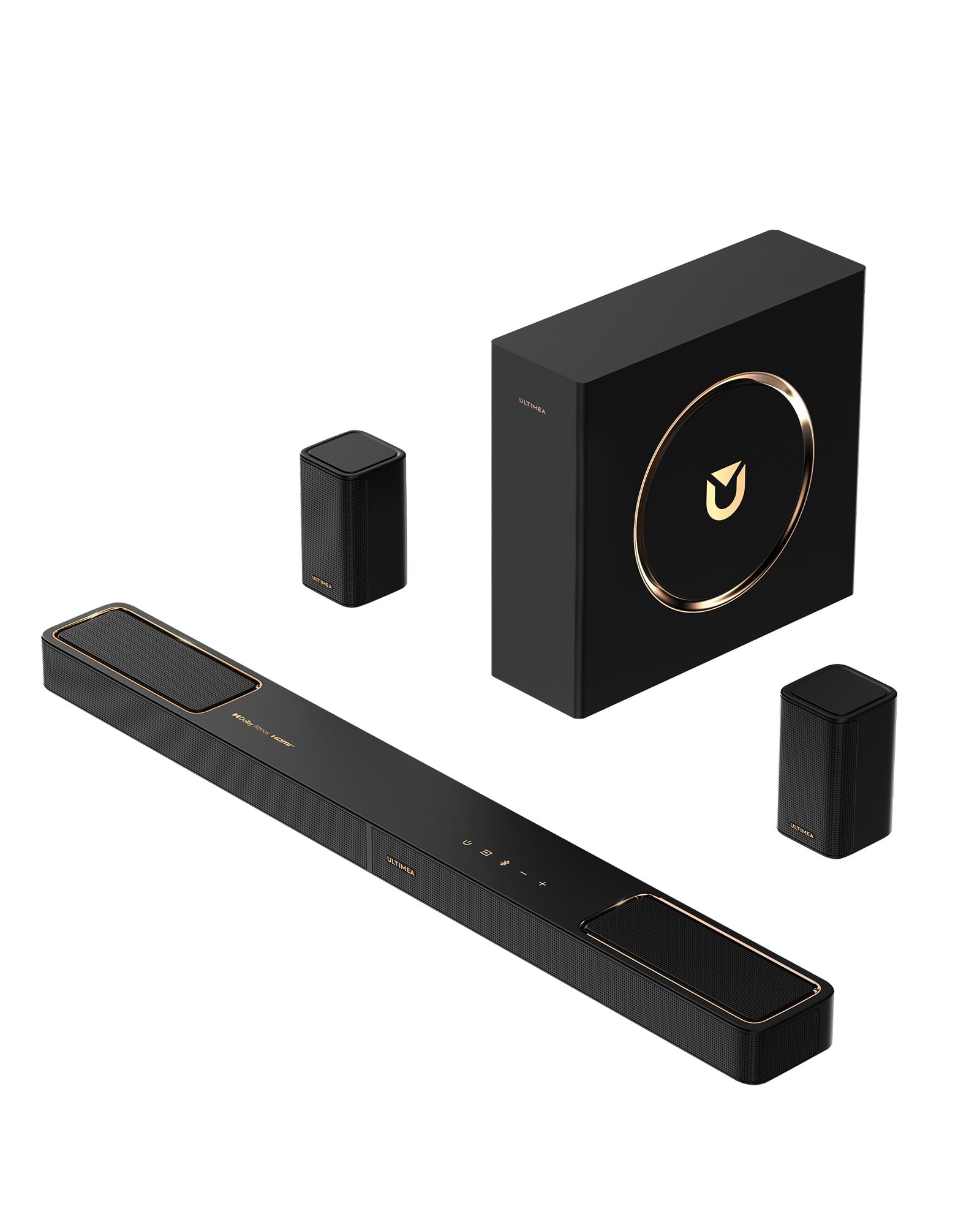
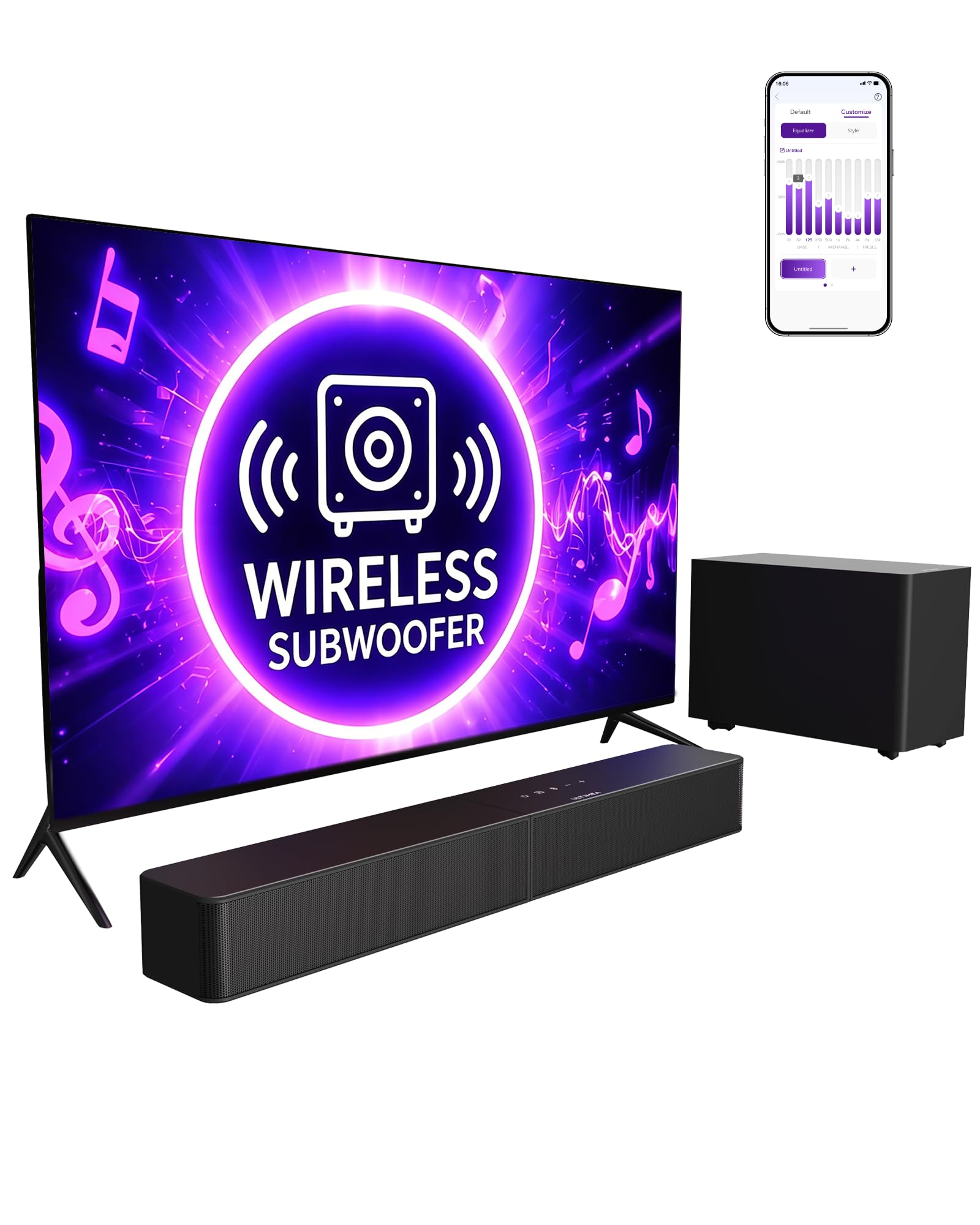
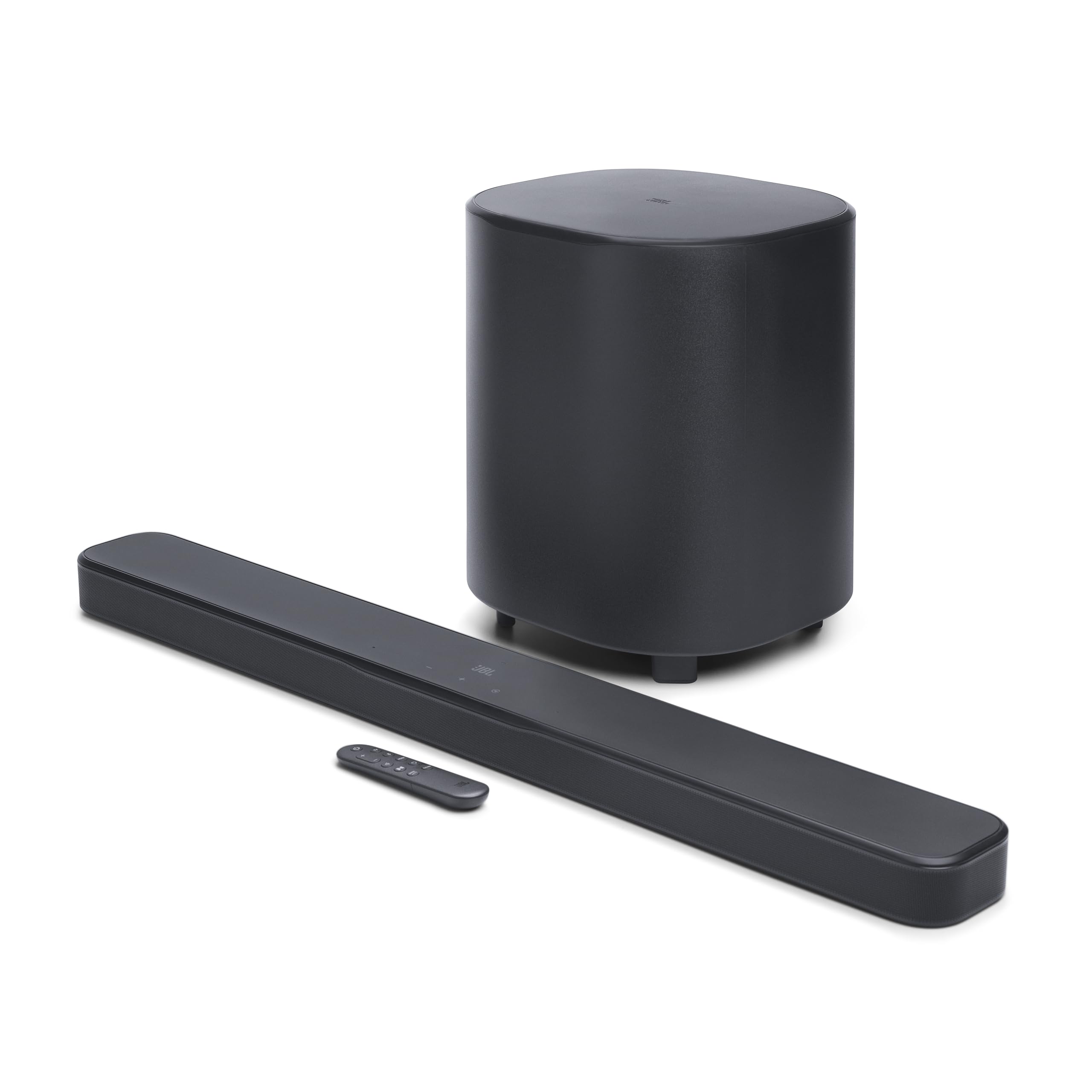
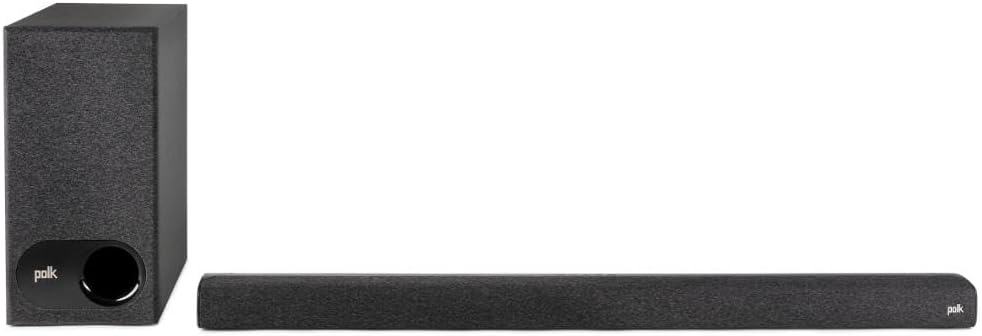
This relatively low cost sound bar has remarkably good sound for such a low profile. Setup was easy. It came with HDMI and optical cables for attachment to the TV. I attached the HDMI to the ARC (Audio Return Channel) HDMI connection of my flat panel and just turned it on. The TV recognized the sound bar by turning off its internal speakers and playing sound through the sound bar. Additionally, it shows the audio level bar on-screen whenever the TV or sound bar remotes are used to adjust the audio level. I plugged in the wireless subwoofer and it connected automatically to the sound bar, but there is also a manual process if necessary.It is also easy to use. There are various adjustments that can be made with the sound bar remote, but once these were made we only use the TV remote. The sound bar appears to go into sleep mode when the TV is off and comes back on when the TV is turned on. It is compatible with Dolby 2.1 content, but it cannot be upgraded with additional speakers.There are five inconspicuous buttons on the top of the sound bar: on/off, source selection, Bluetooth on/off, volume down, and volume up. Bluetooth is used for playing sound from other sources like a smart phone. These buttons also appear on the sound bar remote along with other buttons for mode selections. There are three sound buttons: Movie, Night, and Music. We use the Movie mode mostly as it “expands” the soft and loud sounds as if in a movie theater but with 2.1 speakers. The Night mode “compresses” the sound levels, making “quiets” a little louder and “louds” a little lower. This mode is good for late night listening with the sound turned down so that others aren’t disturbed by loud explosions and you can still hear the “quiet” portions. The final sound mode, Music, is for listening to music with the frequencies set at a more equal distribution.There are also three buttons for Voice Adjustment. These adjust the voice frequencies to make voices easier to understand. At the highest level, number 3, we can tell that voices are much clearer but they sound somewhat unnatural. Consequently, we normally use level 1 and occasionally level 2 when necessary.There are a series of lights on the front screen to indicate operation and when modes are selected. The main light comes on when the sound bar is in operation and goes off when it goes into sleep mode. This is a soft light and I do not notice it when watching the TV. The color changes whenever the Dolby 2.1 signal is received and being used. Other lights on the front will turn on momentarily whenever a new mode or source is selected to indicate that the signal has been received and the change made. There is also a light that comes on when Bluetooth is turned on. This goes off when Bluetooth is turned off or when Bluetooth goes into sleep mode if it is not in use for more than 15 minutes. Note, the auto sleep mode is not the default and this option has to be manually selected to be in use.This sound bar produces much better sound than the TV speakers and requires little attention once the adjustments are set; we mostly use the TV remote. My only criticism regards adjusting the subwoofer levels. The subwoofer has bass minus and plus adjustment buttons on the remote but, unlike the other mode adjustments, there is no visual indication that anything is happening when this is used. There isn’t even an indicator that it is wirelessly linked except for the lights used when manually connecting it. The bass can be adjusted up to the point that deep voices and drums rattle items on the shelves in the room. When adjusted down to reduce such rattles we have no way of knowing if we are at a mid or lowest level. The bass can be adjusted to what is being listened to, but it would be nice to know the actual setting so that a “standardized” level could be selected for particular circumstances.Ver másVer menos
241 personas la encontraron útil