MaceFamilyof5
25 de febrero de 2020
Endgame for Routers (at least for whats available today)
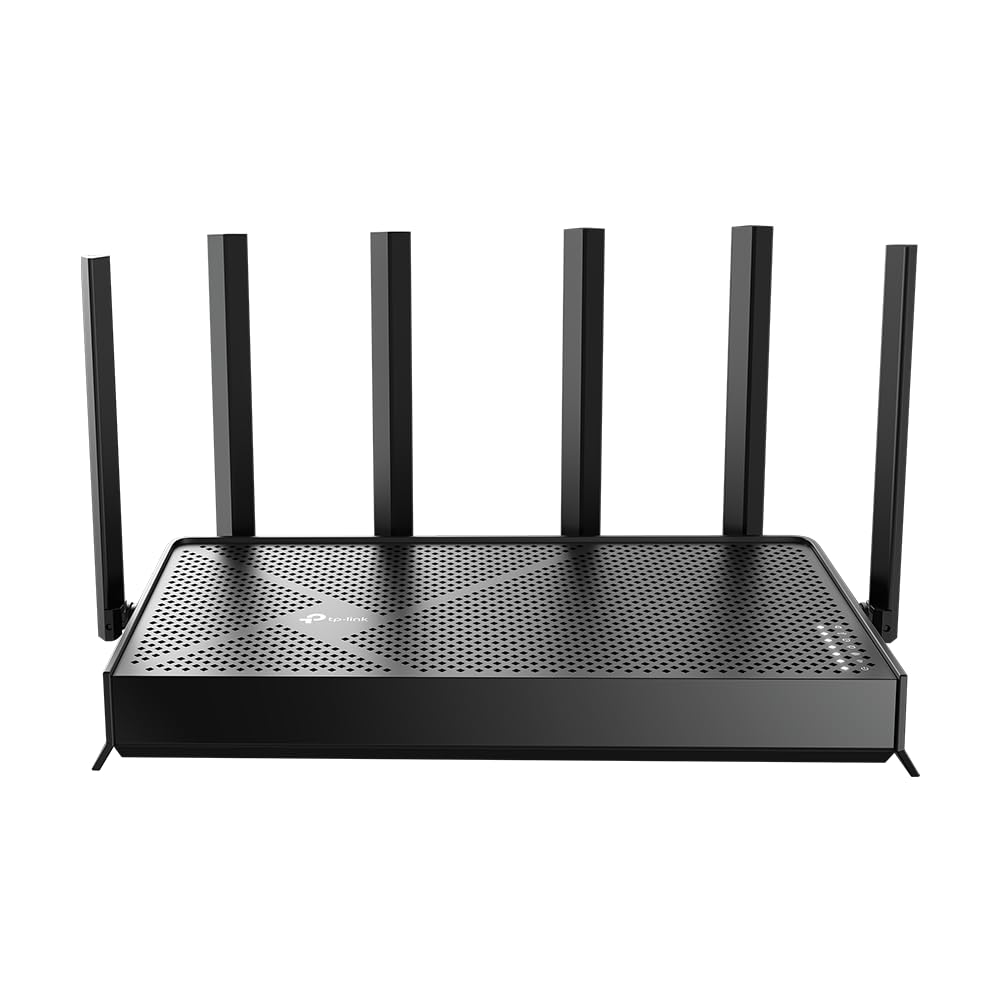
This router is simply amazing...lets see where to begin. First off from pulling it out the box you feel like you have a miniature Lockheed F-117 Nighthawk in your hands.Lets get the annoying part out of the way first...the price and the setup. The setup was quasi user friendly but the whole process was slow and sluggish. There were a couple of times I thought it was broken as it would me to click next and so I would only to be greeted by a "this page cannot be found screen". This happened so many times I almost did not make it through the install phase.Luckily I kept at it because wow...wow wow wow. It was a lot (i mean ALOT) for me to try to justify spending what I did for this router as the old router I had (a Nighthawk model as well) had only been like $100 and served me well for nearly 7 years. I know a lot of the feature inherently built into this XR700 are standard but they were new to me and I was blown away. To be fair I had ordered 3 other routers to benchmark against each other (TP Link Archer C5400x, Asus AX6000, and the Netgear Nighthawk AD7200) to find the best overall one. I compared QoS, ease of setup, user-"friendliness", signal strength, features, down & upload speeds.Setup: Covered above (TP Link Archer C5400x won this hands down)User Friendliness: All roughly about the sameQoS/Prioritization: Hands down the XR700. You can set the bandwidth and upload speed prioritization with easeas well as select between an option of having the prioritization set to all the time, when needed, or off. I set theprioritization to my PC (as I stream on Twitch) and turned on 3 T.vs for streaming (1 in 4k), my wife's phonewatching a youtube video, my phone watching a youtube video, my kid's PC running a game. My gaming streamresulted in 0 lag as well as 0 lag on any of the devices. While I understand the test is not the norm with all thatstuff on simultaneously but I needed to test the prioritization capabilities under loadDownload Speed (mb/s): Roughly the sameUpload Speed (mb/s): I tested all of the routers under the load/stress described above and the XR700 all the way.C5400X ranged between 7-15mb/s up, and the Asus and AD7200 were slightly better between 22-27 mb/s.The XR700 came in at a 37-39 mb/s (mainly due to the Qos/Prioritization)Signal Strength: All pretty much the same and very respectable (cover a home roughly 2500 sq ft across 2 levels)though the Archer C5400X held a very slight lead. If you have a larger home and find an area with space whereyou don't get adequate signal you can use a range extender with the XR700. For you that would be somethingto consider as it would be an additional cost but for me the range of the Wifi of the XR700 is perfect meregardless if I was inside or outside.Final Thoughts: This is an expensive router. For me and my needs it is unreal and well worth it...to the point I asked if it wanted to sleep in the bed with my wife and I as a reward and it politely said no as we had just met and it only puts out a signal on the first date...and put out a signal it did. Keep in mind the points I made above as all the routers I tested were inherently good routers it is just this router for my needs was the best. Understand what your needs are before buying something with this eye gouging price tag unless you truly need and will utilize all that it has to offer.Ver másVer menos
5 personas la encontraron útil