

cbugs
4 de septiembre de 2026
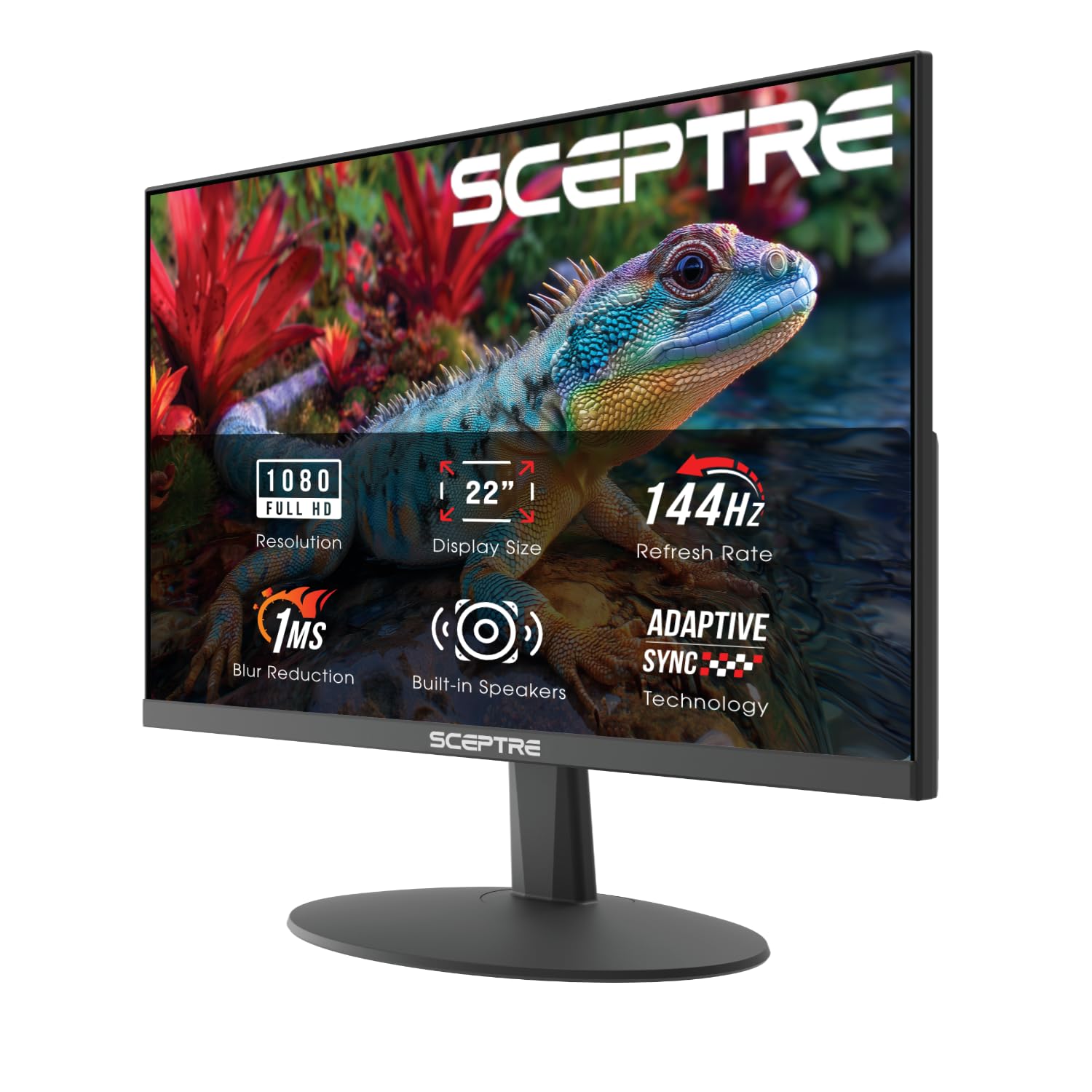
This monitor has every reason why I choose SPECTRE
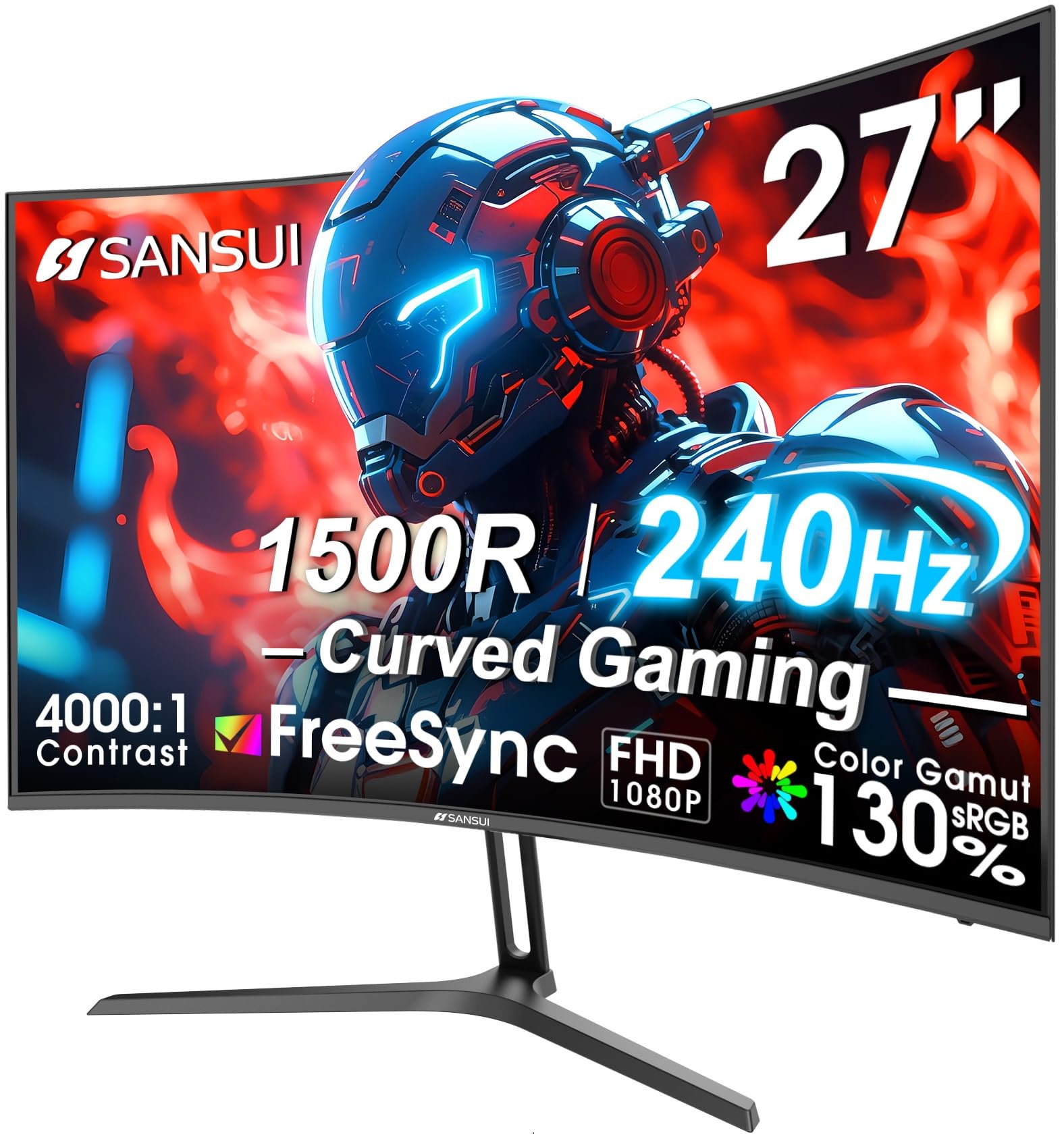
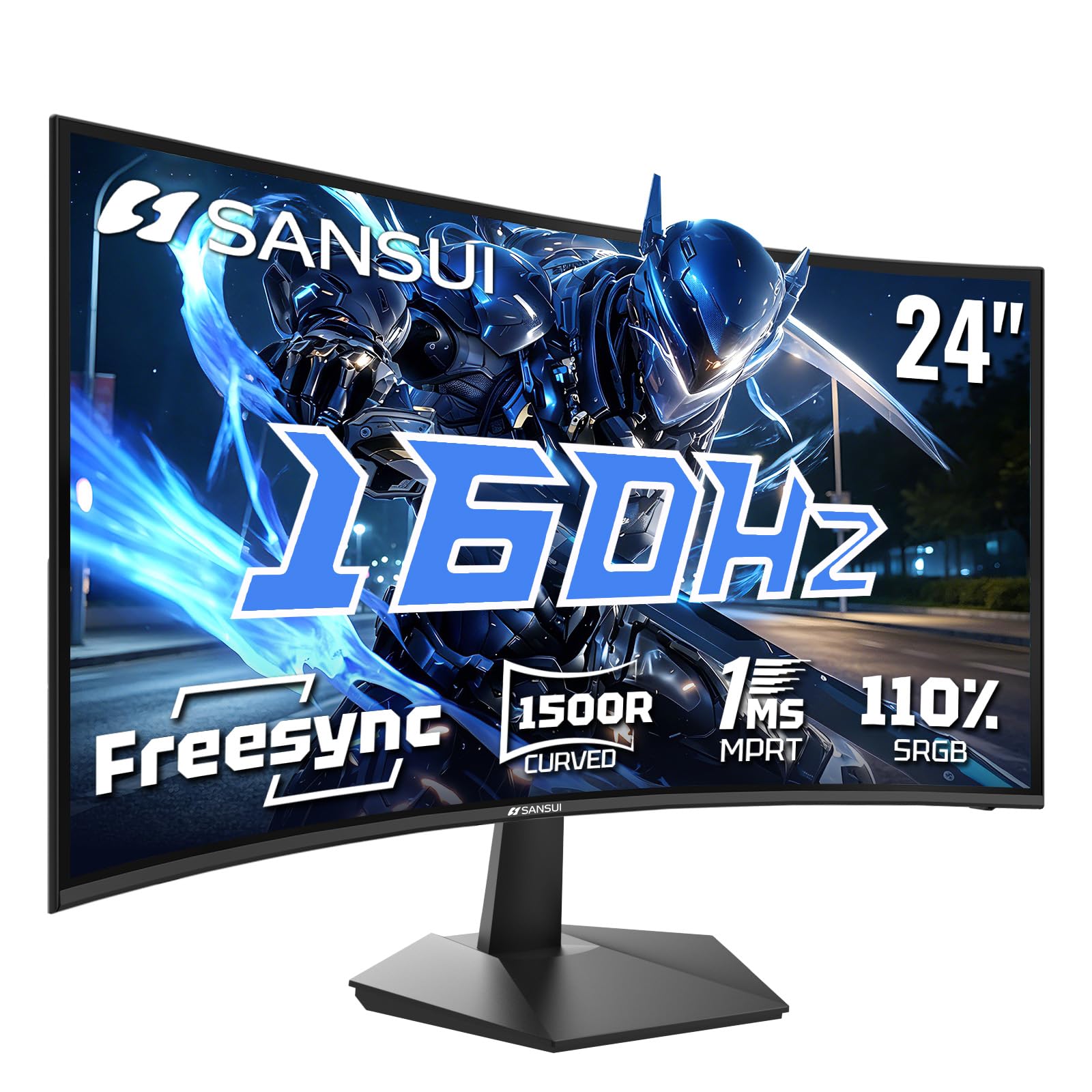
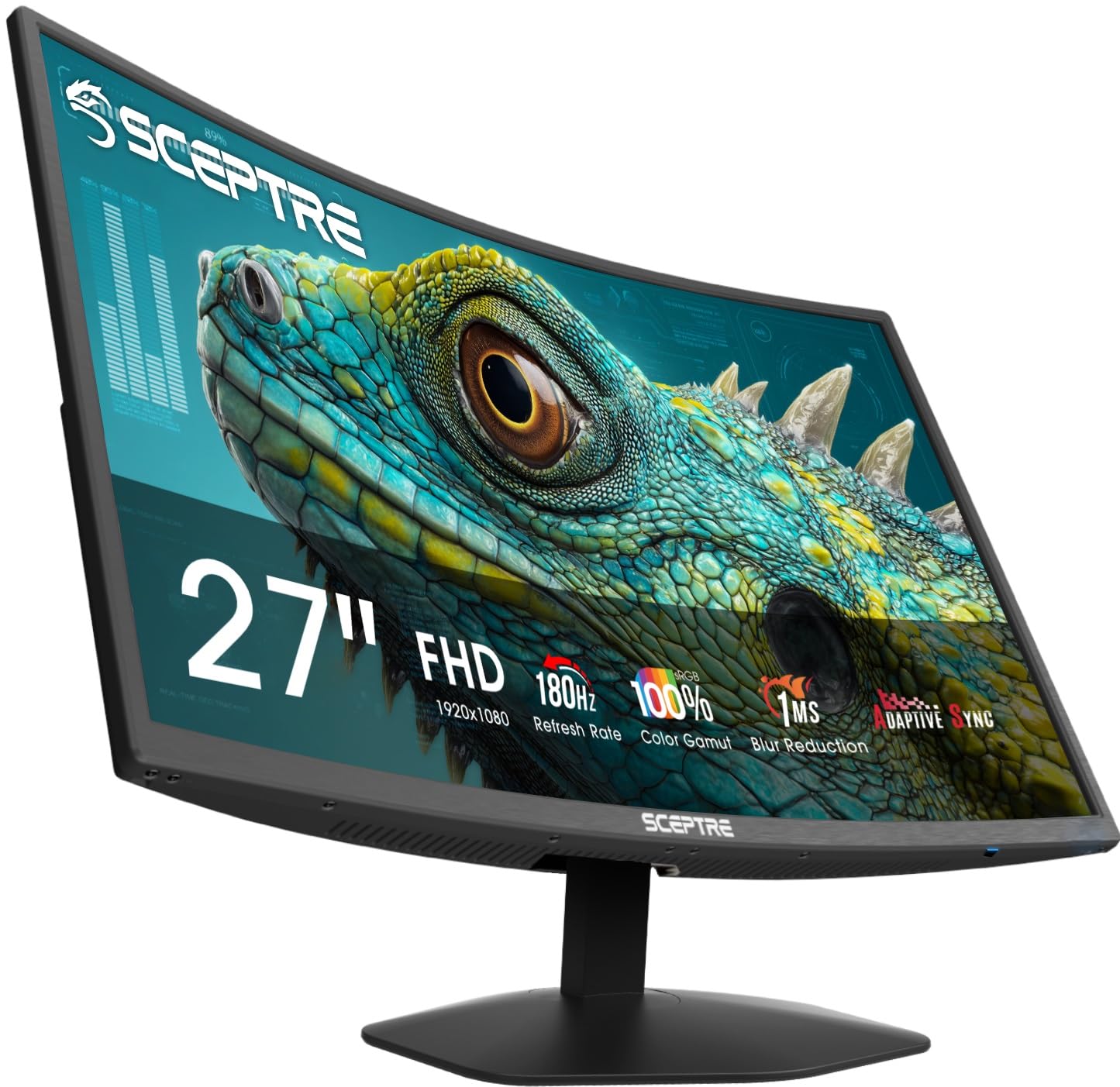
PROSDURABILITY: I specifically looked for a Spectre monitor, because my last one lasted several years and I was pleased with it. You cannot hurt these monitors. They are not easy to damage. I haven't suffered any lost pixels in six years with my other one. It still works like the day I bought it, but i wanted a different curve one with higher hz.IMPROVEMENTS: This one is even better and more vivid. Higher ranges of hz, sharper imaging. Color is more true than my last monitor. Color can be set to true colors.RESPONSE TIMES: It is under five seconds. Closer to 1-3.GAMING: For gaming settings it can be set for RTS, FHS, and hz to 180. ADAPTIVE:FREESYNC, It can handle overclocking, and has a setting for movie visuals. Also has a game mode.QUIET AND POWERFULADJUSTABLE BRIGHTNESSWIDE ADAPTATION: It works for both WINDOWS and LINUX OS, I do not know about Apple as I never have used it, but you can look that up. It works Intel and AMD cpus, and AMD and NVIDIA graphic cards.SIZE and CURVE Although it is the same size screen than my former monitor, the curve and smaller bezel leaves more visual space around it so I can see around it and look over it instead of feeling like I'm behind a wall.HZ: The response time is fast. Picture clear and vivid after settings are applied. There is a vast difference between 60 hz and 85 or 100hz and even more stunning on higher settings. Just remember to adjust from the settings, and know that some settings like Flexible adaptation will use more power and slow response time and set your power management accordingly.NO GHOSTING, SCREEN BURN or HOT PICTURE. The monitor stays cool and visually adaptive.ENERGY STAR EFFICIENT: Again, settings effect this. Even at higher settings, it consumes very little energy.IMAGING: Some have claimed the image was no sharp, that is because they just turn it on and never adjust the settings. The visuals are first set on low settings 60hz 50 on conrast and colors so they might appear pale when you first turn it on. The image becomes vivid once you set the visuals to your liking, and that is easily done. The settings are done either in the back joystick like button or in on screen settings. They can be as visually stunning or faded as you like.DURABILITY: Spectre stands behind their product. It just WORKS. The monitor is sturdy. it took a little figuring out on the stand, how to lock it It has good suction to the desk. Hard to move. You are not going to knock it over if the stand is put together correctly. Bumping it will not move it from its spot.EASE of USE: Plug and Play, It uses standard OS monitor drivers so you don't have to search for specific drivers. It can auto update with Windows update or Linux software settings.CONS:MONITOR STAND ADJUSTMENT: You cannot adjust the stand. It doesn't move, tilt, rotate, or rise. It is mountable. You CAN mount this on the wall or an adjustable monitor arm mount. And resolve the tilt issue with an adjusting arm mount.OTHER CONSIDERATIONS neither pro nor con:SOUND: I have not used the monitor sound. Spectre is not known for good clear sound. I use my PC sound.SLIGHT DOWNWARD TILT: My monitor is at my eye level. The curvature fits the eyes and leaves a wide peripheral view. The left is not as curved as the right so you can dual your monitors. There is a slight downward tilt which prevents glare and shadows. I have a lamp and it does not glare or reflect on the screen. That is a good thing. So take that consideration when you adjust if you mount it.Ver másVer menos
8 personas la encontraron útil