🐹
Bluetooth thermal label printer with 203 DPI resolution and inkless printing
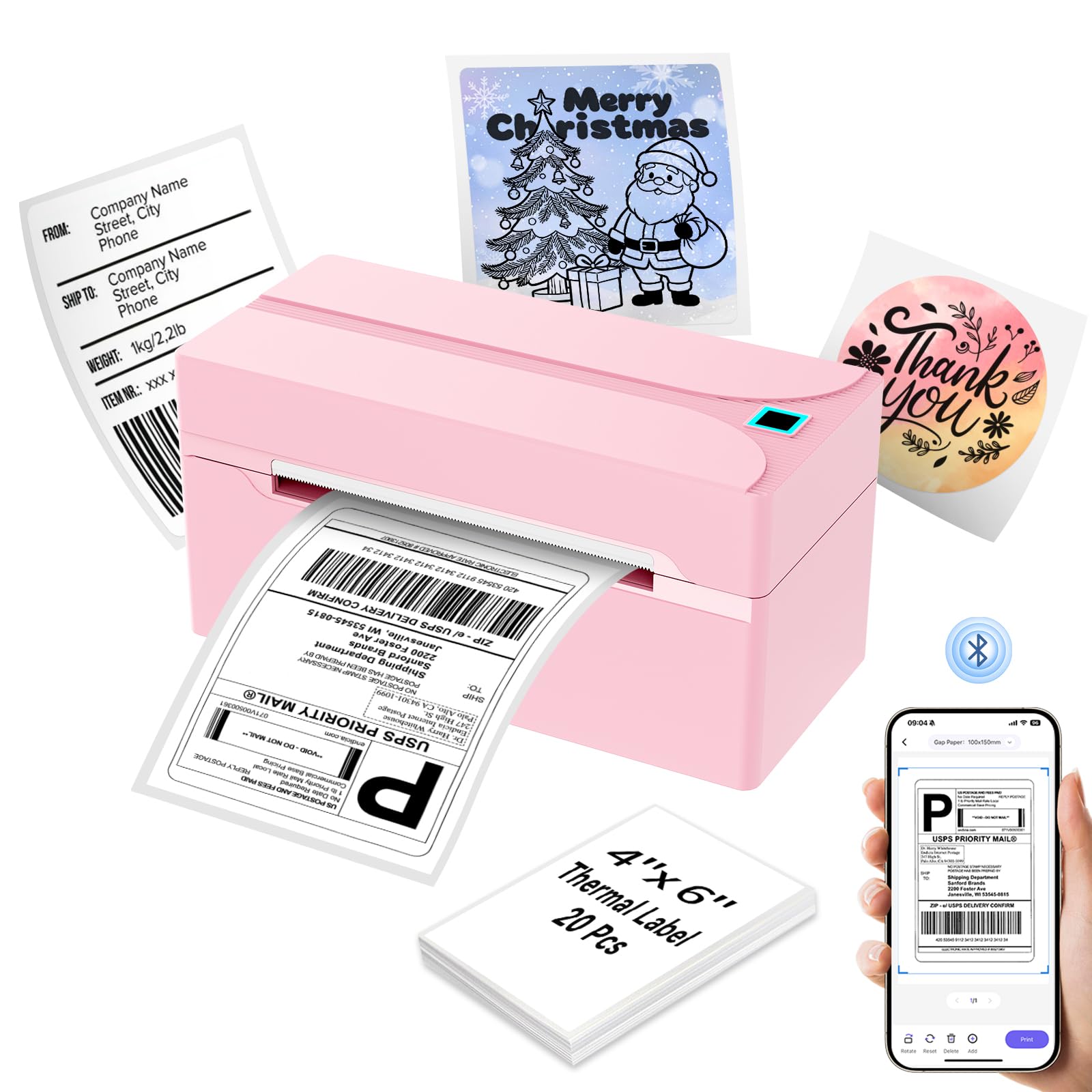
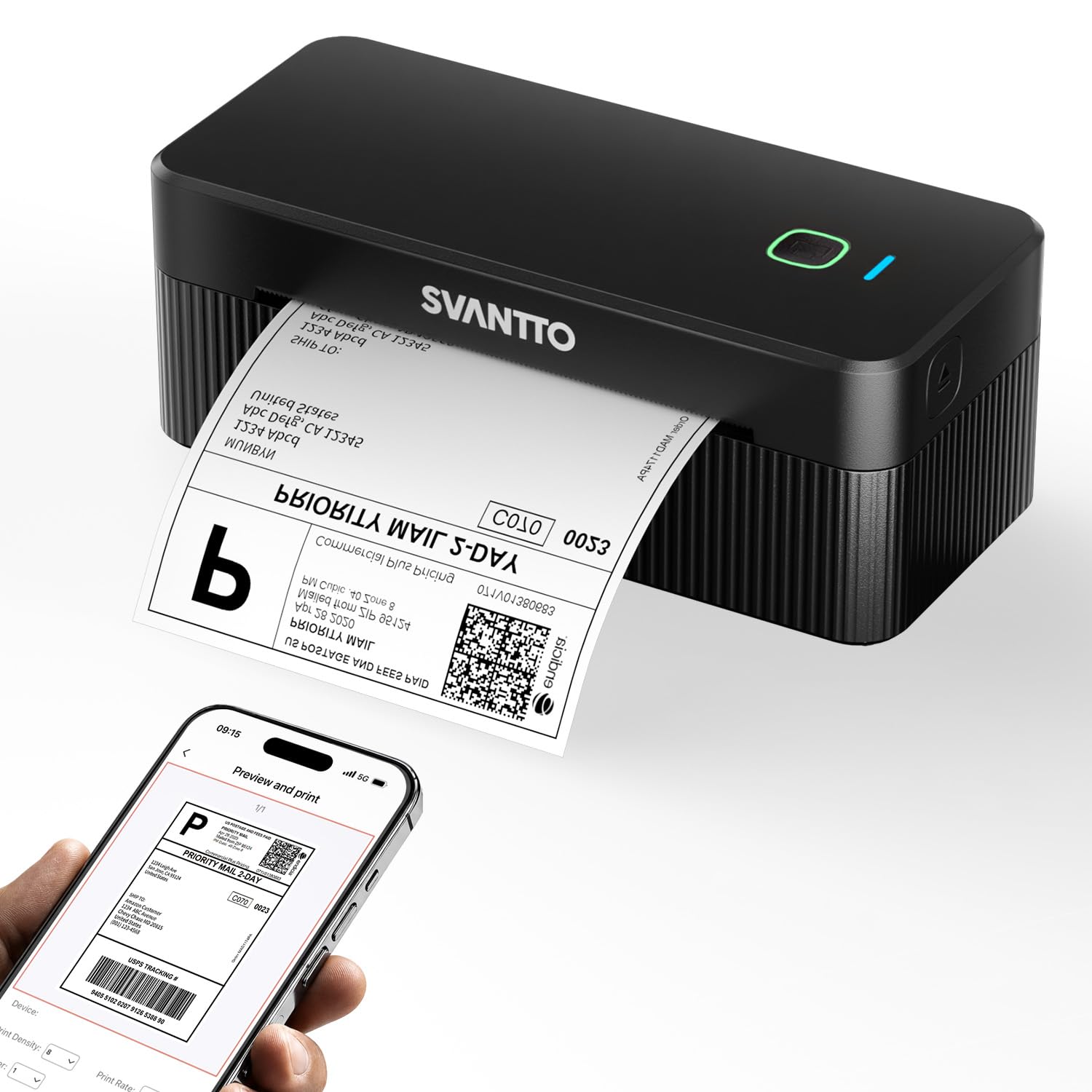
I use this all black Bluetooth thermal label printer for printing shipping labels and to organize my church's pantry. Out of the box, the printer is compact and lightweight. The package includes the printer, a power cord, a power adapter, a USB-C cable, a USB-C to USB adapter, a user manual, and a sample pack of 30 labels. On the bottom, I see it is made in China and carries CE and FCC certifications. I measured the printer at about 7 1/4 inches long, 3 1/8 inches deep, and slightly below 2 3/4 inches tall.To set up the printer, I open the top cover, insert the thermal paper roll, and close it. The machine automatically calibrates the paper once the cover is shut. There is a feed button on top. A single click advances the paper, a double-click prints a self-test page, and holding it until it beeps initiates automatic label identification. If a label gets smudged or dirty, I can press the button to skip it and advance to the next one according to the manual.Because it uses thermal technology, it is inkless and saves money on supplies. It has a 203 DPI resolution and a printing speed of up to 5.1 inches per second. The labels print at 4x6 inches for shipping labels. According to the manual, it can handle paper widths from 1.18 to 4.25 inches.For connectivity, I use the included USB-C cable to connect it to my computer. It also has Bluetooth capabilities. I downloaded the MUNBYN Print app on my phone to connect wirelessly. The Bluetooth status light turns solid blue when connected. The app allows me to design, customize, and print labels from my phone. There is also a web-based Munbyn Editor for driver-free printing on Mac and Windows.The manual has information on the LED light indicators. A solid green light means normal operation. A solid red light means the paper is not identified or the cover is not fully closed. If the green and red lights flash together, the print head is overheated and needs to cool down before it resumes. One drawback is that it has no built-in rechargeable battery. It needs to be plugged into an outlet. To solve that issue, I bring a small portable power station with me while driving. So far, I have not experienced any smudges or bugs that prevented me from printing.Ver másVer menos
1 persona la encontró útil