


Jonathan in Arizona
4 de marzo de 2026
Great cheap office productivity 4k monitor with extra pixels (x2560 v. x2160)
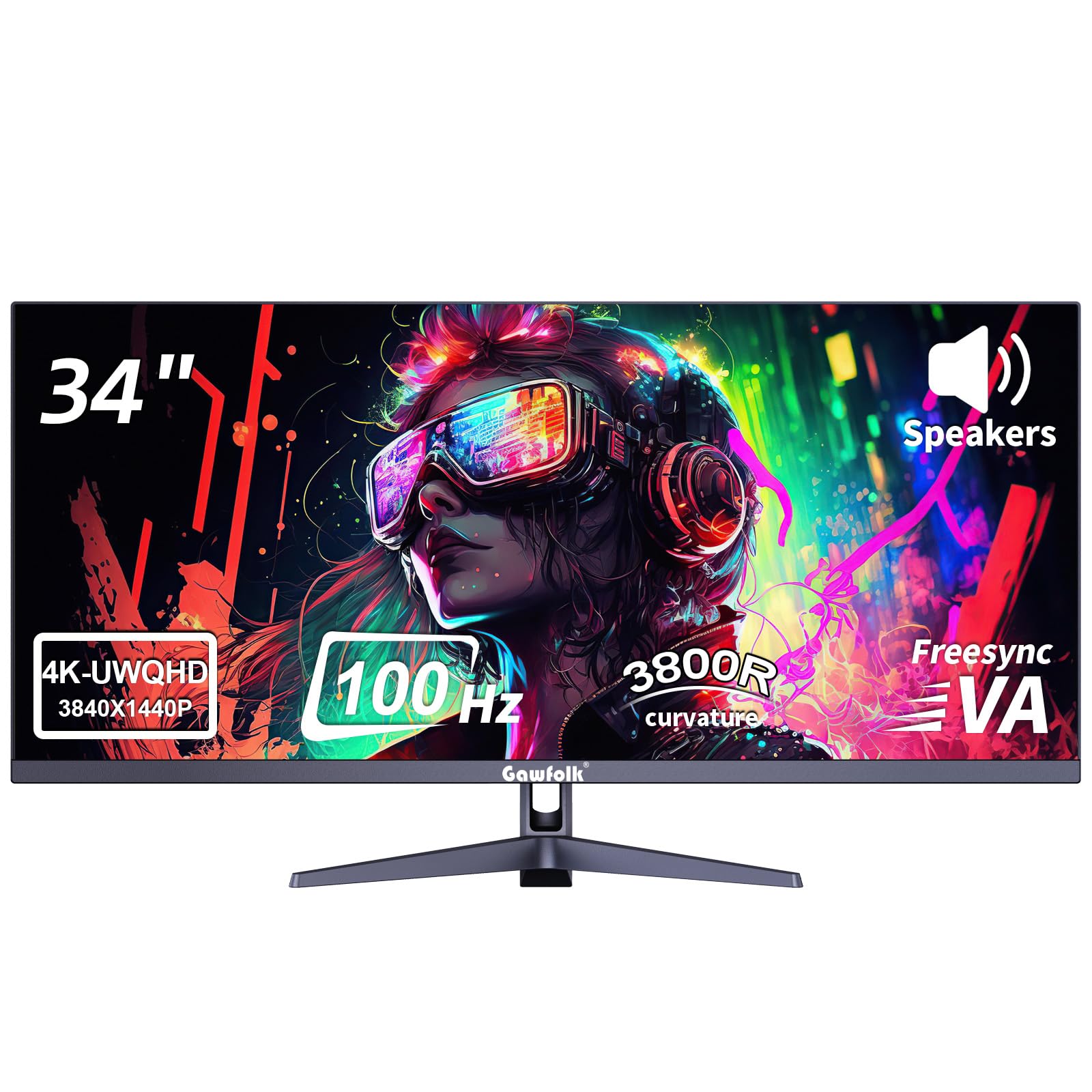
Bought two of them. They arrived last night. Spent far too much time testing them.Summary: great cheap office productivity 4k monitor with extra width.Huge pro: the resolution. Those extra pixels (x2560 v. x2160) are incredible for usability, either in portrait mode or landscape. Even at 200% scaling (to avoid blurry text caused by the rendering that Windows 10/11 has at anything other than 100%/200%/300% because DPI scaling in Windows 10/11 is atrocious. So in landscape mode, I can see two pages, even at 200%. The portrait mode allows me to have very usable, larger text, fitting a page & the header of the next page. Very clear text. Ahhhh.....Huge Pro: has DC dimming, not PWM. That's critical for my eye strain. I cannot use PWM because my eyes tire quickly. I don't have a physical device, but the app that I use says that the flickering is very low (below 5%). I don't notice anything, in any event.Pro: supports FreeSync, which means G-Sync worked for me on my ancient 1060 card. YMMV, I guess.Pro: slightly above average contrast ratio (for an IPS) of 1,200 to 1.Pro: supports DCR. Probably not a higher end implementation, of course.Pro: has a blue light mode. I don't use that, because I prefer using software for that.Con: the stand is perfunctory. I put it on a $30 stand that I previously bought for another monitor. The 75x75 VESA mounting holes are at the bottom of the panel, which means it works well for landscape but do not work for portrait without significant effort (the monitor in portrait mode is also on a custom stand and to offset the sag caused by the mounting hole placement, I have a small shipping box propped under the sagging side, with more cardboard as spacers to level the monitor. Update: I fixed the sagging by buying two VESA adapters (https://www.amazon.com/dp/B0741CFJVW), which allows the monitor to be very close to the center of the monitor stand.Con: although the display is IPS, the panel's viewing angle is not that great. Even looking at it straight on, the right side of the landscape and the right side of the portrait mode monitor are washed out.Think of this as poor man's BenQ RD280U. I don't know if it's the same panel, btw, just the same resolution, contrast ratio, and both have a matte finish. This has 120% sRGB; the BenQ has 100% sRGB. Perhaps this is a prior iteration of the panel used in the BenQ (the BOE MV282CVB-N11). Perhaps it is uses the BOE MV282CVB-N10. I don't know, though as software does not show the panel manufacturer (other than the Gawfolk model, GF005.Small Con: HDMI does not run at 60 hz. But the two DP ports are 1.4 and can easily handle 60 hz.I'm now very tempted to buy another set for my office at work.Ver másVer menos
12 personas la encontraron útil