me_mc2
Great sound, great picture, great quality overall!
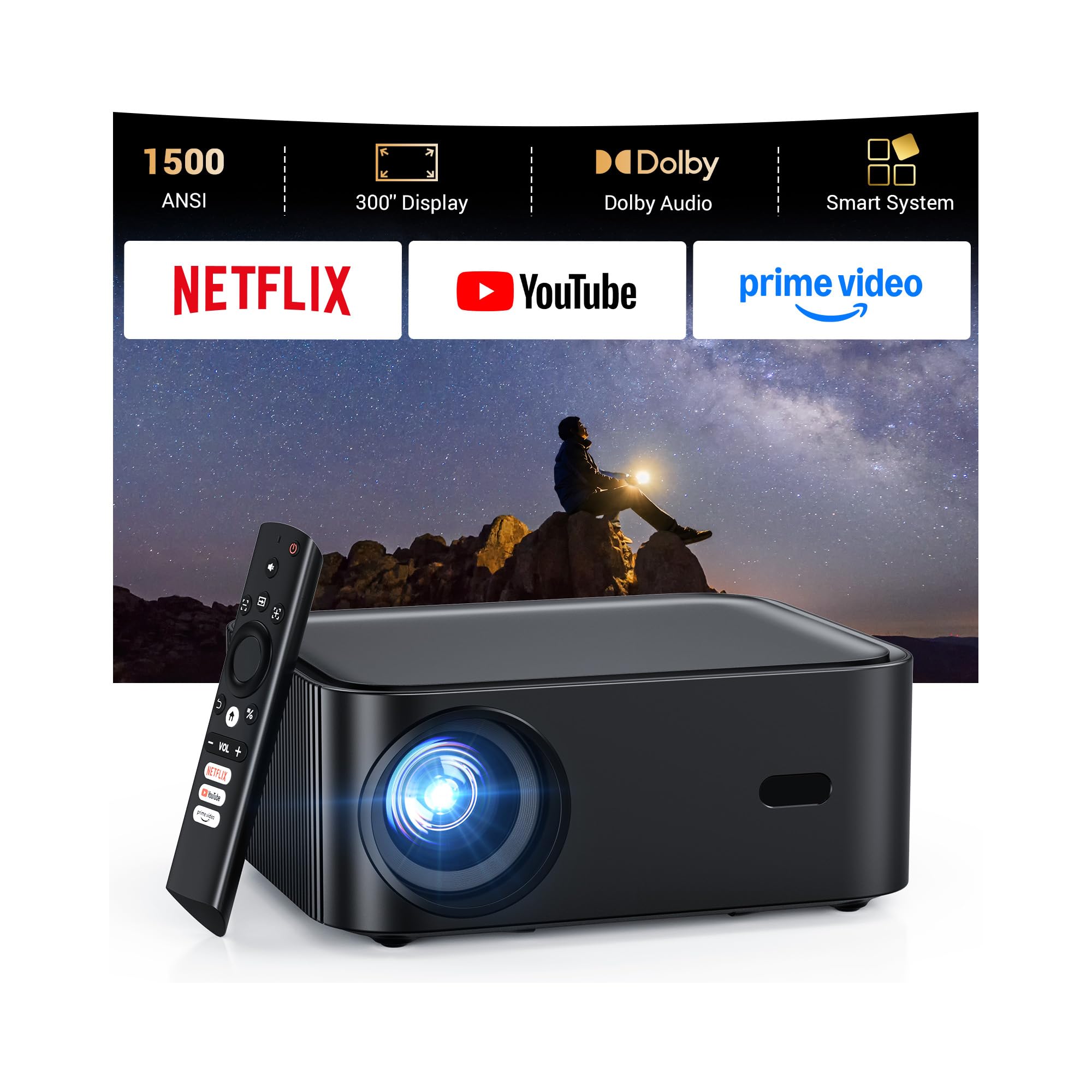
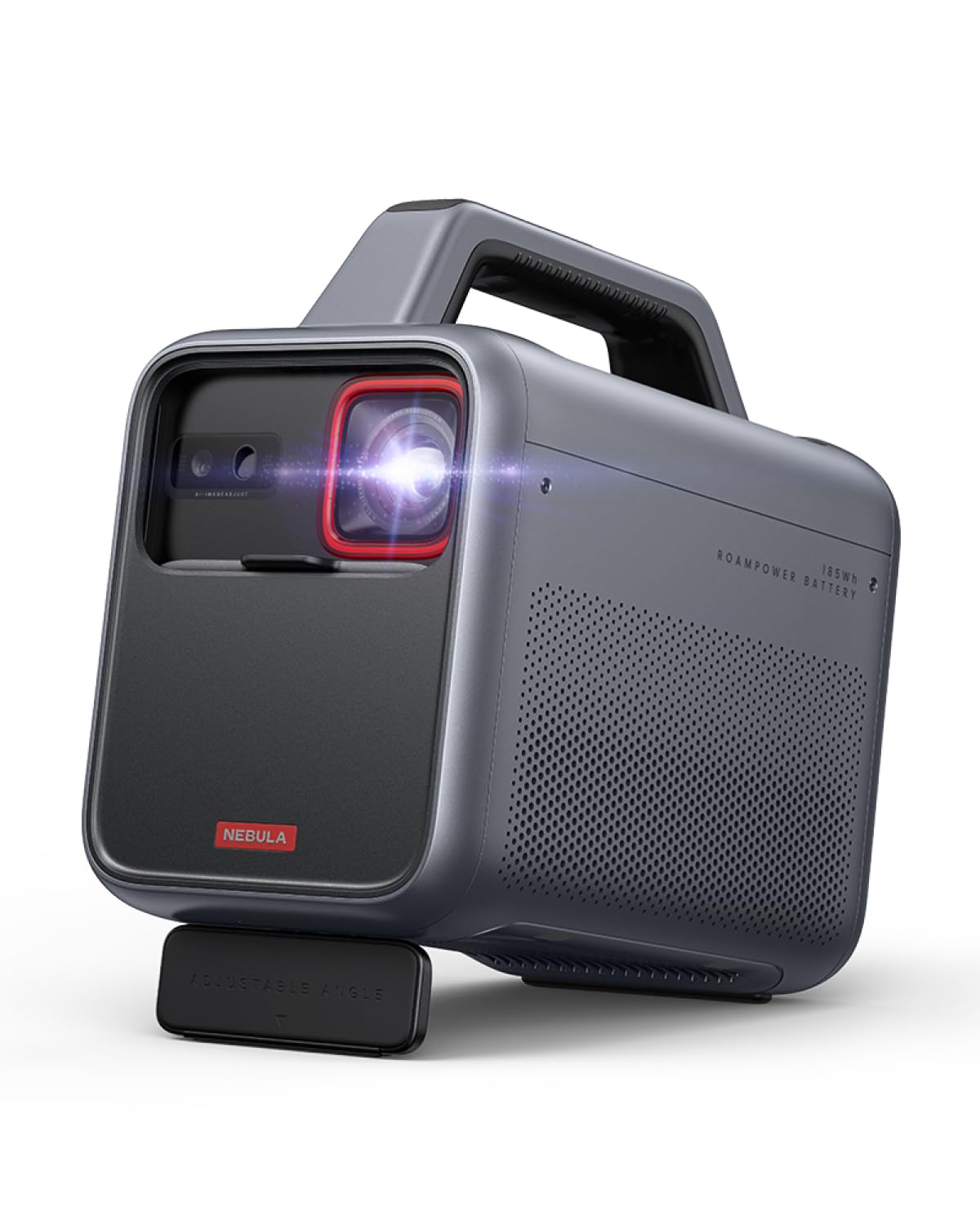
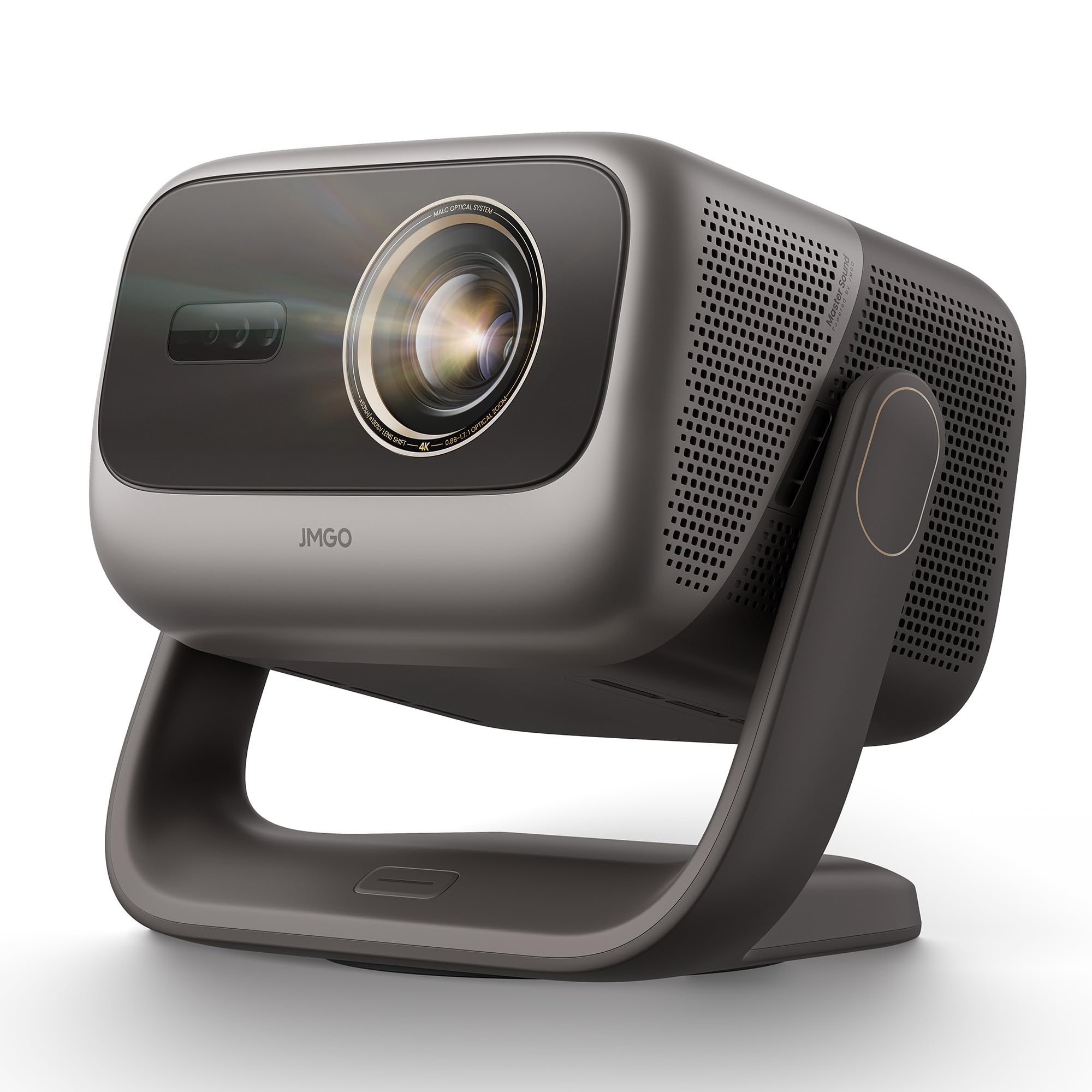
I’m almost a month into using this projector and I can say that I’m having a wonderful experience so far. The Ai gimbal is a pretty great feature, making first time sep up quite easy. Auto keystone and focus, along with the optical zoom make tweaking any settings depending on your setup very simple. The picture quality is amazing compared to my previous 1080p projector that supported 4k, which definitely was nowhere near as bright as this projector is. Even with light coming in through the windows or with the lights on, the picture looked stunning and still bright enough to see. My previous projector as soon as the lights were turned on or the black out curtains we use were drawn, the picture would literally fade away so much that you could barely see it. This projector far exceeded my expectations in that aspect. The fan noise level is audible but barely noticeable when you have something playing. The speakers on this device are amazing. I have mine set up to a sound system but even if you don’t, the speakers will be quite loud and impressive for the form factor of this projector. When i had first set up, I hadn’t tweaked the settings right and I thought they were already playing through the sound system. So i was very surprised to say the least on how good the sound coming from the device was. The size even though not as quite as compact as I’d hope it would be is small enough to be portable especially coming in a sturdy carrying case. The google tv os is responsive and clean, even better if you set it to app only mode in the account settings, takes away all the recommendations and ads so it has a minimalistic feel to it. Gaming feels great on it especially with the low input lag. The only hiccup I’ve had so far that I wouldn’t consider much of a problem as I consider myself tech savvy so I was able to work through it quite easily was that if the system goes to sleep when idle for a while the network would disconnect and the remote wouldn’t turn the system back on, I pressed the power button on the device itself and it came back on but the remote didn’t connect. Did a bit of researching online as i couldn’t find the manual for the product on the website or the app, which I spoke to customer service about that but will go to on a bit of detail about that later. I found you can connect a keyboard/mouse through the ubs port on the back of the device and was able to control the projector that way, went to the settings and seemed that the network was not connecting. So to say overall I was perplexed, but the solution was a simple reset. If you do come across this, if you turn off the projector via the power button located on the base of the device, also make sure to unplug the projector from the outlet for about a minute. Once you turn it on the network should connect again. So as i mentioned before I did reach out to customer service about the situation that occurred and the solution I came across with. They were very courteous and professional and did respond quickly as this exchange was being done via email. They noted my problem for future assistance if any customer came across the same situation and also said they would reach out to their team about adding the manual for the projector to their website and their app. Besides the one hiccup that I’ve come across, I can say that so far my experience has been a great using this product. I don’t know how much more I can say as I already rambled on so much, but I do highly recommend this projector for anyone looking to upgrade or to get their first projector. At this price point this projector has exceeded my expectations.Ver másVer menos
2 personas la encontraron útil