HTS
23 de julio de 2026
Great (yet “frustrating”) working device – Caveats and Work Arounds (for Android)
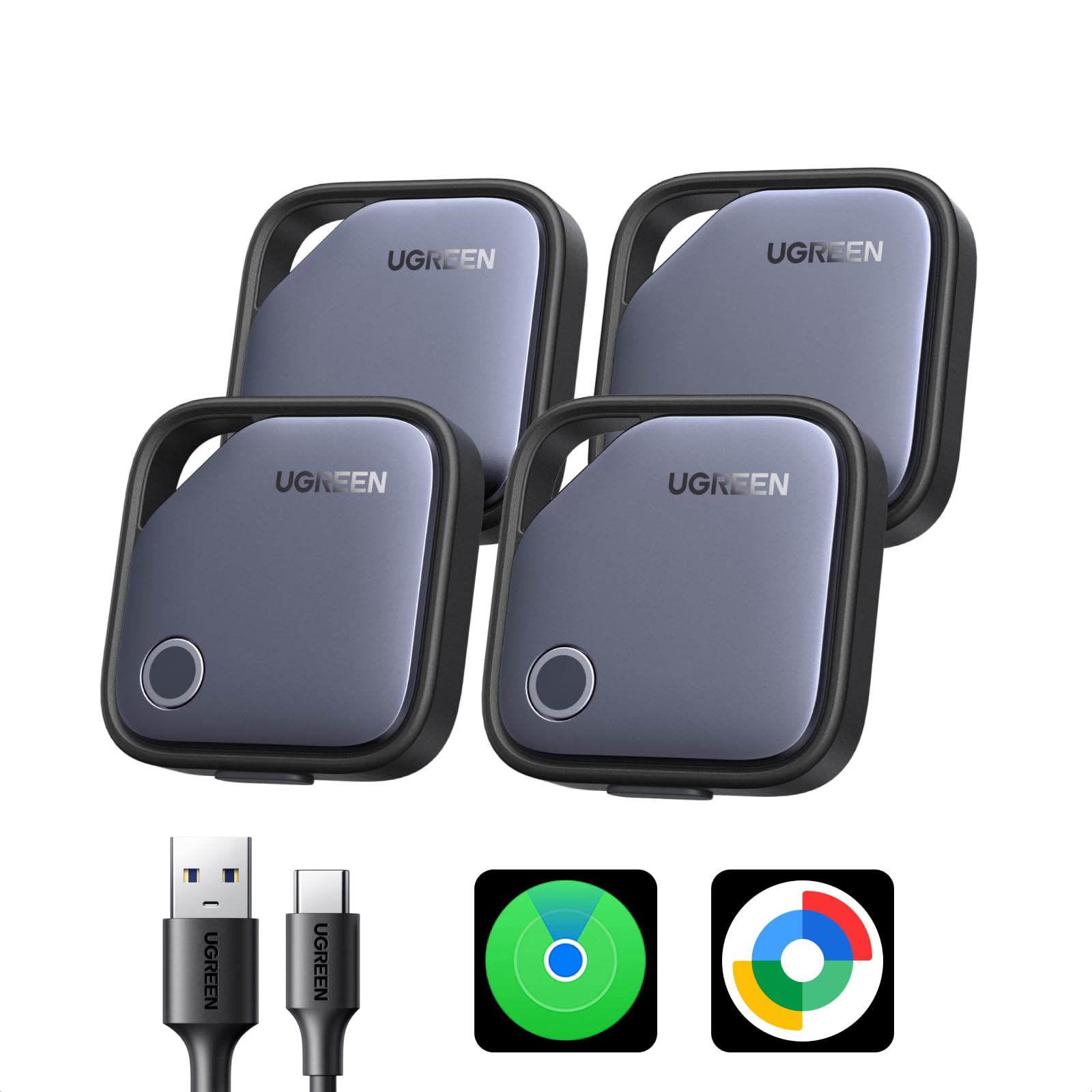
The UGREEN Android tracker is a solid little device once you get past the initial setup quirks. The hardware works well, the tracking is reliable, and the battery life seems strong. But getting it connected—especially on newer Android versions—can take a little patience. (BTW, same experience with UGREEN FineTrack Slim G)Setup ExperienceI ran into several issues on Android 16. The device wouldn’t pair, and I eventually discovered that once successfully paired it automatically binds itself to the phone’s primary Google account (the one used during initial phone setup). If you use multiple Google accounts on your device, this may not be the account you want to use with the tracker.What Finally WorkedAfter some trial and error, here’s the process that got mine working consistently:1. Reset the tracker (optional if starting with older Android OS)• Click the button twice → 1 short beep• Hold for ~10 seconds → 5 beeps, then two double beeps• Release → 4 beeps This puts the device back into pairing mode.2. Pair it using an older Android device If you have an older phone available, pairing through that device seems to bypass the Android 16 issue.3. Confirm the correct Google account in Find My Device / Find My Hub Make sure the tracker is linked to the Google account you intend to use. If not, look for device in the phones main Google account and perform step #4.4. (Optional) Share the tracker with another Google account If you want it accessible from a different account, sharing works smoothly once the initial pairing is done.Bottom Line:The UGREEN tracker is a good product with a frustrating setup on newer Android versions. Once connected, it performs exactly as advertised—but expect to spend a few minutes getting it paired correctly if your phone runs Android 16 or uses multiple Google accounts.Ver másVer menos
44 personas la encontraron útil