M. Bucy
My new MUST have.
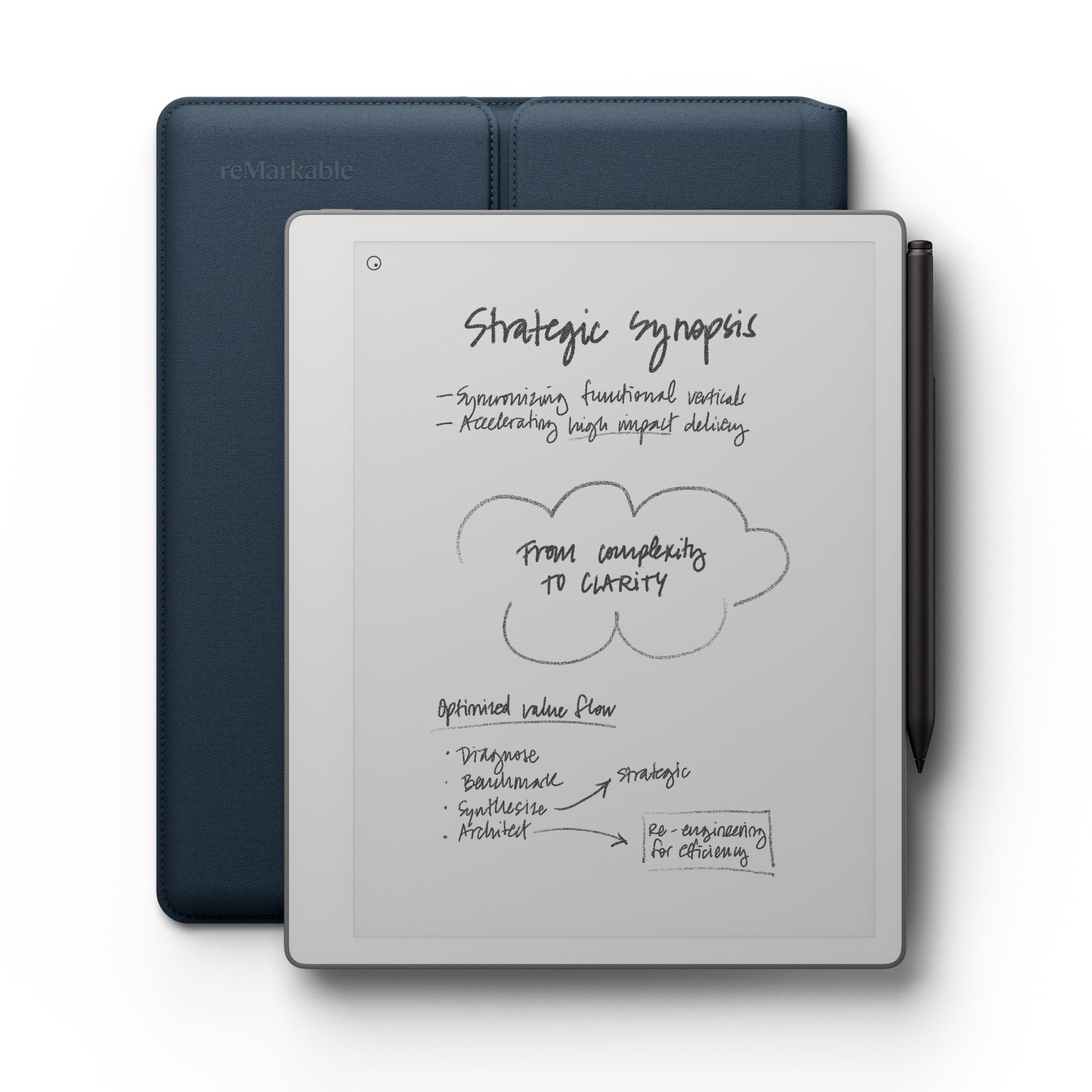
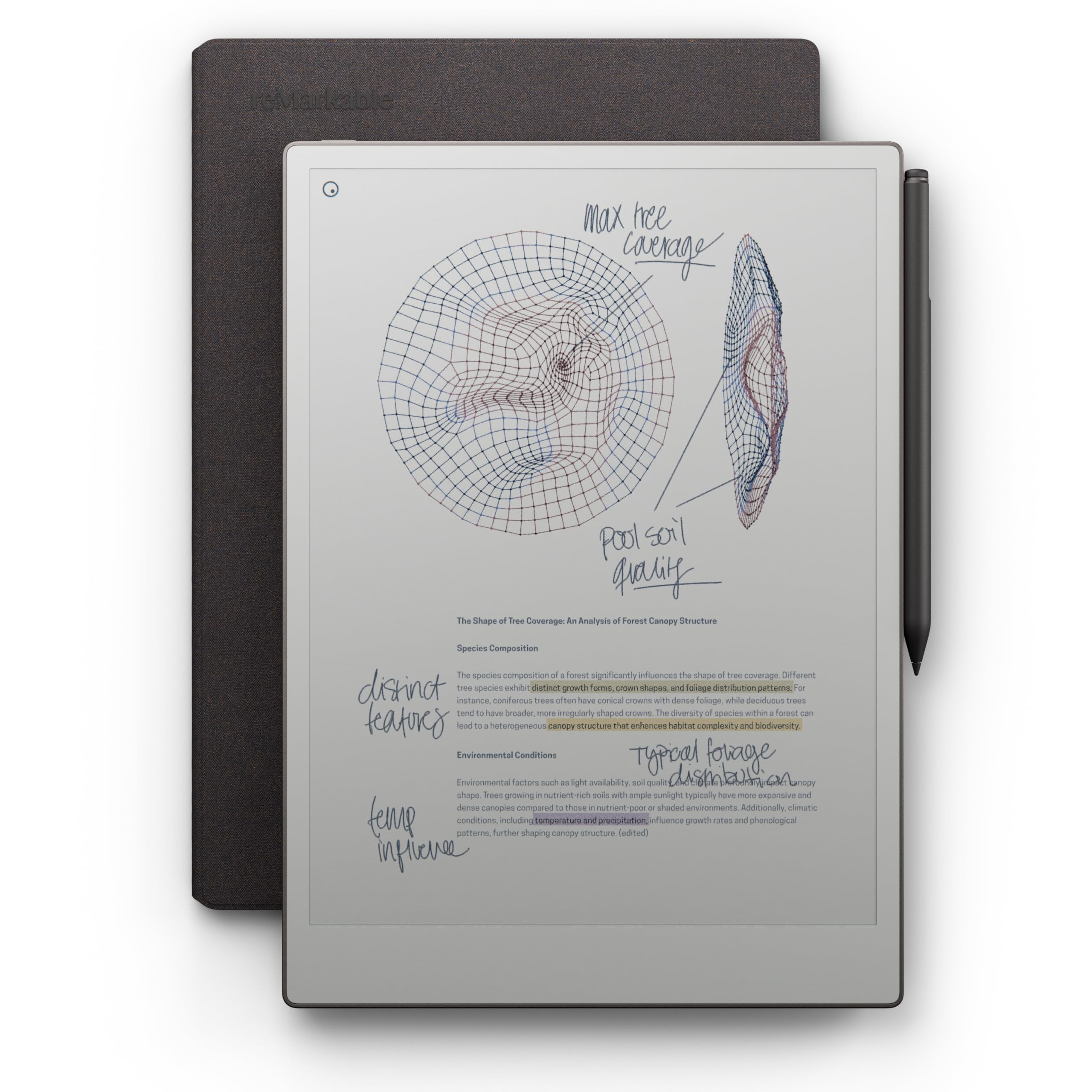
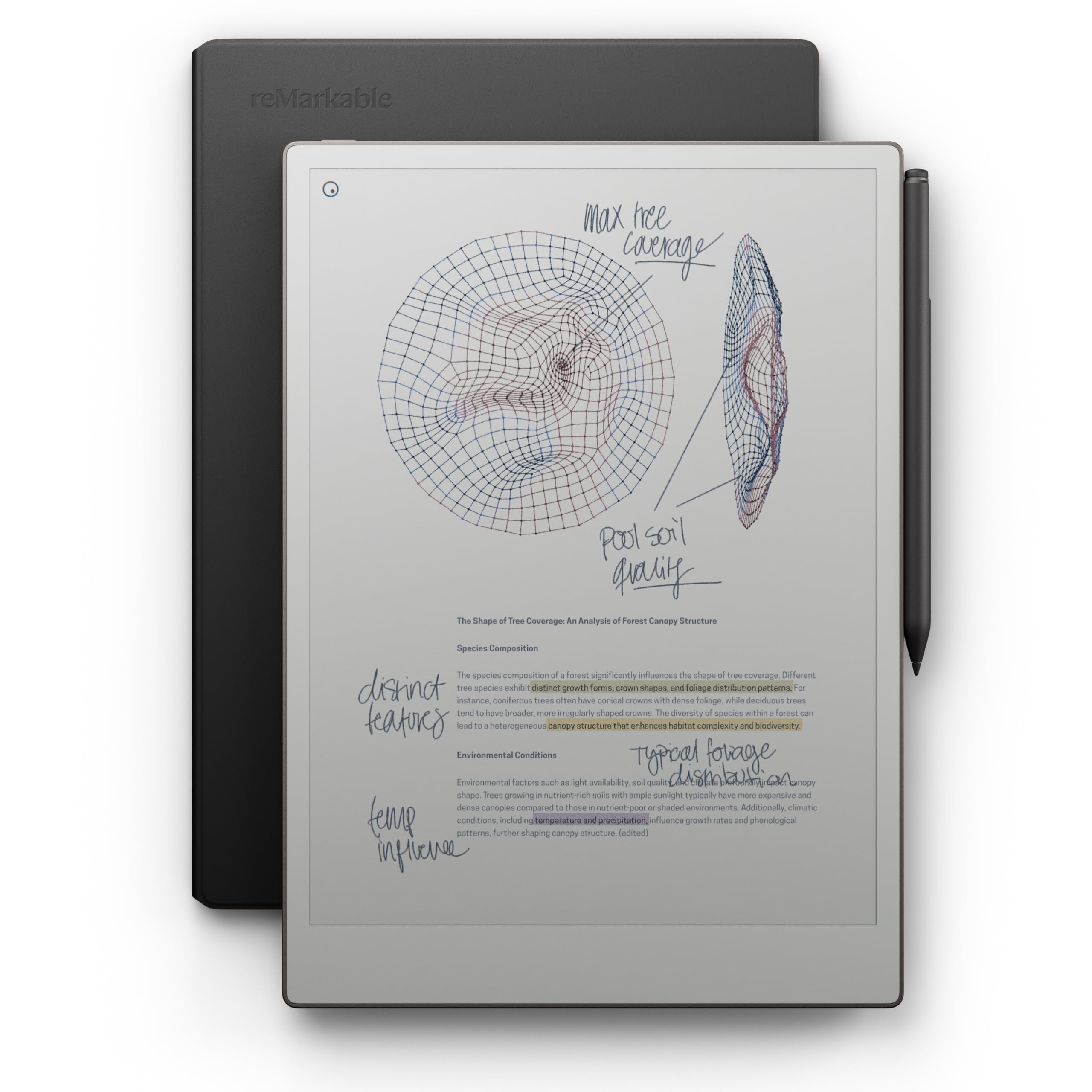
One month in: Did I mention game-changer before? That is still the bottom line. I love this device. It is small enough to take with me most places so I can jot notes when needed (it is not with me 100% of the time, but when I would carry or need a notebook). The battery life is great. I don't plan on challenging it anytime soon like some reviewers. It works for me quite well.I mentioned downloading templates and those truly are a massive upgrade. I use a notebook template that translates into my personal stuff, a work notebook (think tabbed) for each item I need to keep track of; a meeting notebook with lots of great template fields (see photo); a project planning template (not used too much yet); and a daily journal. The daily journal was one I didn't think I would use, but it is quickly becoming my everyday to do list. It has fields for each day, but then more open notes for that day allow me to develop a task list. At the end of the day, if I have any uncompleted tasks, I easily cut them and move them to the next day to carry on.Overall, still impressed with this little guy!****************************************************************Its early yet, but wow!I own a "Kickstarter" second generation digital paper tablet. I liked both but couldn't "get into it." The screen was kinda small, more square as well. I gave one away and the other sits on my computer desk at the home office--pretty much wasting away (there are some notes I still use in it). Plus it is only grayscale. My problem is that I couldn't find a very good work flow.I have watched a few people use the remarkable 2 pro--a great looking product. My main issue with it was price and more importantly, it was large. For some that is great. For me, as I have most recently found out was not.I have a nice tablet. I would love to use it more. The reason I don't is size. I don't like to carry anything too large. Tablets have to have a cover and the pen clings precariously to the outside (my $90 version gets lost frequently). So, there goes the workflow if it doesn't travel with me often.Enter the Paper Pro Move. I kept checking this thing out when it first came out. My gadget sense went through the roof. Never really messed with it though as the price tag is a bit high.Fast forward.I kept seeing both the Move and RP2 advertised and some people using the latter. I have 3 legal tablets (real, yellow paper) on my desk at work and another at home. I got into the habit of writing on them a lot but then the pages get lost or I just end up throwing them away. Not much organization or workflow.The other day I got to see a move in person. OH! So nice. So attractive. I kept researching and watching review videos.I bit the bullet ($449, basic; plus the better pen and worth it; and extra nibs). The good news I had $100 plus in Amazon credits . So I splurged. For a smaller version of the RP2 (and yes, in color).It arrived SO quickly (5am delivery anyone?) I unboxed it. GREAT packaging. Everything was there. The Move itself felt fantastic. It felt "heavy" and seemed like it will last--even on the move (later found out that it was built with durability in mind, for those of us on the go). This unit feels great in one hand. It looks cool as hell too. The pen is held on magnetically but man it is a strong magnet. It also charges that way. The Move charges via USB-C as usual and seems to hold its batter life very well so far.I started using it right away. It feels like writing on paper and is pretty responsive. They need to fix a tiny little lag when the screen refreshes. Writing is timely though. After writing "testing" a few times and autographing it. I just kind of looked at it. Now what?Well, a quick search and I found some kickass and highly recommended templates (on Etsy of all places, for $24). YOU HAVE TO GET TEMPLATES--GAME CHANGER! TabletTemplates.com is the site. And yes you can make your own. But......My workflow has already changed. One template is for meeting notes. Another is a daily journal. The 3rd is a notebook. I won't go into these--check them out yourselves and ENJOY.The Move is fantastic. Even with a protective folio (buy the $18 version) it slips snuggly into my back pockets. Finally, a note pad that can go with me and hold TONS of notes and writings. I love to write on the Move, which makes me want to use it regularly and often. It is a game-changer for my workflow now.The screen is very crisp and easy to read. It has 9 different pen types with 3 different thicknesses. It carries 9 colors (including black). It is easy to navigate the menus ( and once you find your main writing utensil, you don't change it much). You can create folders, notebooks, or just choose "quick note" to get you writing quickly. This will replace all those notepads (I am keeping my post-its close by).This is a great device that will actually change how I work and get better organized. My mind is racing with the possibilities.One issue: To get a full experience, you should subscribe ($2.99 month) to the reMarkable Connect service. First month is free. For the price we pay, this is a bit of an insult but a necessity. It is much easier to import templates. Also, you can put the app on your phone or desktop, and then just open your phone to view (only) those shopping lists.I could go on and on about this--but read other reviews and the product descriptions for everything this does. There is a ton more (horizontal viewing, PDF mark ups, etc)Enjoy!Ver másVer menos
17 personas la encontraron útil