


Rad V.
18 de marzo de 2026
I am writing this after testing 4 different OLED panels.
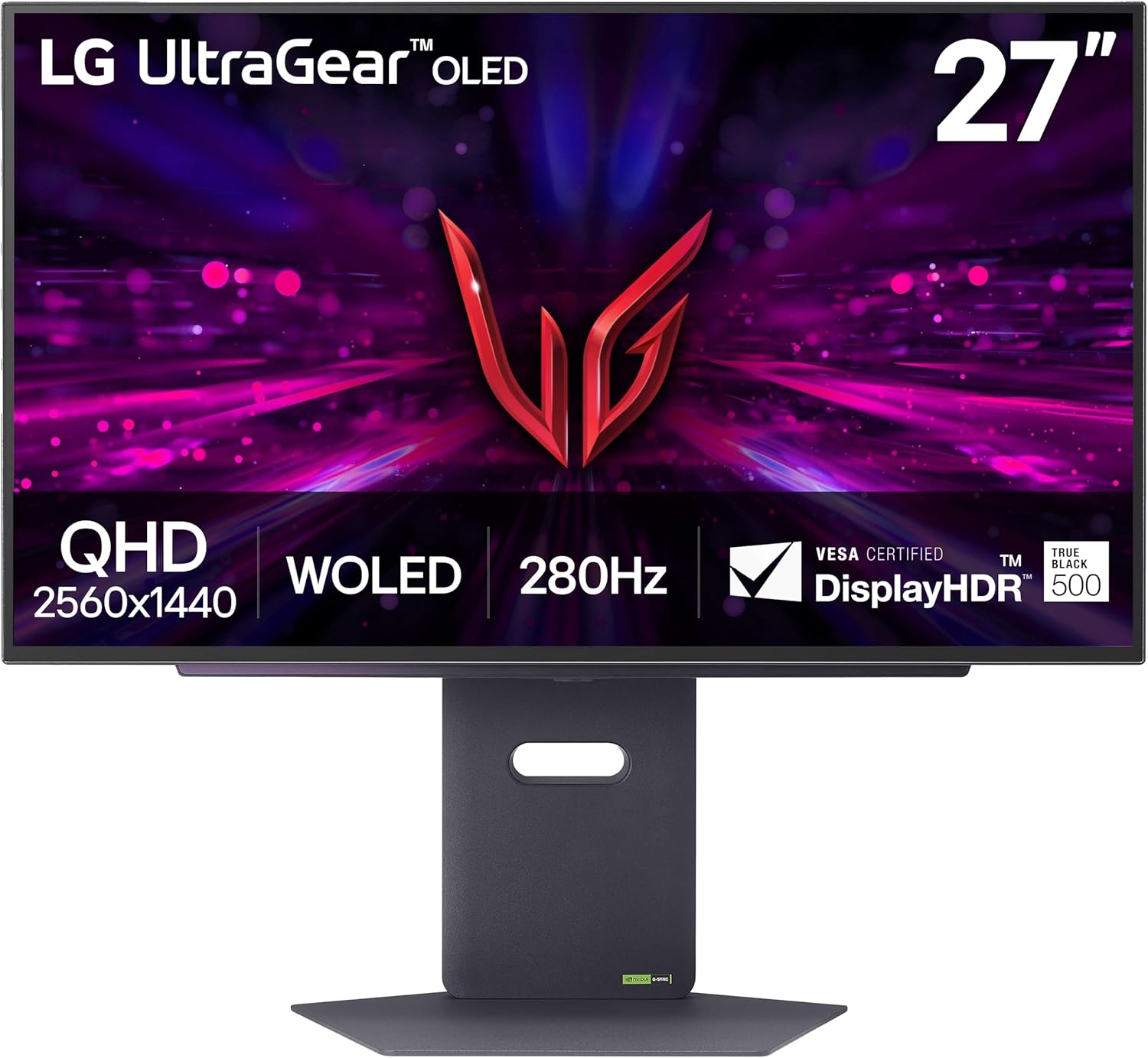
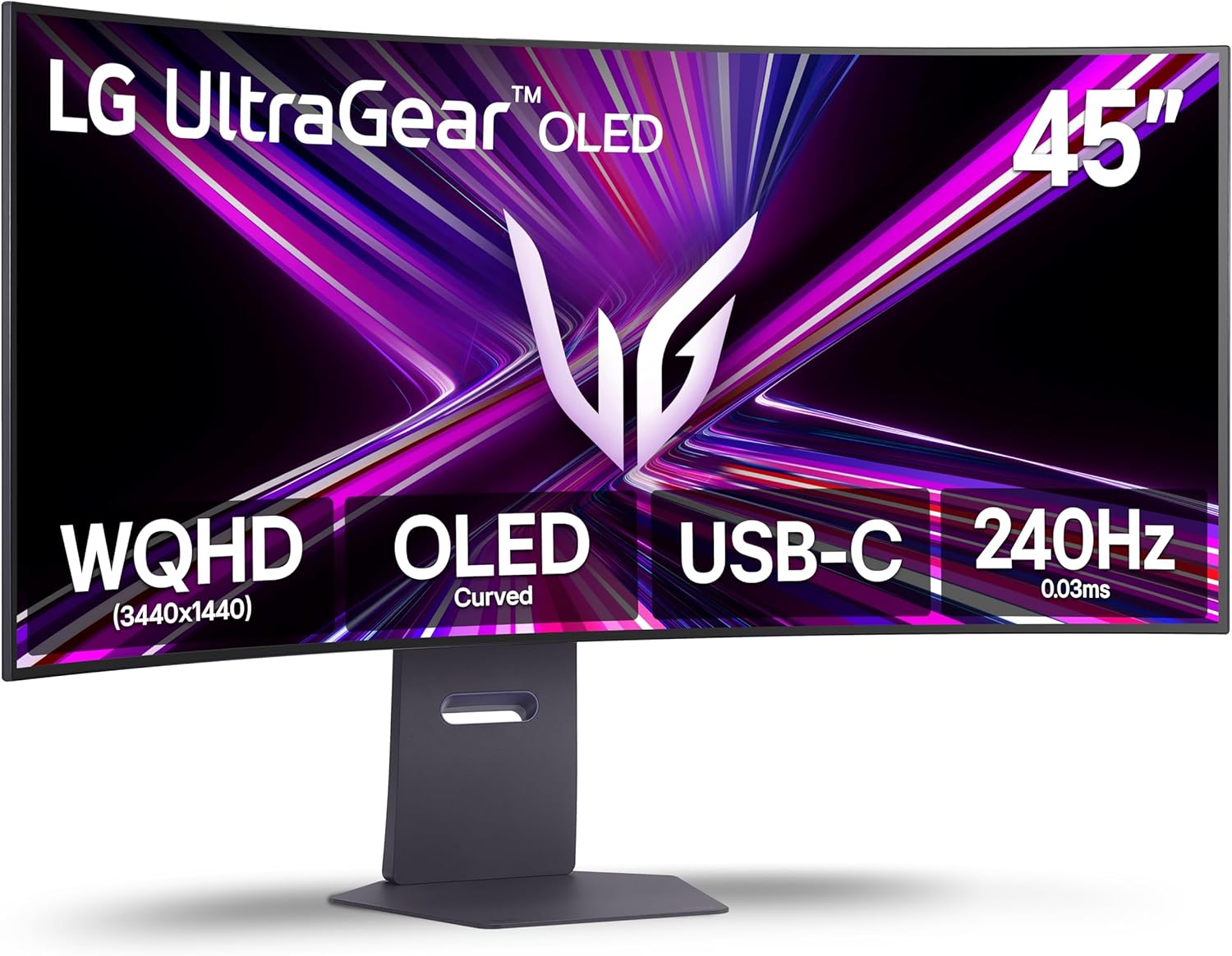
As of 3/18/26, in my opinion, this LG panel is the best OLED monitor you can buy in this price range. I purchased this monitor on a sale, so prices might differ. The panel offers the smoothest video you can find in this price range monitor. Colors are very nice and close to real (needs some tuning and adjustment). What made me like this panel over the other 3 (2 ASUS, another LG) was its color, brightness, and its newer OLED technology. Colors are very alive and deep right out of the box; with some tuning, you can adjust it very close to what you see every day on your iPhone (iPhone user here, eyes are trained for that screen).Brightness was another winning point. Comparing to the other 3 panels that I tried, this panel offers the best lighting. With other panels, what I noticed was that they get either too bright or too dim. This would really bother me playing battle royale games, constantly changing zones from dark to bright. Regardless of the adjustments, my screen would be either too bright that it would hurt eyes, or too dim, which would bother you and distract you from gameplay to mess with monitor brightness settings. However, this panel does not have any of those issues. It offers very balanced lighting regardless of how quickly the lighting changes from dark to bright.Performance-wise, this monitor shows picture in fast-action games with 0 blurring. I own an RTX 4070, and Apex Legends is my benchmark for performance since I have played this game for a long time. I benchmark hardware in this game because I am used to all the values and metrics in this game. Regardless of how fast you turn and move the screen, you will not see any blurring or delay for pixels refreshing. 280 strong hertz are packed in this panel.The other reason I chose this monitor was its OLED care system. I heard that due to its newer technology it has a lower risk of getting OLED burn issues; however, it does the OLED care job very well by itself. Every time you shut down the PC, the monitor goes into a screen cleaning mode to maintain the pixels. Every time you turn on the PC, the monitor shows you a message that OLED screen cleaning happened and it was successful, so no need for manually going through settings and activating OLED screen care like ASUS monitors.It has an RGB light in the back, which I do not really care for. It is very basic and simple, does not have any special effects or anything—just breathe, rainbow, and a few solid colors. The only good thing I like about the RGB is that it signals you when the monitor is doing its OLED self-care screen cleaning by doing a rainbow animation thing.So far, durable. Been using it for a few months now, and without doing any manual screen cleaning, I do not have any screen burn. I have Wallpaper Engine on my PC, so I have animated wallpapers that always change + my taskbar goes hidden.The panel is surprisingly thin and lightweight. Coming from a curved monitor, I was not expecting the panel to be this thin and this lightweight! I had to readjust the spring on my monitor arm; if not, it would shoot the monitor into the ceiling lol!I did not upload any pictures, because what you see on your device is never the same as what you will see on the actual screen.Ver másVer menos
20 personas la encontraron útil