



Nathaniel Alan George
Fantastic motherboard with a few important quirks
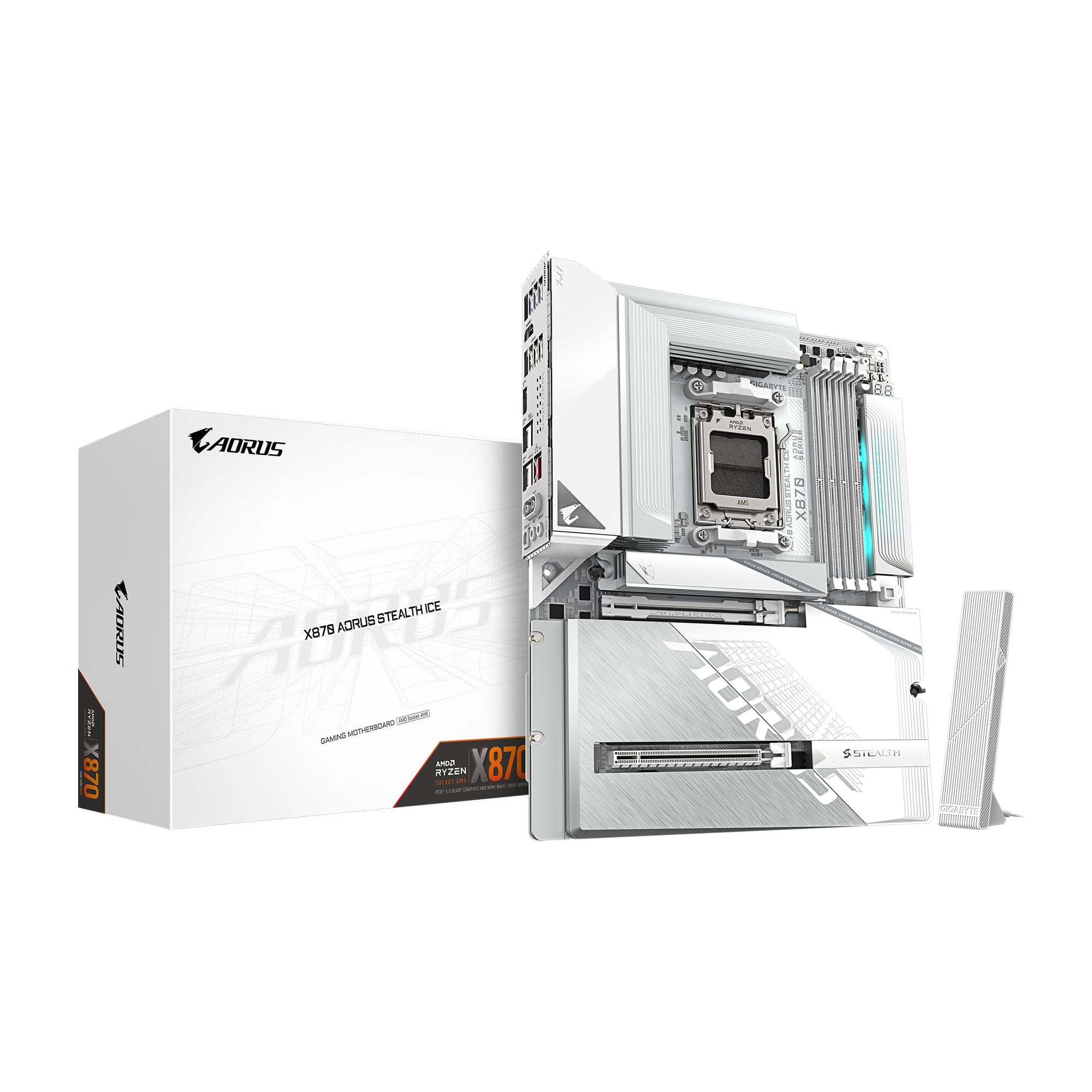
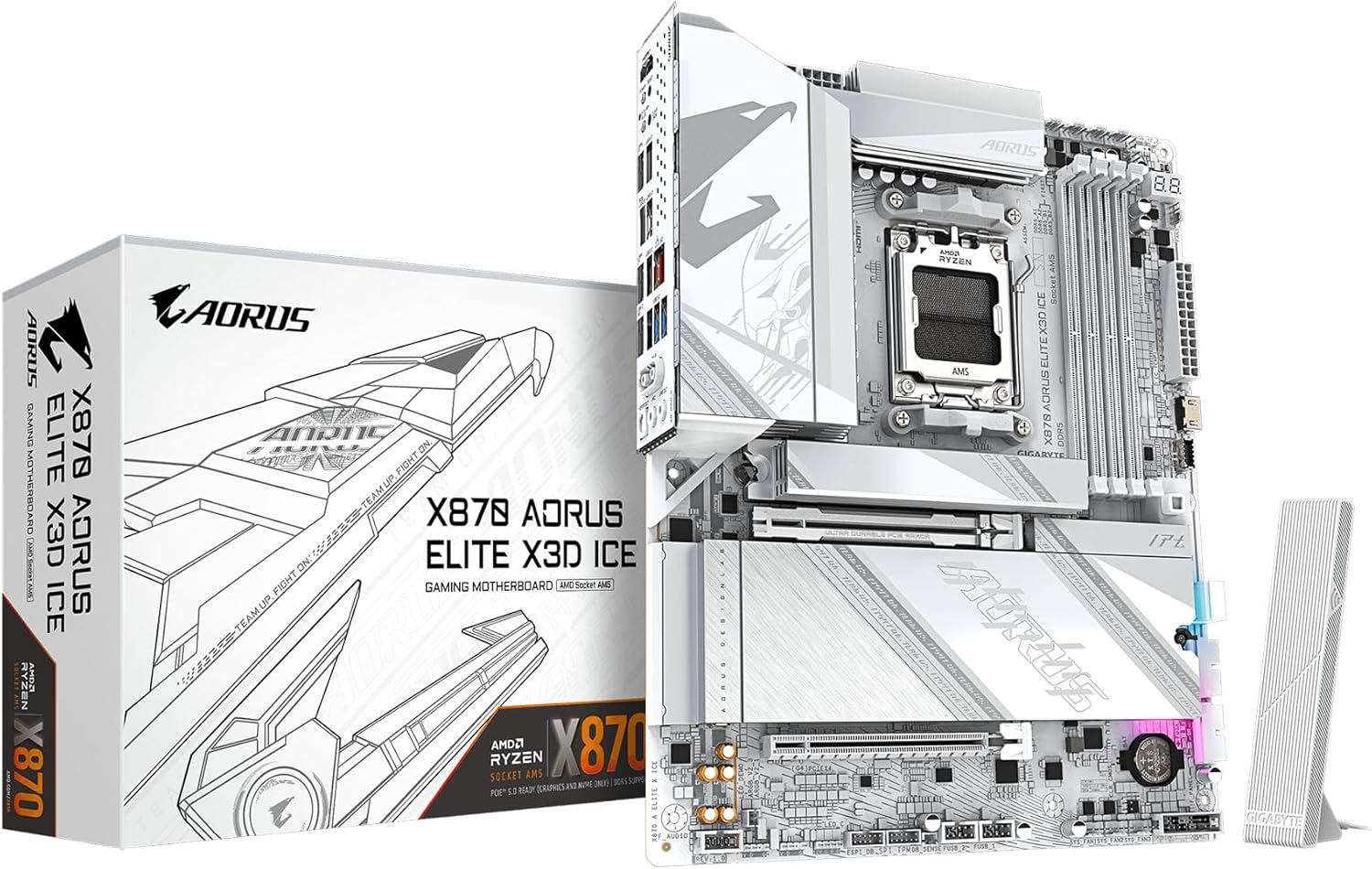
TLDR: Absolutely a 5 star product with just about everything you could want, but there are a few important things to keep in mind.First off, the board is gorgeous and built like a tank. The nearly full coverage metal front and back plates make it heavy enough I was actually a bit worried someone replaced it with a brick before I opened it! All the little features to help make putting everything together easier are quite nice, and the back connect aspect allows a level of cleanness to your build that flat out isn't possible with a front or side connect motherboard. A standard ATX form factor, support for WIFI 7, Bluetooth, usb 4, front usb c, argb, pcie gen 5, and frankly more m.2 slots than any reasonable person would use, coupled with the am5 platform that still has another few generations of CPUs ahead of it means any of your needs should be covered for the foreseeable future. My build includes a 9950x3d, 64gb of ram, and a gen 5 NVME SSD and I have had absolutely no problems to speak of.Now the little things to keep in mind:Be careful setting the board down. It may be built very well, but with the connectors on the back and many of them (fan headers, argb connectors, etc) effectively just being pins sticking straight up, it would be very easy to bend a pin while doing the classic test of connecting everything outside of the case with the motherboard on its box. You could almost certainly just bend a pin back into place, but a bit of care here will save you some trouble.As this is a back connect motherboard, do make certain that your case supports it. The standoffs are all in the same places, but if the case doesn't have cutouts that extend farther under the motherboard than usual, it will be 100% impossible to connect anything on the board. Cases with large back areas for cable management are also preferred, as many cables stick straight out the back, and are rigid enough to need some space to turn.There are two ways to update the bios on this board, which is a good thing, as one of them (quick flash inside the bios) refused to work for me. The other (flashing using the button on the motherboard) worked flawlessly on the first try. Not sure if I messed something up to cause the first issue, but at least there was another way that didn't really hinder progress.One other thing not specific to this board, but that I ran into my first time building on AM5: By default, memory training happens every time you boot, and takes around a minute. There is an option to change this in the bios, and then it will only take 10 seconds or so to boot, as it will remember the memory training.That's it! If all that seems reasonable to you (as it did to me: a bit of extra work selecting parts and testing in exchange for a nearly perfectly clean and long-lasting build) then this board is a very easy recommendation!Ver másVer menos
11 personas la encontraron útil