LeilaM
When you're done settling for lesser mice... welcome to the MX Master 4!
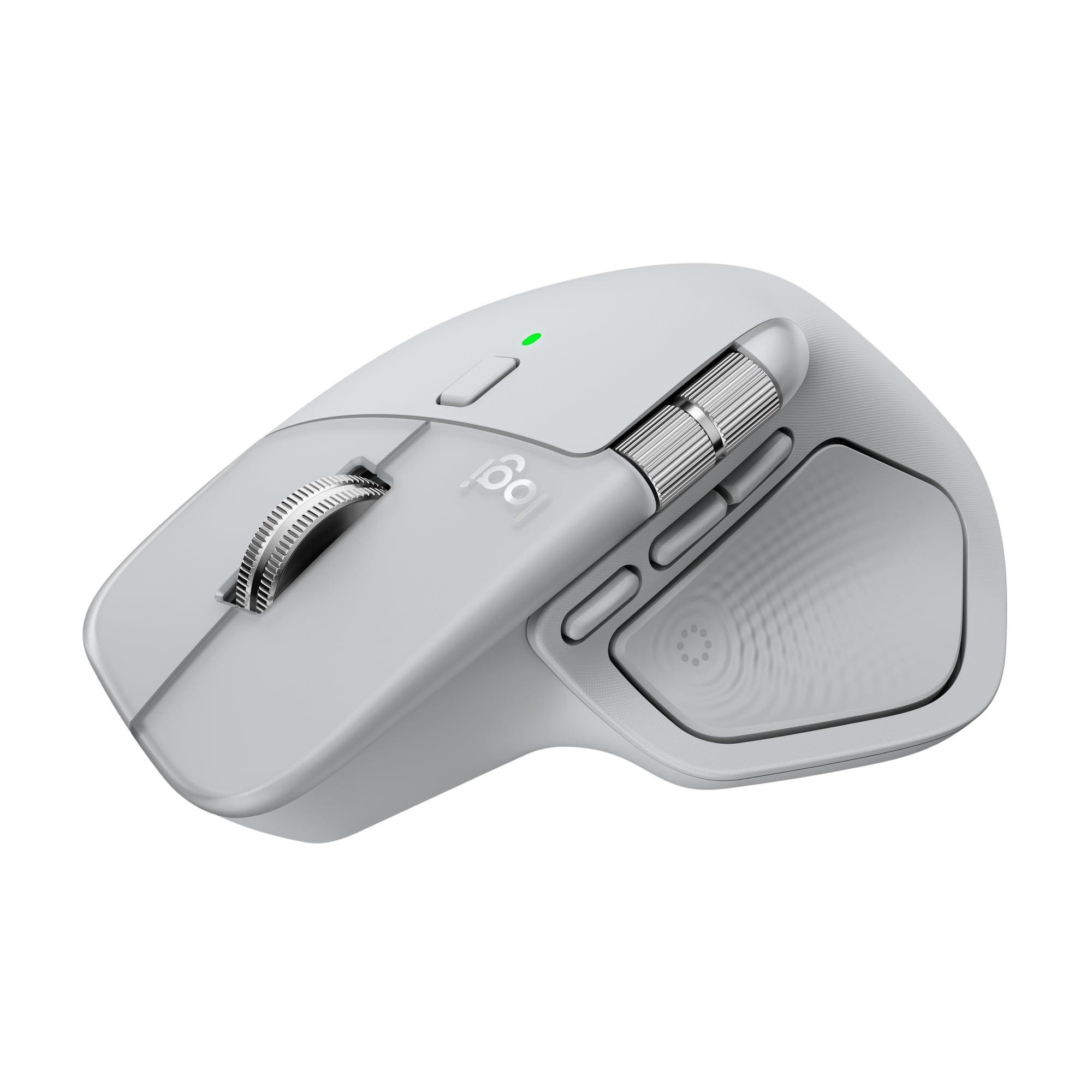
It's inevitable. I keep thinking "Someone will make a better mouse than Logitech!" Or even one that's "just as good!" And I've tried many of the ones from other brands that resemble the MX Master series. But I keep coming back, because in actual use, nothing I've found actually beats the original.I've had my trusty Master 3 for years, but now the Master 4 manages to improve on it.The changes I like most: gone is the rubberized texture. It tended to get scuffed up and worn. My Master 3 has a worn spot from years of use. The Master 4 has a more solid texture that's still comfortable, but I can tell it will hold up better over time and is much easier to clean.The main buttons are covered with a frosted clear plastic. They feel even more durable than the older design.I love custom buttons, and now we get 3 on the side rather than 2. It took me a bit to get used to the placement, but now that I'm acclimated, I love the layout.The thumb button is much better than the old one (which honestly, I barely used). With the MX 4 I find it so natural to bring up the Actions Ring.Which brings me to software. This is really what sets the MX Master apart from every other knock off I've tried. The software is so good and works perfectly with every app I use. There are plug-ins for the Actions Ring for apps like Photoshop and Premiere, which I use a lot. The seamless integration of the software helps achieve the main thing I want from a good mouse- make my workflow easier, more comfortable and more streamlined (as much as is possible from a point device). Put a few often-used shortcuts in the palm of my hand, but don't get in my way. This combination hardware and software achieves all of that.I paired this with the Logi Bolt dongle, and the connection is rock stable. The investment in both was worth it since I can expand to multiple devices from one dongle as needed. As always, I switch between two Macs and a PC with ease. Use with multiple devices is yet another major strength of this mouse, and software features like Logi-Flow make multi device use seamless.I love the look of the mouse and love it in the lighter color. I've no worry about battery life. The MX 3 I'm replacing still has "I never even think about it" battery life after years of use, and no doubt the MX 4 will have worry-free battery life for years to come. Even with daily use, I count recharges in the span of weeks.The scroll wheel to me feels identical to the MX 3; the same excellent quality I'm used to. The side scroll wheel is slightly higher than I’ve been used to it from muscle memory- but now that I'm used to it, I prefer the new location. The difference is subtle, but I find I don't accidentally hit it ever when mousing normally or using the side buttons.The MX 4 is a little heavier than the MX 3, but I find I prefer this.I know over $100 is a LOT to ask for a mouse. There are tons of cheaper options, and I've used a lot of them. There are other mice I like using, but NOTHING I like using MORE. The Master 4 easily has become my favorite mouse ever, over the Master 3. When you spend many hours each day with a mouse in your hand, editing as I do, the overall quality, feel, integration with software, features and comfort REALLY matters. Since using an MX Master mouse for years now, I've not had any wrist pain or issues- the ergonomics of this style of mouse works perfectly for me.A mouse to me is a long-term piece of equipment. It's how I mainly interface with the computers that earn my living. The price for the stellar quality of the MX Master 4 is well worth it to me.Ver másVer menos
11 personas la encontraron útil