

JB
7 de agosto de 2026
Slow setup equals success
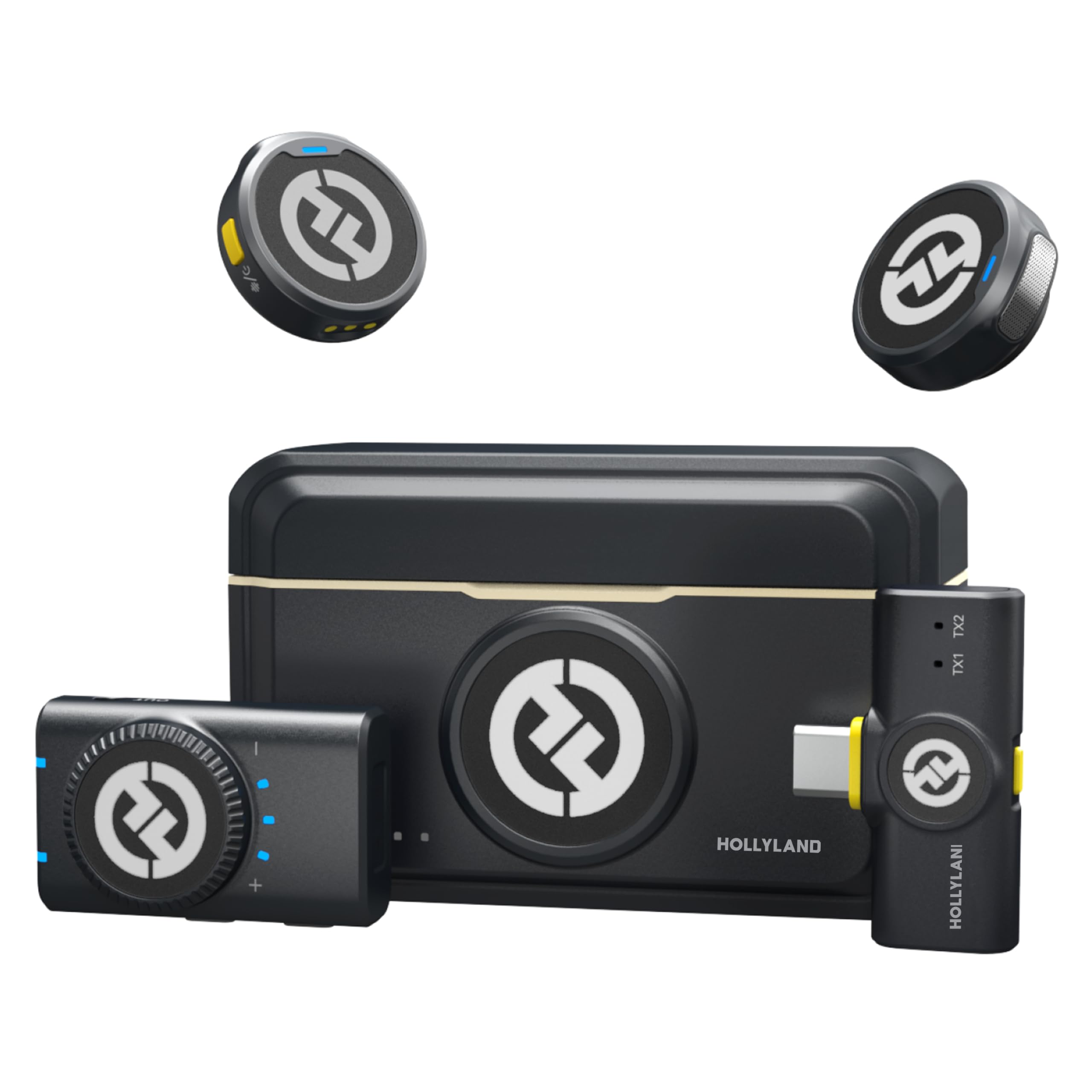
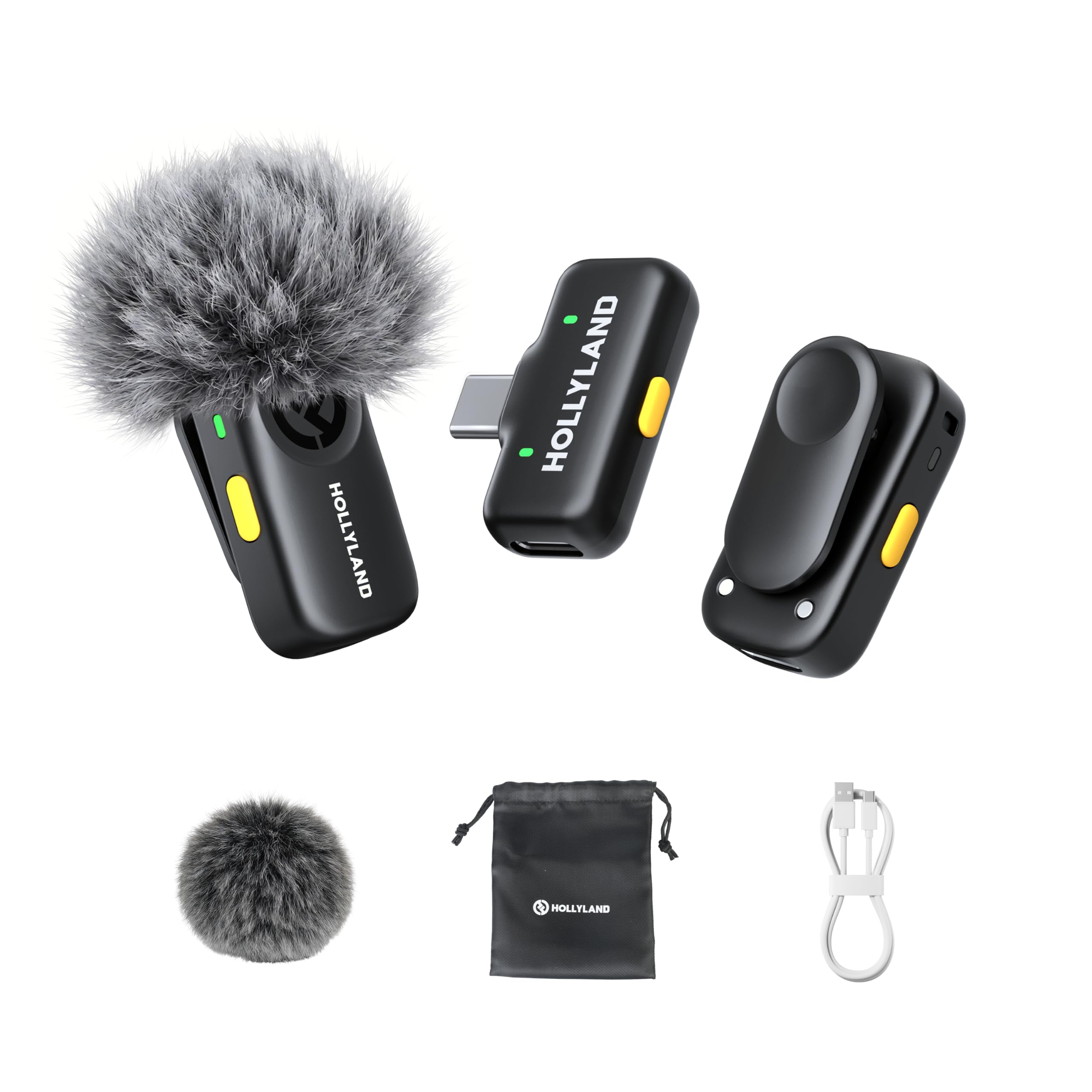
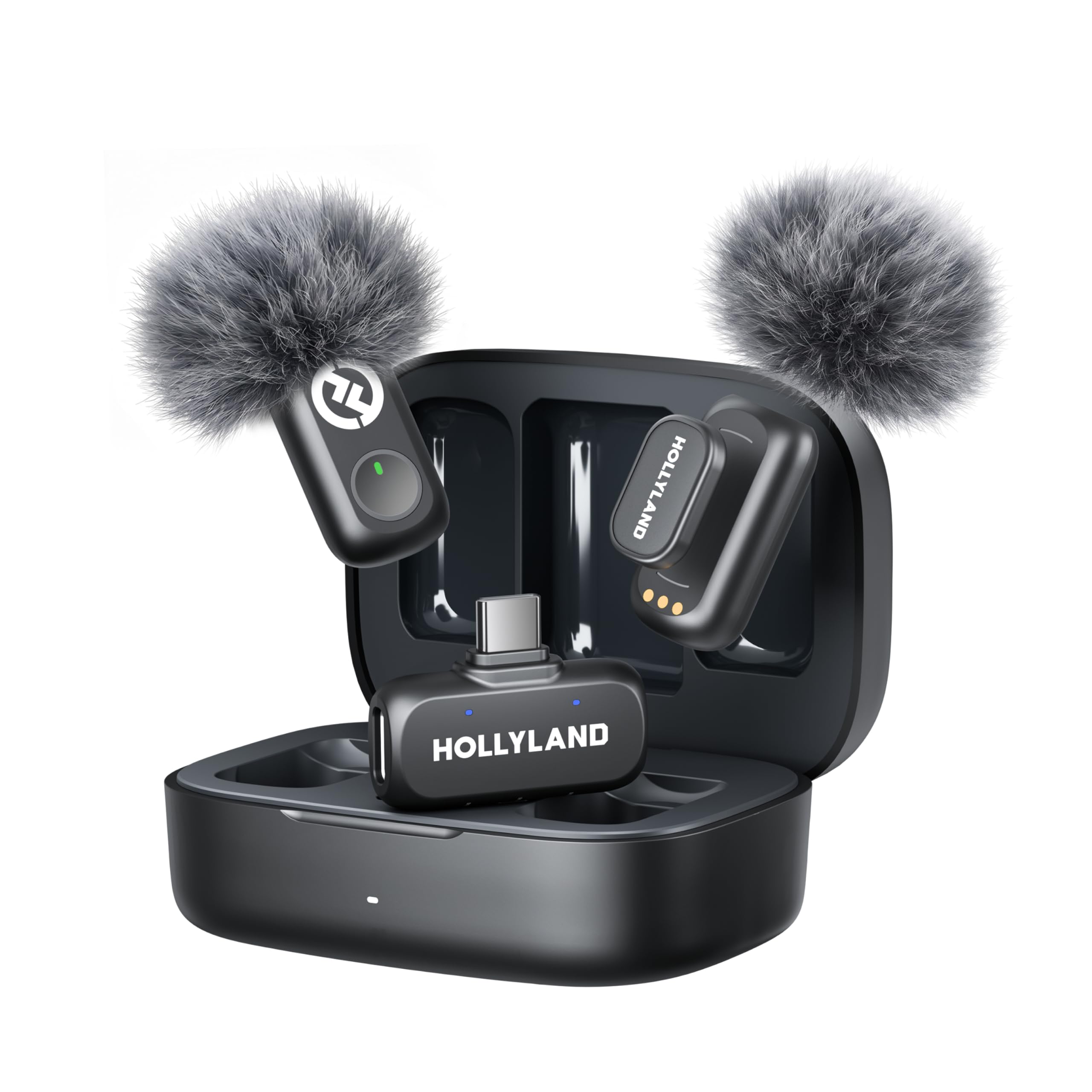
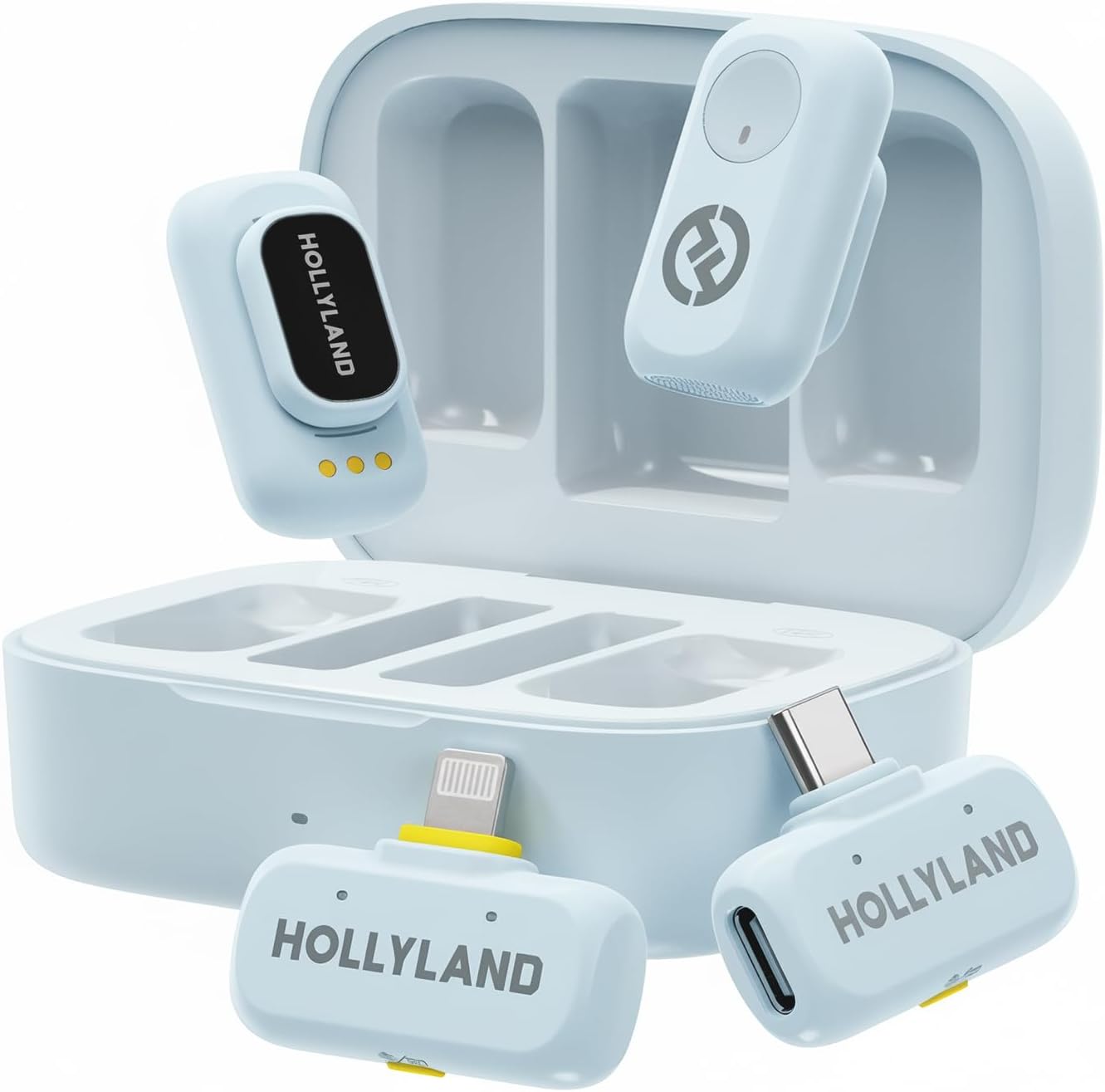
Outstanding mics for the price just make sure you take your time setting everything up. For one, make sure you check the mics and remove the blue plastic on top of the metal charging squares. Do this by rubbing it softly with your fingernail. Afterwards, place the mics back in the charging box and see if the red or green light is on. The light will let you know the connections are solid. Charge the mics inside box by using the white cable and power source. Light outside box will turn green but make sure everything inside is fully charged.Second, do not update the firmware right away. Both mics and possibly both receivers need to be on and connected . I have not updated mine yet because everything works fine without the update. I saw a message saying updating the firmware without the devices being synced or connected may cause miscommunication between devices. So heads up….Third, close all of the unnecessary apps, links, etc. Hollyland and camera app is all you need. After opening the box, scan small square with your camera to download correct app. The comments in Apple App Store are terrible mostly because most didn’t read my review. lol. Mainly complaining about connectivity probably because they downloaded firmware update way too early!Practice using the mono and stereo modes…..noise cancellation modes also. The app makes everything easy. You can see remaining battery life, volume control, and other options. The size of this is perfect in my opinion.Versatility….working progress. You can mute sound, start and stop video by clicking so many times. Truthfully, it’s hit or miss sometimes but for the price and sound clarity….,hard to beat. I’m using a IPhone 13 and have not had any issues so far…..one week in with my fingers crossed!Ver másVer menos
8 personas la encontraron útil