
eok
Good mini-PC. Some NVME sticks may get too hot in a dual-stick configuration
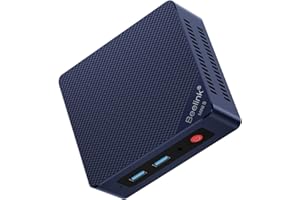
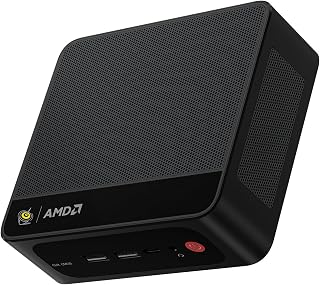
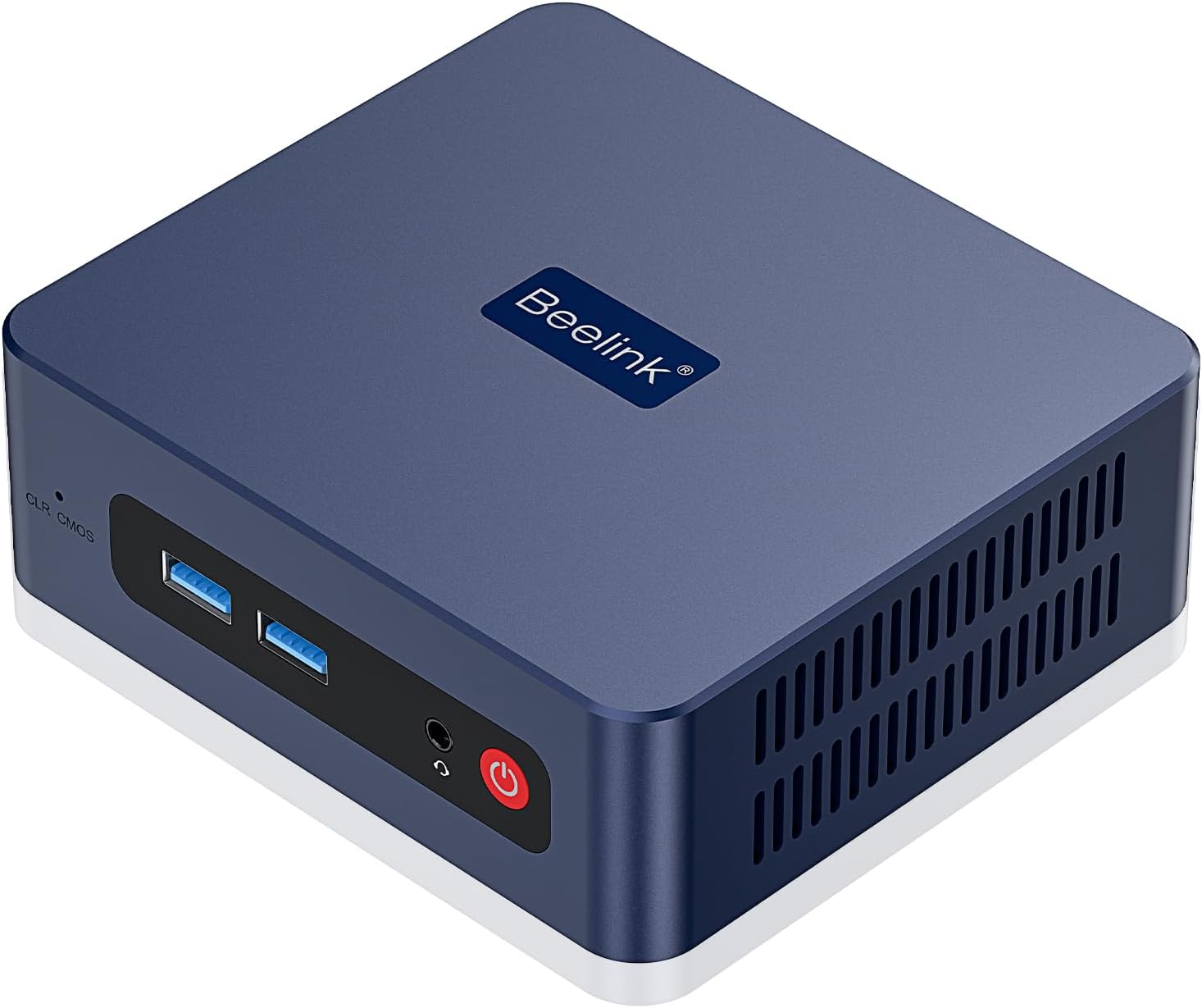
The small format and capabilities of this S13 Mini PC make it a fairly versatile option for a wide range of small server applications. It shipped with 1 500MB NVME & 16GB of RAM. It can support up to 2 NVME sticks - and I later needed that.I skipped the included Window 11 Pro, and installed what I needed for the project: Ubuntu Server. No issues for the install & Ubuntu Server runs fine on the S13. Boots Linux amazingly fast.For a project, I needed two 1TB NVME drives. So, I upgraded the storage to two 1TB WD Black SN7100s. Yikes! When just idling, the NVME temps climbed beyond 70C.So the issue is the bottom compartment of the S13 case is where the DRAM & NVMEs are installed. Air ventilation there is inadequate for dual SN7100s - in my opinion.So I scrapped the standard S13 base and created a replacement base and printed it on a 3D printer. The design includes a small 5V Noctua fan (60mm x 15mm) that plugs into one of the USB ports. The fan adds a bit of noise but I doesn't seem too loud to me. The fan blows directly on the NVME sticks.I also attached thin heatsinks to the NVMEs. I found heatsinks 6mm thick (or less) will fit. Anything thicker surely won't. But keep in mind: this is with my custom baseplate. Also, getting the heatsinks to fit best did require some fiddling with the NVME mounting hardware.The S13 has some jumpers in the bottom compartment that control when the USB ports are powered. Either always on (even powered down) or only on when powered up. I chose the latter.Anyway, this keeps the NVME sticks around 38-42C. Much better. But please consider: the standard 1 stick setup ran fine as the single NVME stick stayed well below 60C at idle.All-in-all I love these things as mini servers. I believe the graphics are probably good enough for a HTPC or a simple desktop PC.Ver másVer menos
3 personas la encontraron útil