

Bill
28 de diciembre de 2025
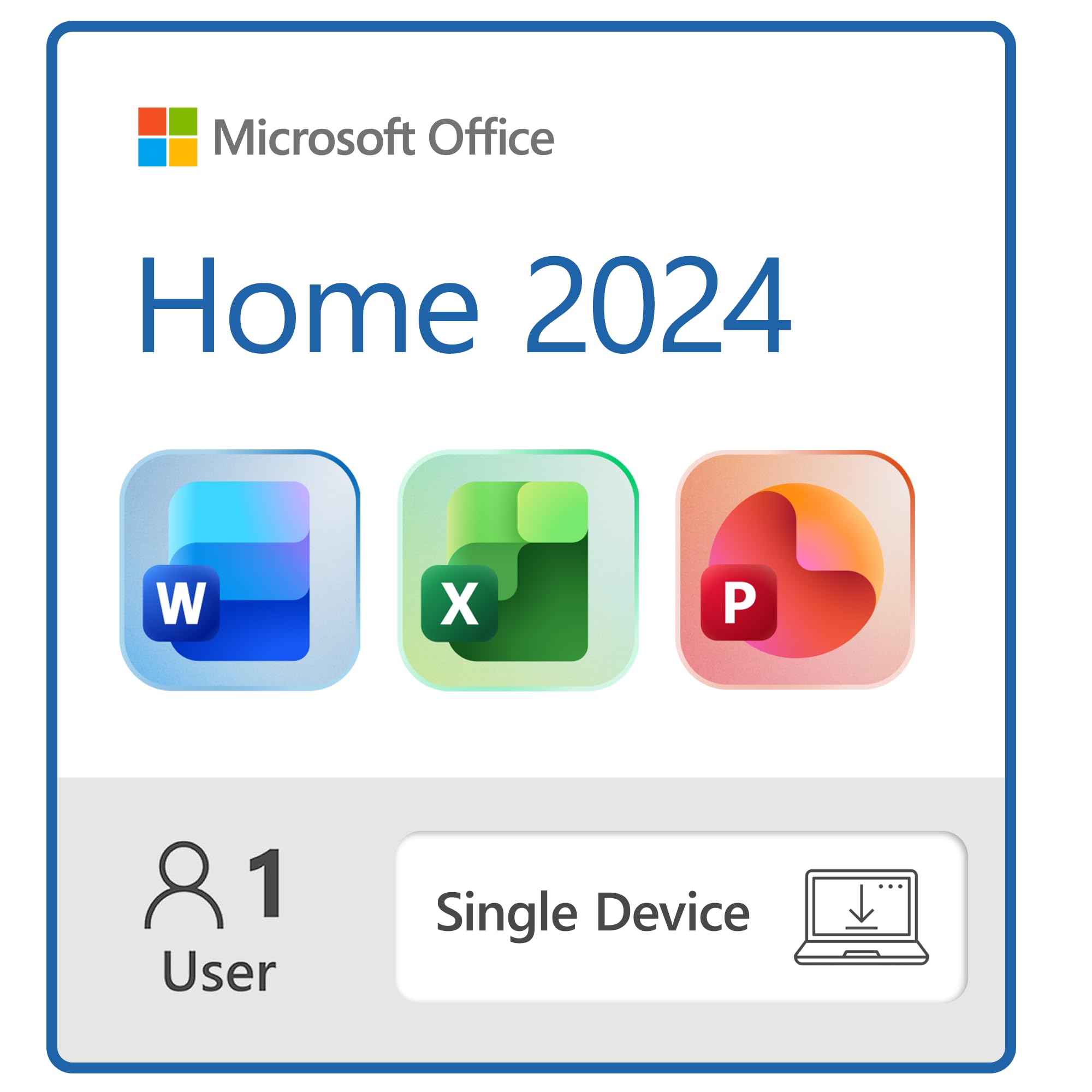
Works as expected; follow directions from Amazon's confirmation email to install on your computer
I bought this for a new laptop PC. The HOME version is what I bought because I neither want nor need Outlook and OneNote, which are attached to the HOME AND BUSINESS package. The suite of Excel/Word/PowerPoint work as expected.I notice that many comments here express frustration at the difficulty of installing and activating the software. The key (in my experience) is to establish, or sign into, a Microsoft account first before downloading and attempting to install the software. After I bought the software, Amazon sent me an email with the directions below. Follow these and you should have no problem.As an aside, if the small installation window in the center of your screen hangs up while indicating that the software is installing, ignore it, go to APPS on your machine, and open up each of Excel, Word, and PPT after they appear there. I did so and then saved a test document for each app on my hard drive to test that I could reopen them. If you are logged into your Microsoft account first before downloading and installing the software you won't need to do anything to reactivate the three applications.The email I received from Amazon included the activation code, which I could also have found in the Amazon software library upon purchasing the item. Here's the text from the email explaining what to do. Best wishes for a smooth installation:How to activate and installA Microsoft account is an e-mail address and password that you use to sign in to Windows and other Microsoft services on devices including your Windows PC, tablet, or phone. With a Microsoft account, you can download apps from the Windows store, back up your files using Microsoft's cloud storage and much more.ActivationFirst, retrieve your 25-character Product Key. You can find the Product Key in your Amazon purchase history (when logged into your account) and/or under Your Account in the Digital Content and Services page where you will find the Games and Software library after you purchased your product.(1) Go to Office.com/setup and sign in with your Microsoft account or create a new account (save your credentials). Enter your product key and follow the instructions.Download:Once the code has been redeemed it will be associated with the Microsoft account used for the redemption and can be downloaded at any time at the ‘My Microsoft account’ page.(2) If you already redeemed this product key, sign in to Microsoft account dashboard with the account used to redeem it and install or reinstall Office(3) After successfully signing in (NOTE: to your Microsoft account), on the left-hand side of the page navigate to the “Services & Subscription” tab (NOTE: my screen displayed only "Subscriptions" in the LHS menu)(4) You should now be able to access and manage your Microsoft Office products and subscriptions. Select the product you'd like to install, click "Install" and follow any additional prompts to complete the installation.Ver másVer menos
83 personas la encontraron útil
![$100 PlayStation Store Gift Card [Digital Code]](https://m.media-amazon.com/images/I/51JLY4kBluL.jpg)
![$50 PlayStation Store Gift Card [Digital Code]](https://m.media-amazon.com/images/I/51w6X7U3QnL.jpg)
![TurboTax Deluxe Desktop Edition 2025, Federal & State Tax Return [Win11/Mac14 Download]](https://m.media-amazon.com/images/I/71OcM906MLL.jpg)

![$25 PlayStation Store Gift Card [Digital Code]](https://m.media-amazon.com/images/I/51hUzkHpoEL.jpg)
![Norton 360 Premium, Antivirus software for 10 Devices with Auto-Renewal – Includes Advanced AI Scam Protection, VPN, Dark Web Monitoring & PC Cloud Backup [Download]](https://m.media-amazon.com/images/I/715E33NSDmL.jpg)

![Arrival (Limited Edition SteelBook) [4K UHD + Blu-ray + Digital]](https://m.media-amazon.com/images/I/71FN2AL3CzL.jpg)