Grigori di Corci
1 de enero de 2025
A gorgeous keyboard that offers superb typing experience.
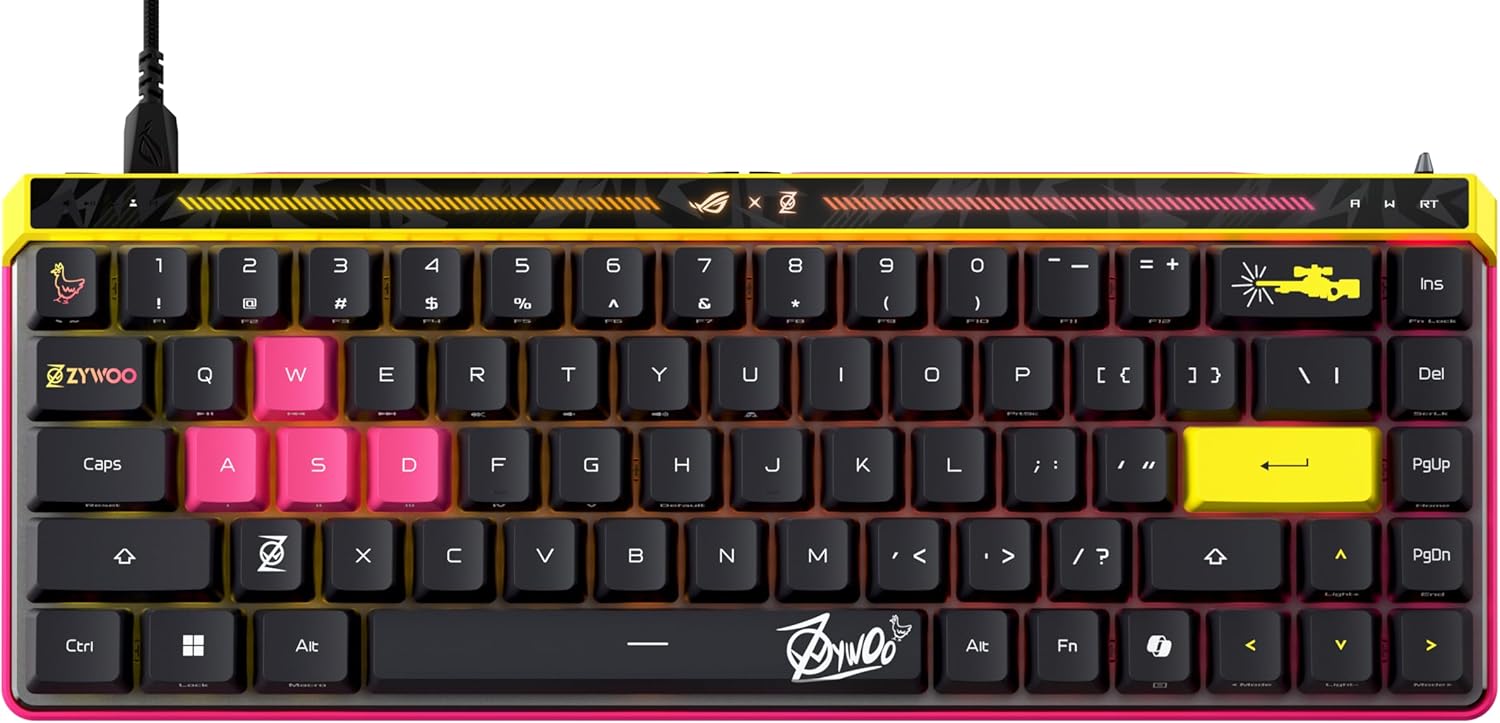
I just bought a second set of this keyboard for my SO so she can finally stop "borrowing" my original all the time. This keyboard is a combination of my previous two favorite keyboards, the premium sleek looks and feels of the Logitech G915 and the superb optical switch characteristics of the Asus ROG Claymore II, all in a space-saving (but not so much weight-saving) chassis. The ability to toggle between three paired Bluetooth devices is much appreciated, but having to switch-toggle between Bluetooth and OMNI Receiver wireless does make me miss the bottom-toggle of the G915 a little (of course, those buttons sure take up a lot of space).The 65% keyboard layout in a 60% keyboard body does not feel like a compact keyboard. The dampening foam layers in this keyboard work perfectly. It is easily the quietest keyboard I have ever type on (red switches on mine). The low profile keys do not wobble like those on the G915. The metal frame also has more than enough heft to stay perfectly stationary even during the most furious typing storm. Personally, I don't find the smaller right shift key to be an issue.The cover tray is very useful for using the keyboard over laptop keyboard decks. The four giant rubble feet on the cover tray sit perfectly over the raised islands around my SO's MacBook keyboard deck (and my ROG Zephyrus G14 for that matter). Sure, the MacBook and the Zephyrus G14 have excellent laptop keyboards, but they aren't in the same league as the ROG Falchion RX Low Profile.I did run into a chicken-and-egg problem with the initial firmware update from Armoury Crate way back. The full version of Armoury Crate can't detect the OMNI Receiver without a firmware update to the keyboard, and it won't initiate a firmware update for the keyboard without detecting both the keyboard and the receiver. This was resolved by installing Armoury Crate Gear (the cut-down barebone version of Armoury Crate for individual products) for the ROG Falchion RX Low Profile, updating the keyboard firmware on the Armoury Crate Gear, then uninstalling the Armoury Crate Gear, leaving the full version of Armoury Crate. Firmware updates after that work just fine.Note that this keyboard supports the new Windows Dynamic Lighting nonsense feature in Windows 11, which comes with its own set of hoops to jump through. In order to enable Aura Sync, you have to turn on dynamic lighting from the Lighting Sync Control tab on the ROG Falchion RX Low Profile tab of Armoury Crate, then go to Settings > Personalization > Dynamic Lighting > ROG Falchion RX Low Profile > Background Light Control and drag "Aura Sync" to the top of the list in order to give Armoury Crate Aura Sync control over the RGB. The corner-supported optical keys make for the best RGB lighting money can buy.Overall, the ROG Falchion RX Low Profile is a space-saving main keyboard first and a portable keyboard second. It's equally at home sitting on your desktop as it is on your lap or on top of your laptop's keyboard deck. I just hope Asus expand the selection of OMNI compatible mice soon (and stick to the white-and-light-gray color scheme to match the keyboard, instead of all the atrocious white-and-light-blue monstrosities of their latest offerings).Ver másVer menos
9 personas la encontraron útil