John Jackson
2 de diciembre de 2024
Cooled Laptop GPU from 96° C to 61° C
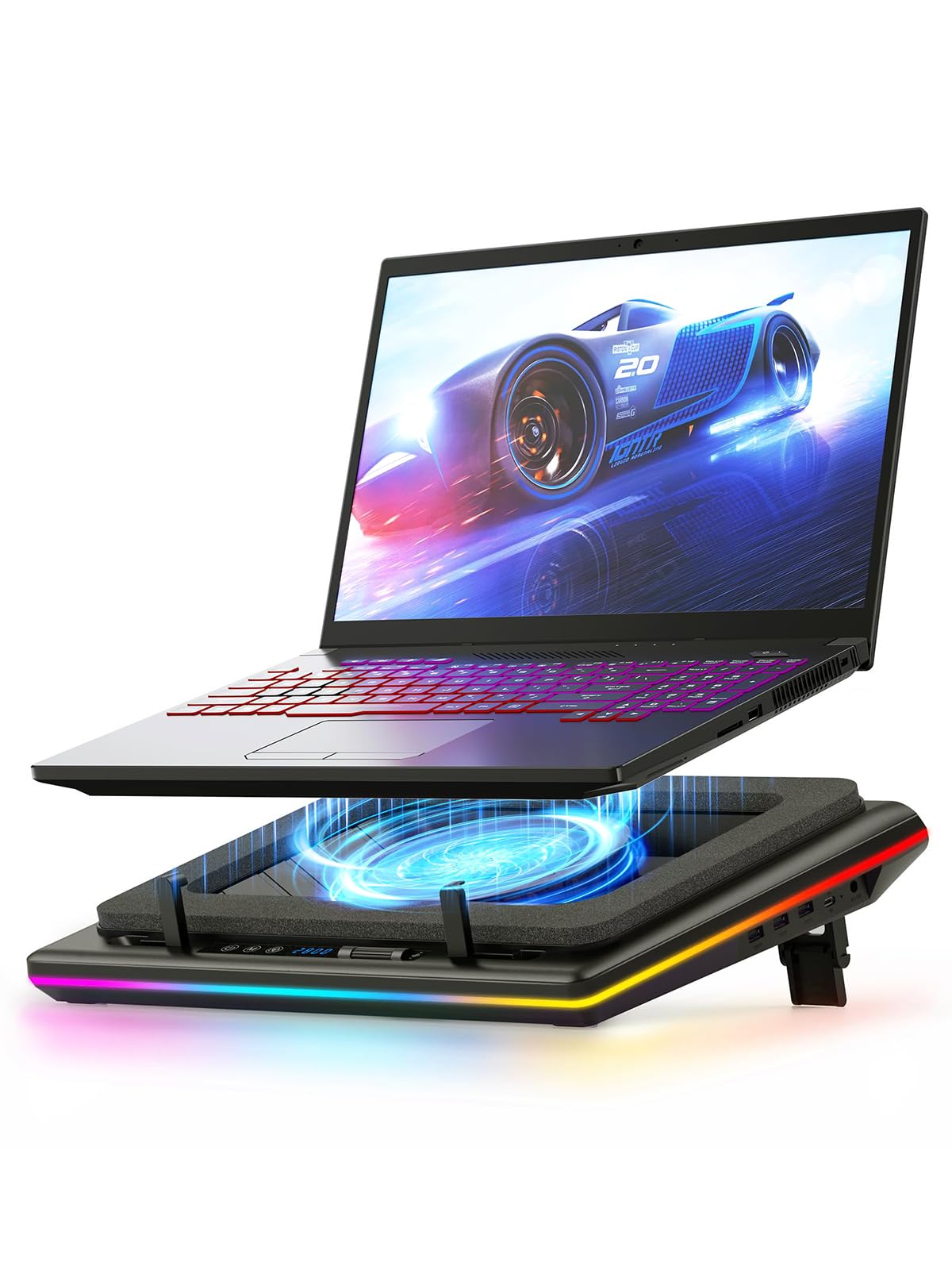
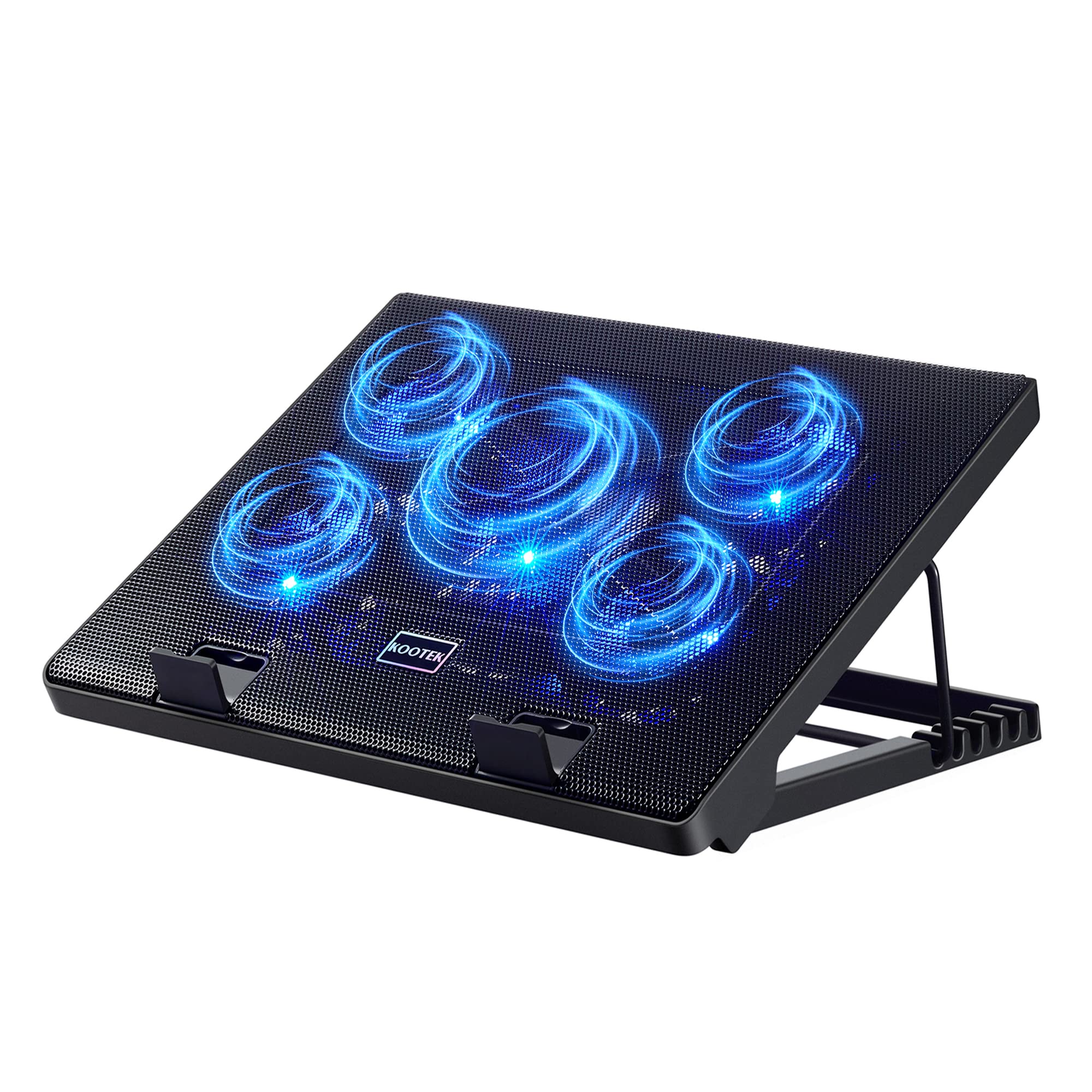
TLDR: The headline for this review is all you need to know. You can stop searching now. Buy it.If you bought or are planning to buy a gaming laptop, you will NEED one of these. Gaming laptops run HOT. They do their best to cool. However, if you're not in an air conditioned room and your ambient room temperature isn't absolutely frigid, your laptop will overheat. That's guaranteed. Laptops are not the ideal form factor for a GPU engineered for gaming or content creation. If you're not running a proper tower rig with all the trappings of a water cooled setup, know that you're reducing the lifetime of your GPU. When the GPU gets hot, your game will start dropping frames, and the performance will plummet... QUICKLY.I first noticed this when I was playing Wuthering Waves on my laptop. I was running at 4K resolution just fine — until about 30 minutes of gameplay. The frame rates would drop to single digits, and the game would quickly become unplayable. Games like Wuthering Waves really push a GPU. It was not until I noticed that my laptop became so hot that it was too hot to touch (I literally burned by figer touching the underside), that's when I checked the temperature: 96° C!!The ambient temperature of my GPU under load is 71° C (Honkai Star Rail), but a more demanding game like Wuthering Waves would quickly push that to 85° C. I needed to cool my laptop by some other means. That's when I started to research cooling options. The KeiBn Laptop Cooler Pad came highly recommended and now I see why. After I bought, shipped and setup this bad boy, the running RBG lights light up my household the moment I plugged in the USB cable that ships with it. But that's not what really impressed me.After running Wuthering Waves for about an hour with this cooling pad lit up, my laptop quickly hit the top temperature of......61°C.And it stayed there... for another 4 hours... eventually dropping to 54° C as the night cools.No more dropped frame rates.No more overheating GPU.Nothing but ultra-smooth, ray traced, gaming goodness at 4k resolution... for hours — at an average of 61° C.This cooling pad WORKS. On top of all of that, it is SUPER quiet. You'll only notice the fans if you have complete silence in your room. Otherwise, it blends into the background hum of any other electronics you have running in your room. The fans blow air INTO the bottom of your laptop's intake vents, which improves circulation inside your laptop as it pushes hot air out of the side and back. The device even comes with an LED display at the bottom, with a few buttons that allow you to control fan speed. I turned my fan speed all the way to the maximum.The cooling pad is powered by the USB port on the side. There are two of them. Just plug one into any available USB-A port on the side of your laptop. The cable that comes with it is long enough to stretch to the back of a 17" laptop if needs be. Additionally, it doesn't block any of the ports on the side or back of your latop. So it's perfect for running all of the usual cables to your machine as you normally would.If you're buying a gaming laptop or you've already invested in one, you NEED one of these. You can stop reading right here. From one gamer to another, BUY IT. Your laptop will thank you.Ver másVer menos
55 personas la encontraron útil