

Amazon Customer
7 de enero de 2026
Woks perfectly. Warranty cut from 3 to 1 year.
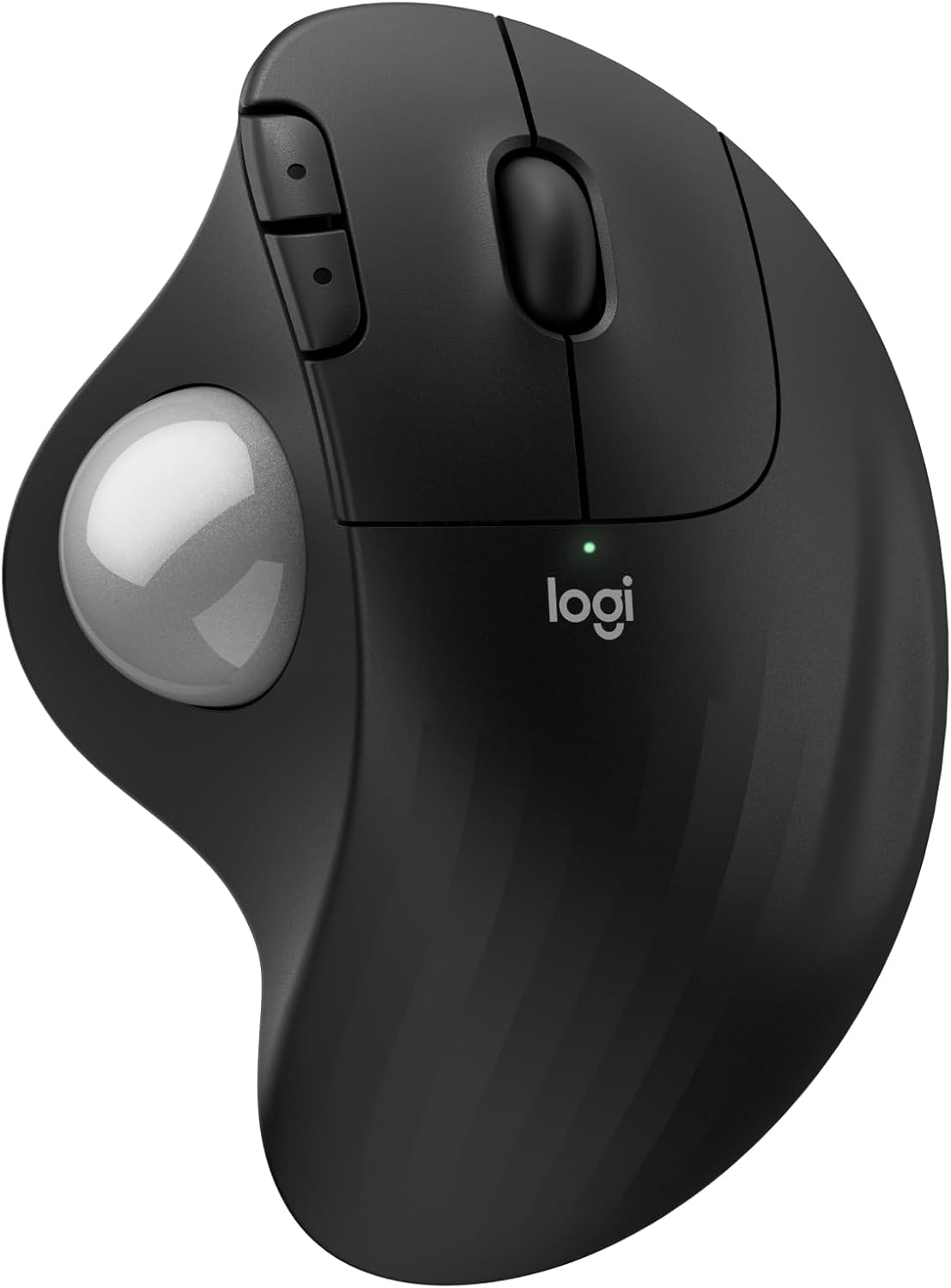
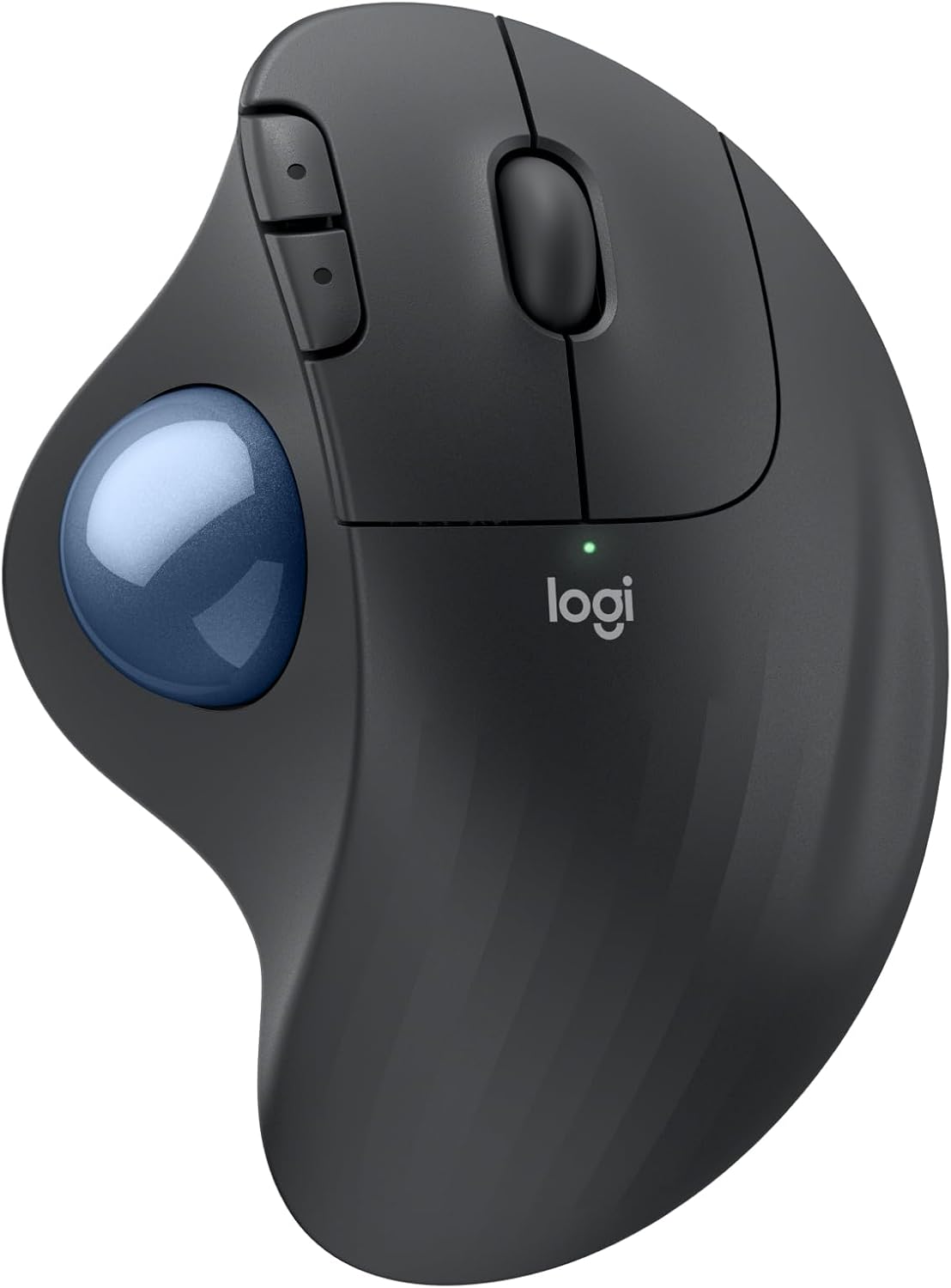
I've been using Logitech since the wired mouse/keyboard days, switching to wireless in 2012 along with moving from mice to trackballs to conserve desk space (and easy use at home on my recliner's armrest). Like a microwave: once you go trackball (and develop some muscle memory in your thumb) you'll never go back to a mouse you have to move your whole arm around to move a cursor. This review was done only a few days into using this new M575SReliability? I've only had one Logitech failure in 2018 - 2 months before the 3 year warranty expired. Logitech promptly replaced it without my incurring shipping charges. Was disappointed, and a little nervous, when I finally saw on the box for this M575S (in VERY small print) that the warranty has gone from 3 to one year since my last purchase in 2022. So... has the quality gone down too??? Only time will tell. Right now, after reading reviews for cheaper M570 trackball knockoffs of unreliability and flaky behavior I don't mind paying more for a time-tested trackball.The M575S works as a trackball with expected basic functions out of the box (like every Logitech product I've purchased -- 15 of them for my business and home. Just plug in the USB receiver and pull the battery connection paper tab to connect it. After downloading Logi Options+ app (and a PC restart. It won't load without a restart) I could reassign buttons the way I am used to. The Logi Options+ app has been updated sometime last year I think, because it now works without the serious glitches it previously had disconnecting or not starting at all, or misbehaving inside the app. Works perfectly now. For another PC that I use for gaming I love the ability to make app specific trackball changes for a particular gaming app (or any app), like speeding up the trackball pointer just for that app to get across the screen without a thumb reset -- then going back to a word processing app having it slow back down for cursor placement without having to reset cursor speed. For internet or word processing I like resetting the forward and backward keys to Copy and Paste. Just use the app to assign Ctrl+C and Crtl+V. I've found that very, very useful over the years.My only [small] complaint is that if you have a perfectly good Logitech K270 keyboard [ that has been around for years and working perfectly] that you cannot use with this M575S as the M575S uses the newer "BOLT" USB receiver. The work-around so you CAN use that older keyboard is to use both the old "Unifying" USB receiver that came with your K270 keyboard and the "BOLT" USB receiver at the same time. So, you use up 2 USB A ports -- better than buying a new keyboard. It is GOOD, however that the same "Logi Options+" software will recognize both USB receivers and allow cursor speed,pointer & button programming so you don't have to run 2 different apps. That's not much of a problem with most PC's coming with more than one USB A port even though most peripherals have moved to USB C.Like almost all mice and trackballs nowadays this one has a very high resolution ball for smooth scrolling and precise cursor placement.Battery life: I get about three months out of a fresh Duracell with heavy use out of my older M570's and my M575 Pro. I've stopped using generic and rechargeable batteries. I DO always turn it off at night, weekends. You should too. And for devices that really last a long time like Logitech keyboards or less used mice or trackballs change the batteries at least once a year to forestall the formation of corrosion of battery terminals from batteries that are nearing end of life. Logitech devices have a pretty darn good coating on those battery connection terminal compared to many other battery-run devices, and I've only had one trackball (the 2012 one - Yes, still working!) start corroding. A visit to my workshop to fix it and it's back in service.The weight is irrelevant to me since it sits in one place on a desk or leather armrest and is far less muscle/tendon strain than a moving mouse. The shape is very comfortable to the hand causing no pain at all after hours of continuous work, and the buttons are still working perfectly on all 15 of my M570 and M575S and Pro trackballs.If anything goes wrong with this M575S I'll update this review. Right now I'm happy that I only spent 5 minutes installing and optionally programming the buttons and cursor speed for a game. If you don't require that optional programming then your time will be less than 1 minute to use it.Ver másVer menos
26 personas la encontraron útil