

dhbailey
17 de septiembre de 2025
Great audio interface for small setups and travel!
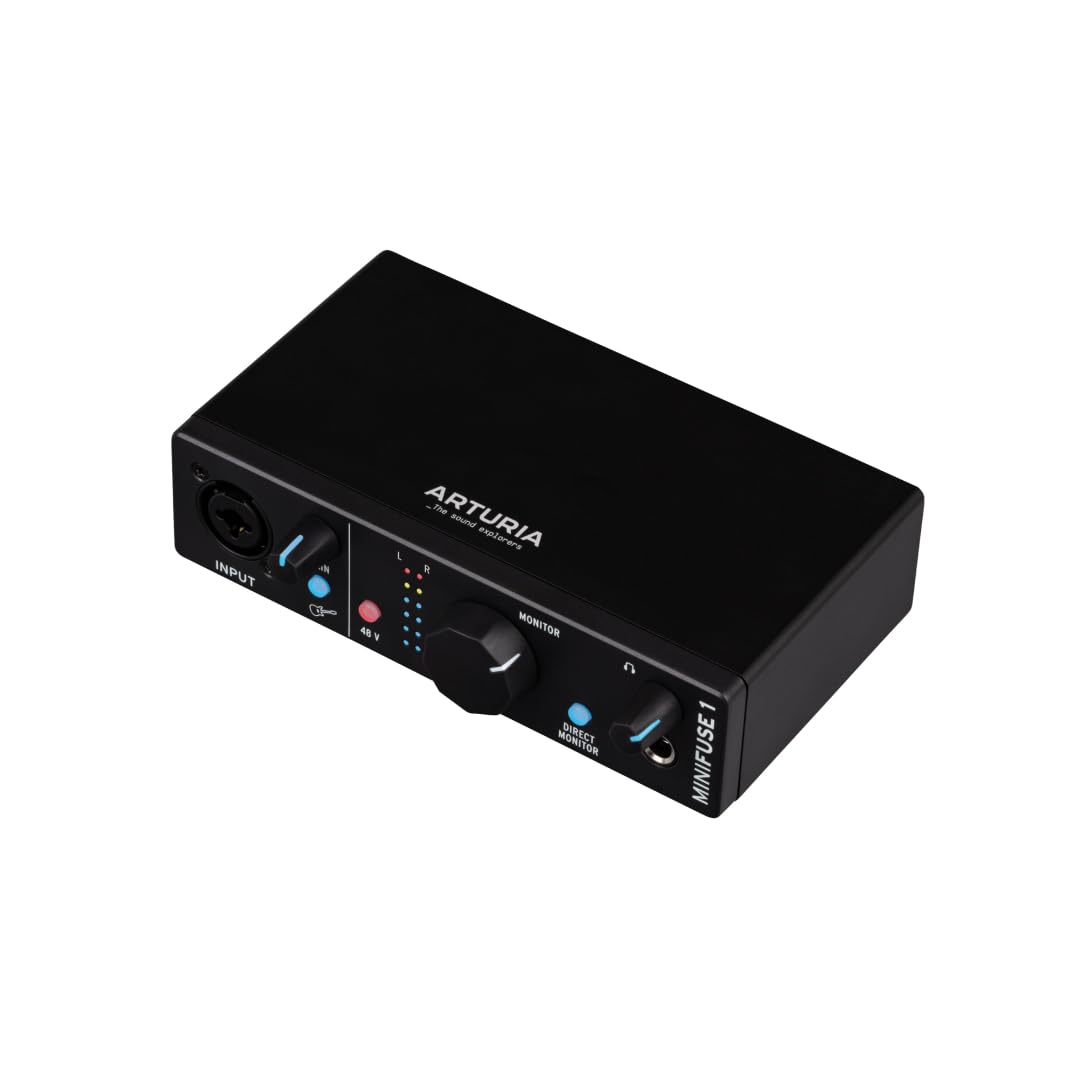
I'm a musician who works with the Digital Audio Workstations Cubase. I have simplified my life to using only a laptop as my main computer but the one drawback is the built-in soundcard -- it has too much latency when working with a DAW creating music. Playing in one track is tolerable but then trying to play another track while listening to the previously recorded tracks is impossible because of the latency. Which is where this external audio interface is important.It's a USB-C connection and is powered by the USB-C port so there's no power adapter required so I can travel with it and my laptop and small MIDI keyboard to work on music projects outside my main office.I already have a MOTU-M4 but wanted a smaller audio interface for travel. This Arturia MiniFuse1 fills the bill very nicely. With this the latency is so small as to be virtually unnoticeable so layering tracks is easy.The size makes this easy to fit into my computer's briefcase for easy travel. I use a USB-C cable with a right-angle connector and much shorter in length than what comes in the box to keep my workspace less cluttered and better organized but the cable which ships in the box is perfectly fine.It has very few bells and whistles but it has a mic-combo input and a 1/4" input with level adjustment for both, it has "direct monitoring" which means that the audio you are playing into the MiniFuse1 goes directly out to your headphones as well as into the computer so you don't run into the possibility of latency. But this is a very efficient interface so even without using the direct monitoring, if you've set the audio buffer small enough in your audio software the latency is so small that it doesn't interfere.And the price is incredible for what this device offers -- it's an exceptional value for the money and the recording quality is excellent. This is a very "transparent" audio interface, which means that it does not change the sound quality as the sound passes through on its way to your computer.Once caveat about the installation -- follow the instructions which come in the box BUT there's one step that they don't mention -- after if appears as if the installation has gone perfectly, reboot your computer or else this interface won't show up in different software as a possible device.Ver másVer menos
4 personas la encontraron útil