pixelshaded
2 de mayo de 2021
Quite a lot of value for the money
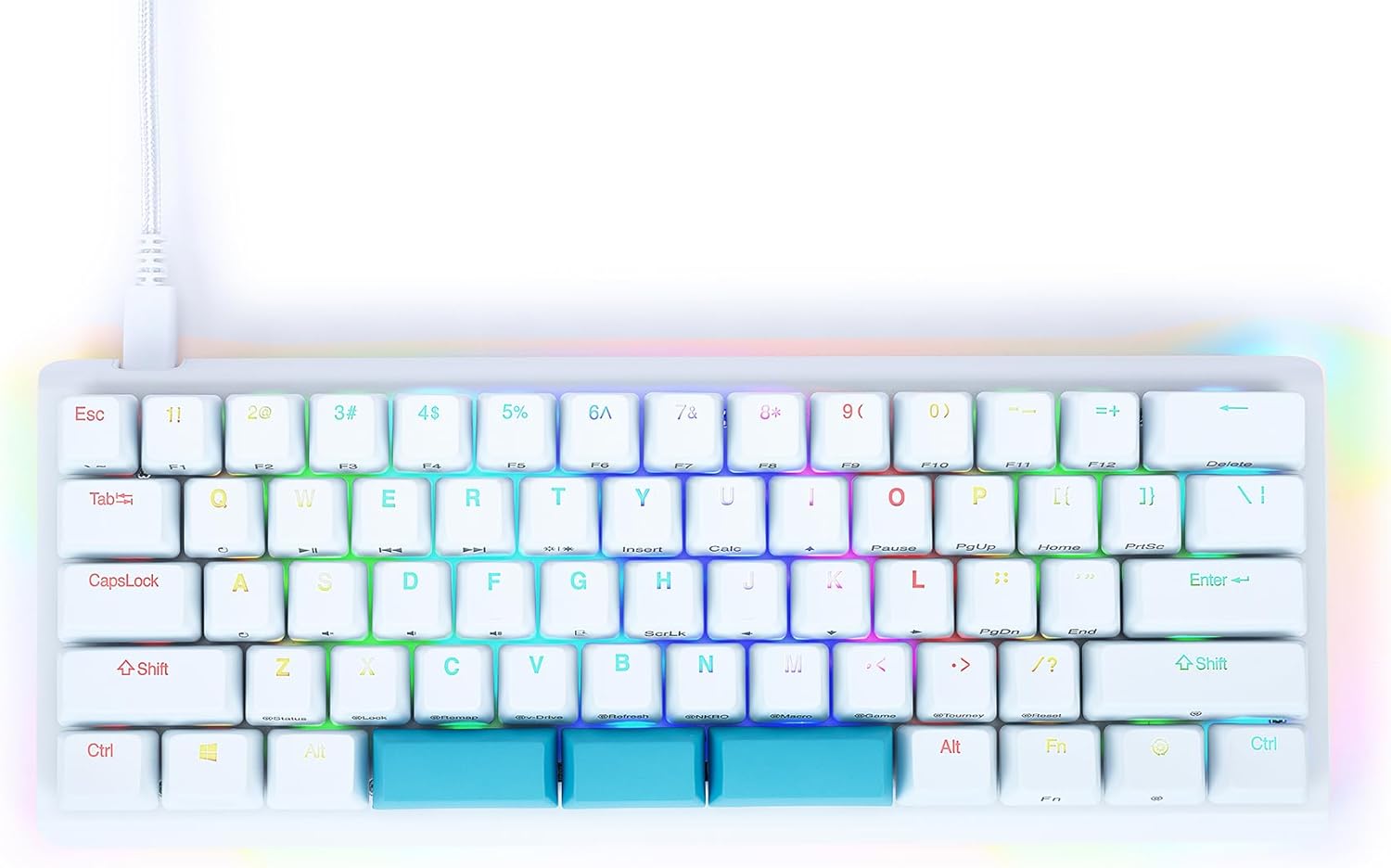
I have quite a lot of experience with hotswap boards now, having a Massdrop ALT, CTRL, and Carina, Keychron K2, Preonic, Ergodox EZ, Planck EZ, and Keyboardio Atrius. Most of these boards are far more expensive than the Kinesis.The things that really impressed me with the Kinesis:- The stabilizers are amazing. I don't expect stock stabs to be any good, but these have no rattle to speak of.- The case itself has hardly any ping when typing, which gives it a quality feel / sound (personally I still want to install sound dampening material to make it feel more solid - still feels hollow).- The keys are programmable without needing any software. (QMK is powerful but not user friendly)- It remembers what profile you are using (huge pet peeve with Massdrop boards resetting profile on reboot)- It comes with a carrying case. This is really nice considering the price point- You can use a full space bar if you want to use custom keycaps. The triple space bars aren't in super common sizes- It supports 5 pin switches, i.e. you dont have to clip those plastic legs on your expensive switches and the switch is more stabilized on the pcbMissed opportunities:The main reason this board even got on my radar was the triple spacebar. Custom layouts like these are fairly uncommon on hotswap boards. I was hoping to have the ability to change layouts simply by holding one of the spacebars. You can do this by binding a spacebar to the function key, but that's just one layer. I was really hoping for at least two, and since it already has a function key, the value of the triple space bar starts to become less clear. Sure you can bind one of those spacebars to a key that's note conveniently close to the left hand (M to open your map or something), but I am not seeing this as a game changer.Unclear Benefits:The ability to tilt this in many different ways is cool (especially horizontal tilting), but I haven't really found a use for it. It's not a big enough difference to me to say, use 0 degree for typing, and then tilt the right side up for gaming when I am using it one handed. I just keep it at one angle at all times.Servicing the Sockets:Ive swapped out switches more times than I can remember, and the reality of these sockets is that they can have issues over time. Mechanically, the legs of the switch must make contact with two pieces of metal on the socket, and one of the most common failures is that over many swaps those pieces of metal flex and the gap becomes large enough to where a leg no longer makes contact with both sides and the switch stops working. On my Massdrop CTRL and ALT, reaching the sockets is super easy. You just flip it over, take out some screws, pull the back off, and there they are. On the Kinesis, this is a little more involved. You need to take 16 keycaps off to access the screws which are on the top of the board rather than the back. I think this was an aesthetic decision to make this thing look more unibody (hiding the screws), but it does make socket maintenance a little more inconvenient.Ver másVer menos
9 personas la encontraron útil