J. Airington
31 de enero de 2023
Great little system, just ok accessories
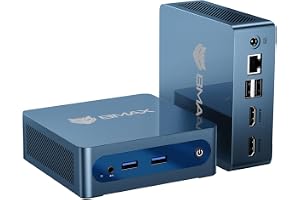
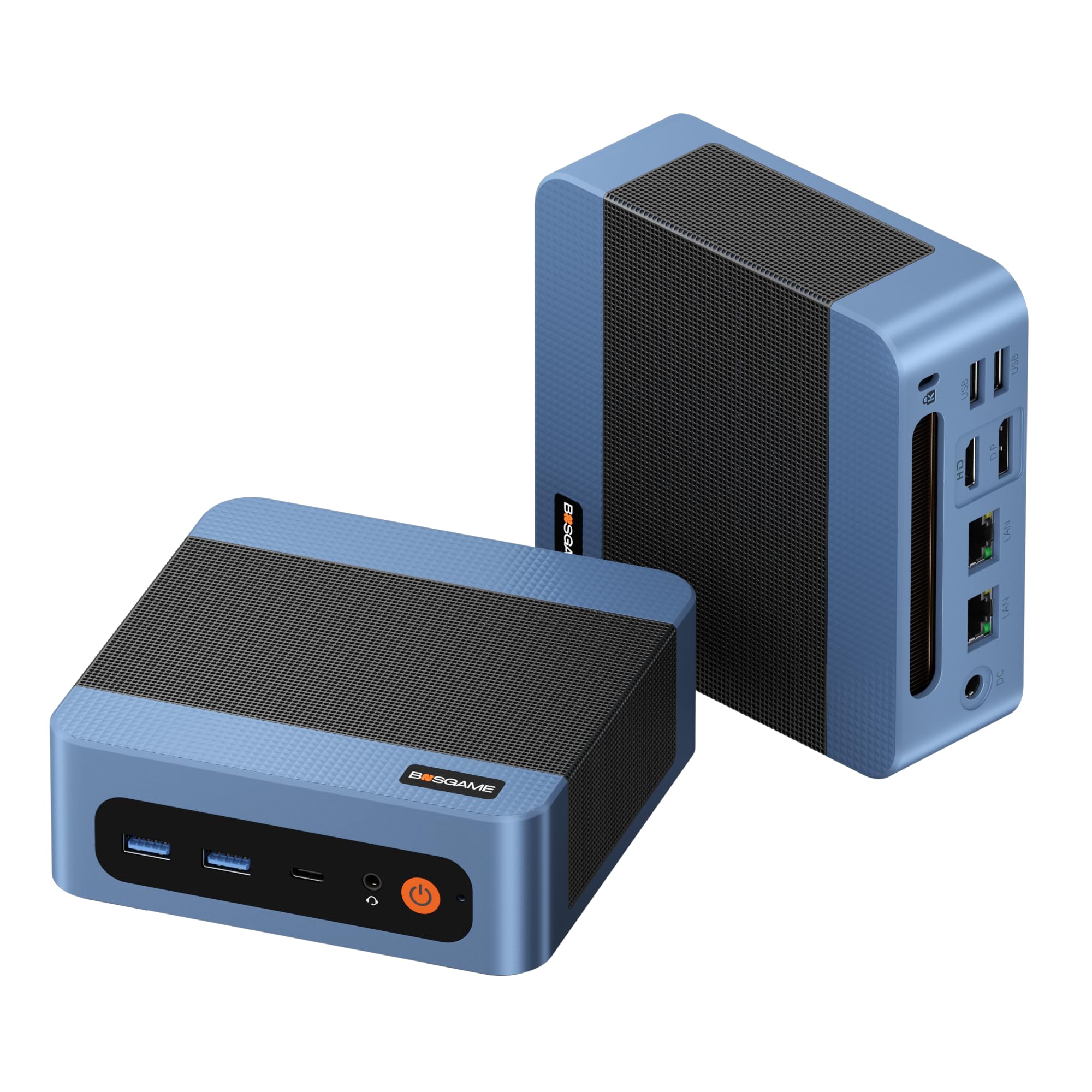
My system came pretty well cleaned. It had something oily on part of the top, but that wiped off, though some had gotten into the dust screen so that had to be removed to clean. There were no scratches on the system, and everything seems in good working order.As most other reviews have mentioned, mine came with the Ryzen pro 5 2400g, which is a 65W part, vs. the 2400ge which is 35W TDP but lower clocked. The top is covered in mesh for better airflow, probably because the 2400g does get hot in this little machine. Running a stress test, I was able to get it up to 93C but the cooling system, in a room at 68F, was able to keep it there so it never throttled (which it should do if it gets to 95C) and maintained just under 3.6ghz on all 4 cores (the base clock). Stressing a single core, it will go up to 3.9ghz, so it could be that others who were having issues with performance might have some problem with their system.It came with 8GB of SK hynix DDR4 2666mhz RAM and a 256GB (older) Samsung PCI-E SSD. I got the SATA drive cage as well, which does have a fan for both its drive and the PCI-E drive that sits under the fan. I actually had a 16GB DDR4 3200mhz RAM set not being used, so I put that in and the system sees it as 2933mhz, which is the maximum RAM frequency supported for this CPU without overclocking, which this system does not do. So, I'd recommend at least picking up a second stick to get the benefits of dual channel which is supported, but if you buy all new RAM, I'd recommend picking up the faster stuff as well as it'll handle it.My system came with the HDMI module so it has 1 HDMI and 2 display ports. Accessories were a very generic USB wired keyboard, a very generic USB wired mouse, a mini USB wireless dongle and a mini USB bluetooth dongle. You can put a PCI-E wireless/bluetooth module in this system, so that might be a better option. Keep in mind that this system has antenna for the PCI-E wireless/bluetooth module, but does not come with the module, and you will most likely (I had to, someone else mentioned this as well) have to remove the motherboard to get to the antenna wires, as they seem to have been tucked underneath. To remove the motherboard, you have 4 screws plus the 3 that hold the heatsink onto the CPU. The problem here is that you shouldn't remove the heatsink without cleaning and reapplying thermal paste, so you basically will have to rebuild the system to install the wireless module properly.The power adapter this comes with has been mentioned at least once before. Mine was not a HP OEM power brick, but a generic one. It had the right barrel connector, but it's a 90W 19V 4.7A adapter. It appears the OEM adapter should be a 19.5V 4.62A, but finding the OEM 90W adapter is tough unless you want to spend a lot. My system does immediately power on when plugged in as others have mentioned, but you can turn it off and it will stay off, and seems to run ok on the generic adapter.One thing I think someone else mentioned, but the first generation Zen processors (Ryzen 1000 and 2000 series) are not on the Windows 11 supported CPU list, and you will be blocked from upgrading to Windows 11 on this machine. It does have TPM 2.0, so it's just the CPU that is blocking you. Microsoft does have instructions for getting around this, by entering a registry entry to tell the installer to allow unsupported CPUs, but Windows updates still will not let you upgrade directly. You'll need to download the installer/updater from Microsoft then run that. It does appear that upgrading from the installer works, though people were originally saying you would have to install fresh. Anyway, doing this, you have to agree that you are fine with possible issues and lack of driver support, so do it at your own risk I guess.Ver másVer menos
33 personas la encontraron útil