Amazon Customer
25 de noviembre de 2020
Beginners Beware!
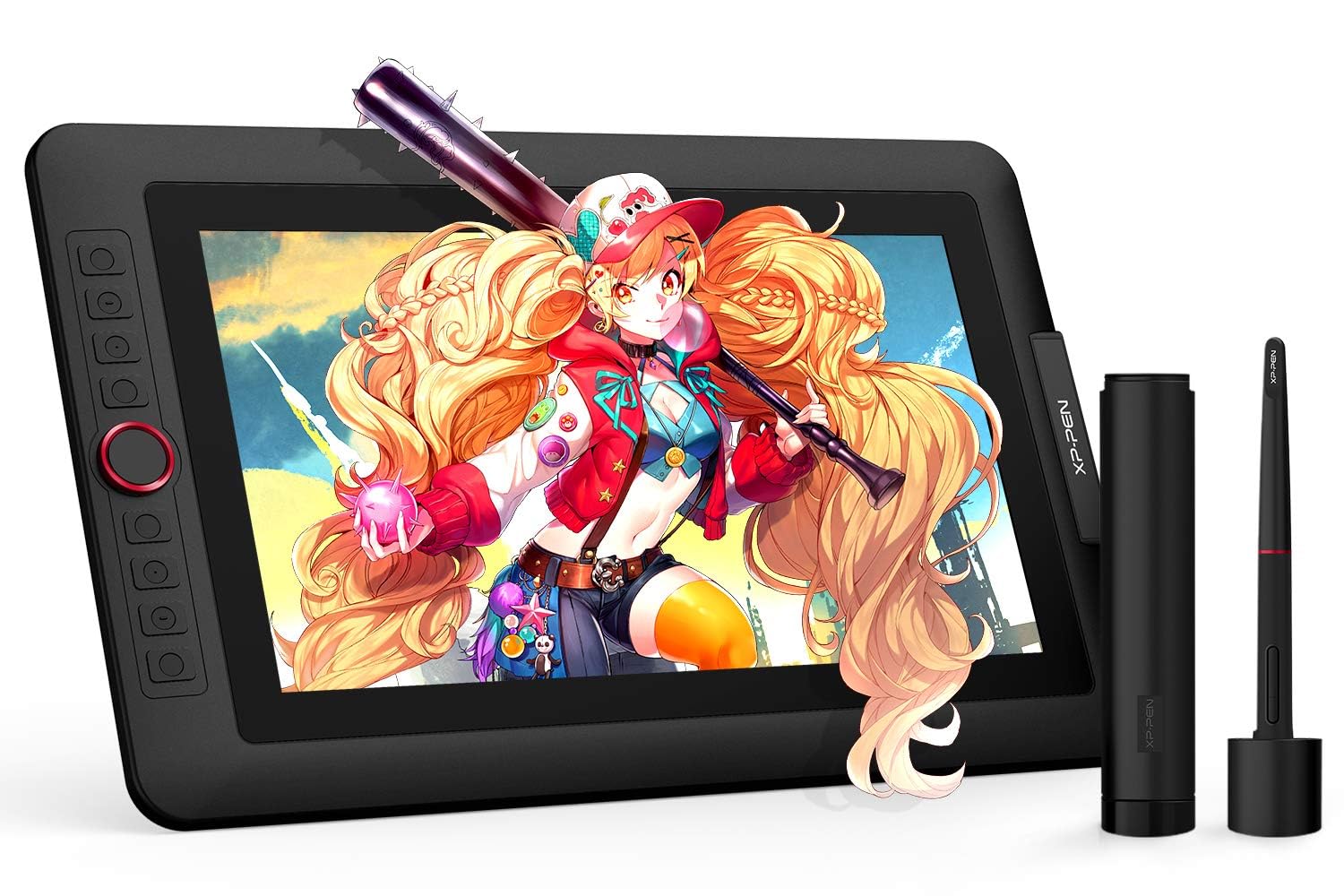
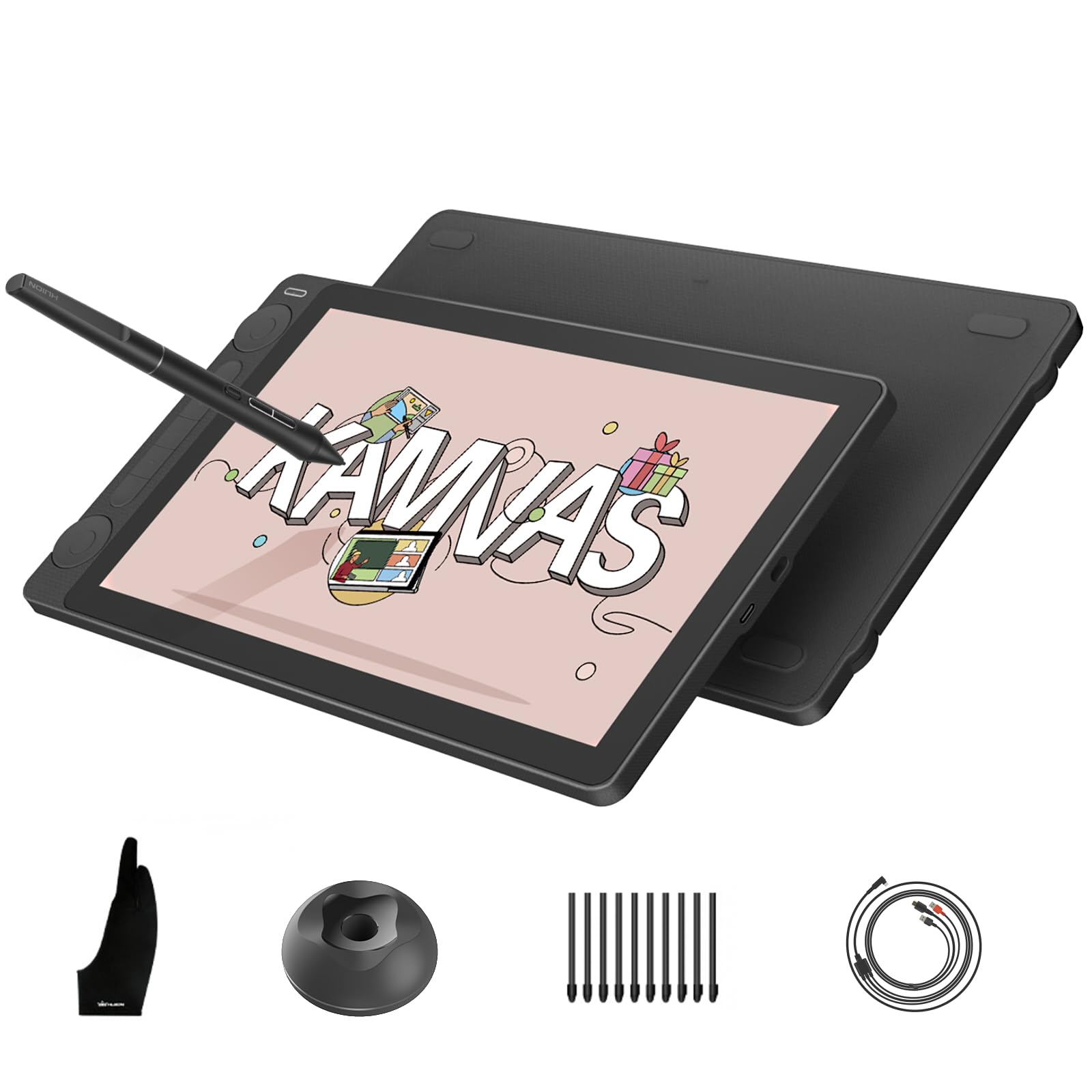
This drawing monitor is insanely good for the price. I’ll have to admit that I’ve only used it for a week or so at the time of me writing this. Yet the one thing I wanted to point out was something I found to be quite inconvenient and possibly challenging/ impossible for beginners as they set up their new drawing monitor. I started out by deleting my previous tablet driver and downloaded the one that my computer needed on the XP-PEN website. It was a walk in the park, super simple. The thing was when I rest my computer and connected the cables it wasn’t working. I turned on the monitor and it gave me an error message, then enabled battery saver mode. Long story short I had to fidget around with my cables for about 30 minutes and reset my computer a dozen times to actually get it going. Once inside my program I found that even though the cursor was popping up on screen once it went over the canvas it was going haywire. I went into the driver and calibrated it a bunch, then reset it again. Then I ended up having to change my virtual monitor set up so that the XP-PEN monitor would mirror my main one. After all that I came a across a slight problem, in multiple programs that I had tested I was seeing that the lines were coming out pixel-y. It actually wasn’t a problem with the monitor that time but just the custom DPI settings I had on all my programs, so keep that in mind if you come around a similar issue. Anyways, it took me about 15 resets before it was working functionally, then another one when the stylus went haywire again. Right after reset 16 I started to question my purchase but once I got into the rhythm of things with the touch bar, shortcut keys and the really great screen quality, my doubts just went away. The inclusion of the pen case and smudge guard plus cloth were nice but also incredibly practical. The drawing monitor didn’t give me any problems from then on, the only thing would maybe be that I have to disconnect and reconnect the HDMI to USB adapter cable every time I turn on my computer, this isn’t new to me though, I’ve had similar issues with that adapter when using other monitors, but hey maybe another reset would be necessary! All in all I would consider it easy to use but not easy to set up. There were a few aforementioned issues I encountered which weren’t from the monitor itself but instead as a result of the monitor such as the DPI and HDMI adapter, which is important to differentiate between as it helps better find the solution. If this were my first encounter with drawing virtually then I would love using it but maybe find it impossible to set up. If you’re planning on buying this product specifically for someone who doesn’t know anything about computers, drawing programs, or tablets in the slightest then it’s better to either A. Have it set up for them by someone who either knows about it or has the extreme patience and time to learn about it, or B. Buy a simpler type of drawing TABLET as it would most likely be 10 times easier to set up than a drawing monitor. Though they are XP-PEN’s competition, Wacom, and the Wacom Intuos tablets are really awesome for beginners, I had one starting out and at that time they even included drawing and animation programs ( all be it not very good ones). A Wacom tablet would be a better choice if choice A isn’t possible. Yet I understand the interest with this particular monitor with its size and price point. I highly recommend it regardless of my initial problems.Ver másVer menos
102 personas la encontraron útil