sillyxone
Affordable and very nice, a little noisy but can be modded
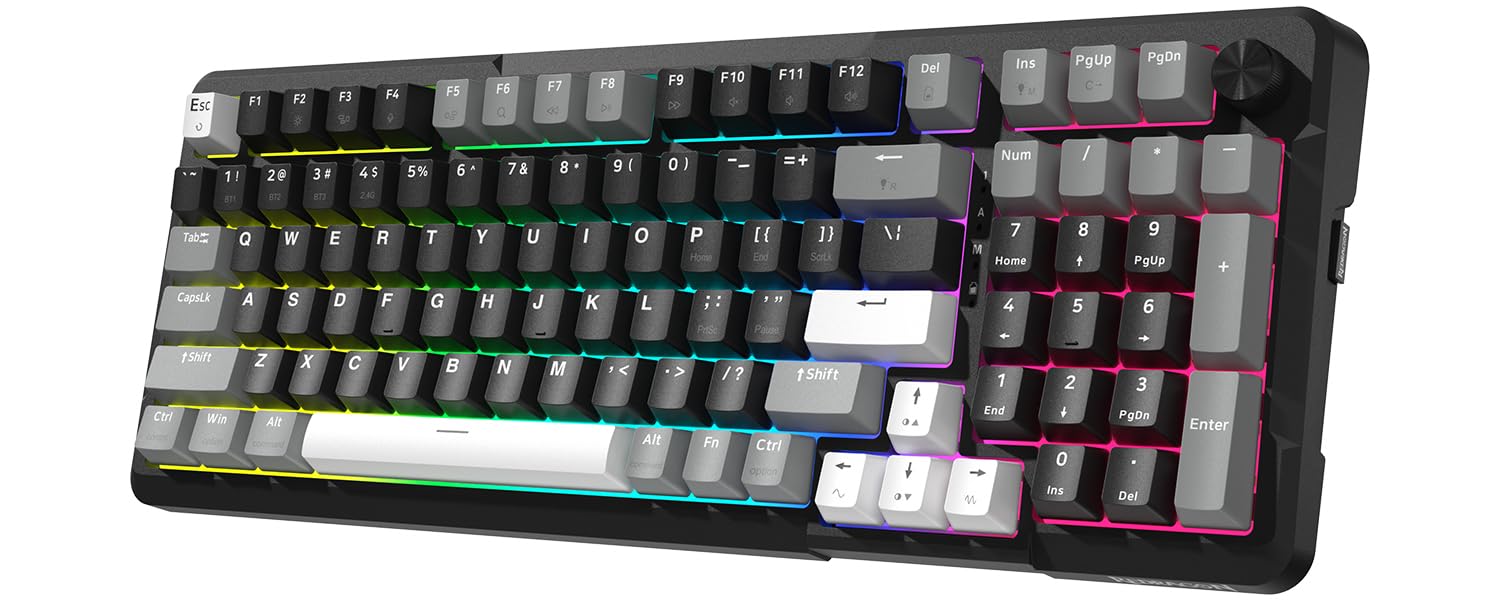
My daughter uses this keyboard, we both love it, but it's indeed loud. We've tested other keyboards including Razer, Logitech, Cosair, as well as some varieties of Chery Brown and Red, but in the end still love this Cherry-Blue clone.Tried some dampening O-rings, didn't help much, so I decided to open it up and experiment (need to remove the keycaps to access the screws holding the top plate down). Here's what I found.The noises come from:- the click of the switch itself. It is what we like over the other switches, but the keycap amplifies this click quite a lot.- the bottom-out noise when the keycap hits the switch's box. The O-ring can dampen this sound a bit, but the boxy plastic base amplifies it multiple times. Coupling with an IKEA tabletop, it sounds like hitting a drum.- the sound of the switch hitting the switch's box on the way up. You can hear this sound when you hold a key down and lift your finger up quickly (like when typing fast). Again, this sound is also amplified by the keycap.The good news is, if you take the circuit board out of its boxy plastic base, all the noises are reduced to around 25-35% (my rough estimation), the only noticeable sound is the faint click of the switch itself. If you like a really quiet keyboard, you can just make a custom base/footing (a block of foam for example). You just need to cover the exposed circuit board on the underside, the top metal plate is pretty solid and won't bend. I'm pretty sure it's even quieter than the typical Dell keyboards at my office.However, my daughter prefers the keyboard with its base, so I tried to stuff the inside with foams, hoping to muffle it, and it seemed to work. But upon tightening the screws back in, it's noisy again. So, the noise is transmitted through the screw poles to the plastic base, then the base amplifies it. Stuffing might have helped a bit, but not noticeable.To decouple the keyboard from the screw poles, I cut pieces of foam to the same height as the screw poles and double-sided taped them to the base. The poles are of different heights, shorter near the space bar, and taller near the Function keys. When putting the keyboard back, the circuit board and top plate sit on the foams, I tightened the screws very lightly, basically the screws keep the top from jumping out rather than holding it down. This significantly reduces the noise. I also filled the base with thinner foam rods, to reduce the void space in case it does act like a speaker enclosure.The keycaps were still problematic, with the switch's click, the bottoming-out, and coming-back noise. Instead of using O-rings, I stuffed cotton ball in the keycaps, just little enough to muffle the sound, and acts as a thin layer of O-ring. The more cotton, the muffler the sound, but also shorten the travel distance. I didn't want it to interfere with the great feeling of the switch so I didn't use much. I was lazy and didn't stuff the function keys as they're rarely used, also to serve as a comparison. You'll have to experiment a bit to find the right amount to your liking. The cotton does block the backlight a bit, but not much (and don't look straight into the backlights after removing the keycaps, they're blinding).One last thing, whatever the small amount of noise left, transmitted to the tabletop and got amplified. So I rolled a thin foam bag into little feet and taped them to the keyboard, no noise from the tabletop at all.Overall, I'd definitely call it a success. She was ready to compromise for a quieter keyboard, but now more than happy to keep it. I used to be able to hear her "smashing" the keyboard in her room from the living room, now I can barely hear the "light" click if I really pay attention. She wanted the RGB version, so I'll buy one to trade with her, and probably will experiment with a custom base instead. See a need, fill a need!Ver másVer menos
142 personas la encontraron útil