StormJH1
24 de julio de 2015
Not a keyboard, not a sample pad, but a good, portable marriage of the two for on-the-go sketching
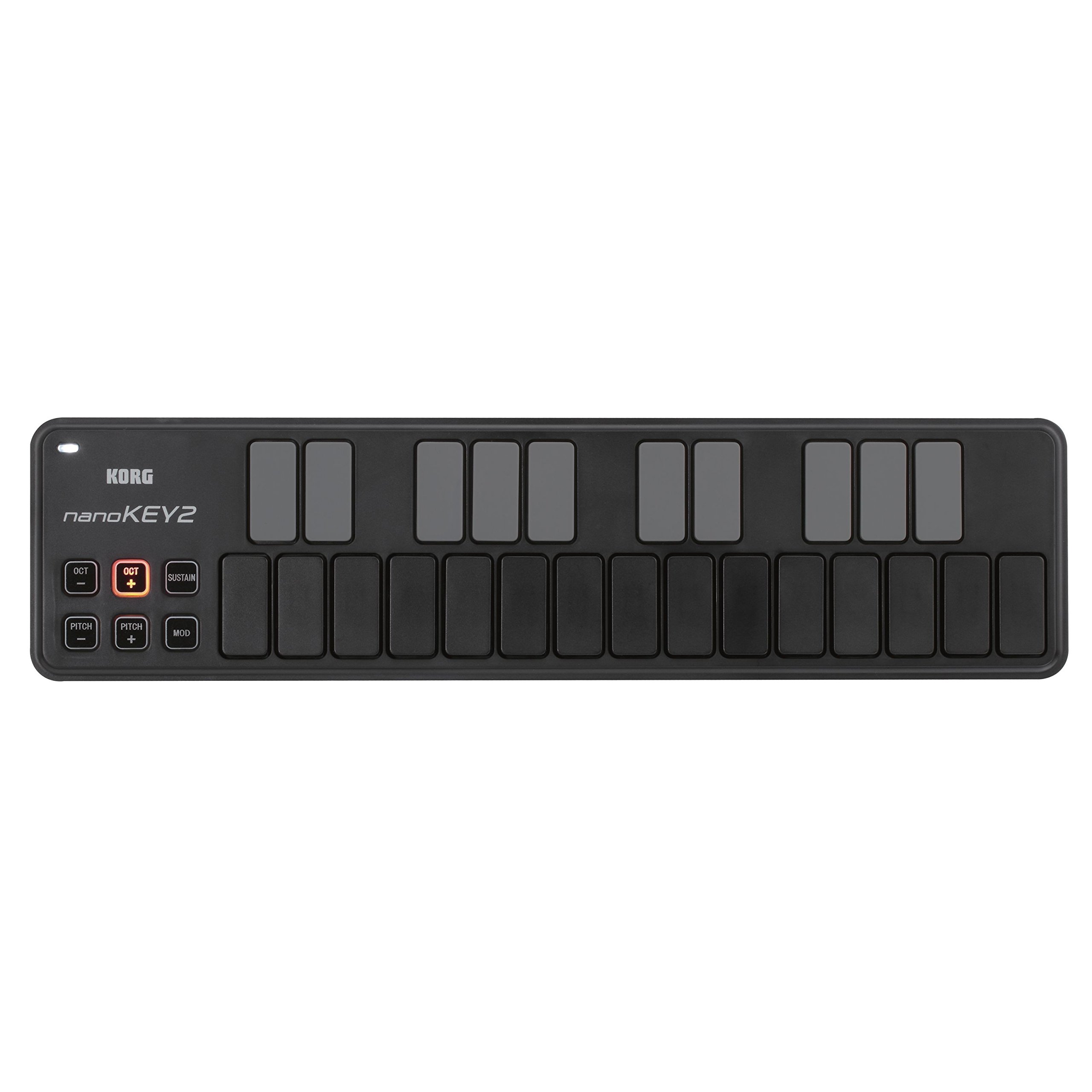
Lots of reviews already for the Korg nanoKey2, so I will try to keep it short... This is my second MIDI controller - my first is the excellent Akai MPK25 (version 1). If you are primarily a keyboard player and are okay with the fact that the MPK25 is literally twice the size of the nanoKey2, then I think the Akai is a better option for a more traditional feeling keyboard and sample pad pairing. (Note: it's also more expensive, retailing around $100, so perhaps not a fair comparison).But I like the nanoKey2 as the ultimate portable option for capturing ideas on-the-go on my iPhone and/or iPad. Since it's smaller than a USB computer keyboard, you can slip it into a laptop case with the USB Camera Connection kit and the (included) USB cable, and you have everything you need.This does not have the traditional feel of a synthesizer keyboard. The buttons are velocity-sensitive, but they do not have any real travel or "spring" to them. They are more similar to a computer keyboard response. The downside of this is that if you are a traditional piano player and accustomed to playing complicated passages knowing exactly where the keys should fall under your fingers, you may struggle to do that here. But there are definite advantages to Korg's design choice as well. First of which is that buttons can be pressed in rapid succession, unlike some piano keys. So if you are planning to use this keyboard to tap out rhythms, it's capable of hitting 16th notes or triplets in quick succession, arguably better than a traditional keyboard. Also, some reviewers remarked that they actually found it easier to play the black keys (sharps and flats on the upper row) with this type of slimline keyboard, versus a shrunken-down version of a traditional keyboard. There may be some truth to that - it's nice that all of the keys are of uniform size and feel.At the end of the day, I think the nanoKey2 is well suited to do an adequate job across a variety of needs, ranging from simple monophonic passages, playing simple chords (and recording them as MIDI data), and tapping out beats. It's not going to be the best tool at any of those things, but certainly an improvement on a small touchscreen device. MIDI data editing and quantinization should also help to clean up some of the minor errors you commit using this type of input device. And, best of all, it's extremely affordable and about as small and lightweight as you could expect. The best controller you have is the one that you actually have with you when you need it, and Korg has made a device here that is actually practical enough to carry with you just about anywhere.Ver másVer menos
19 personas la encontraron útil