Murphy
16 de enero de 2017
Awesome budget gaming/programming/productivity keyboard
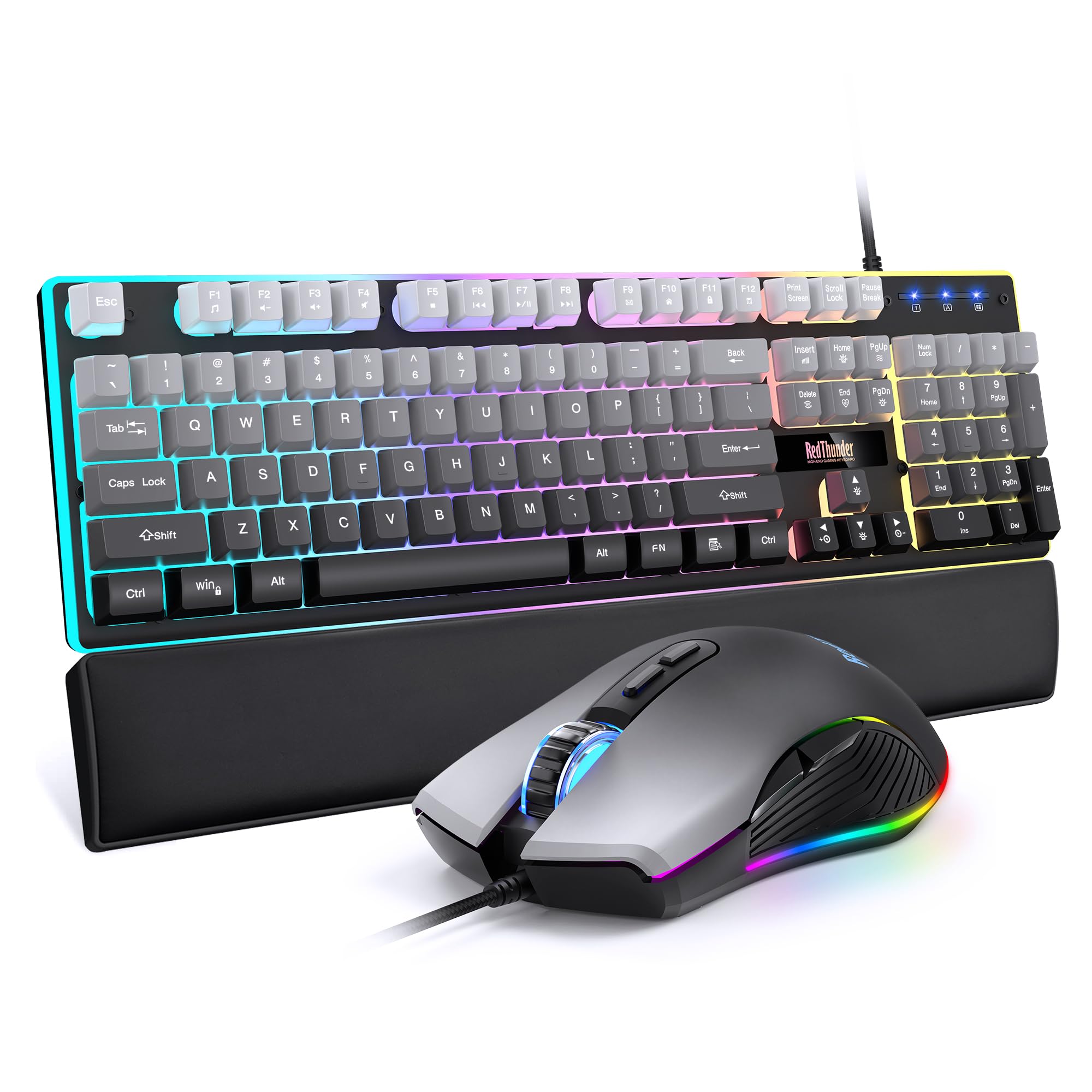
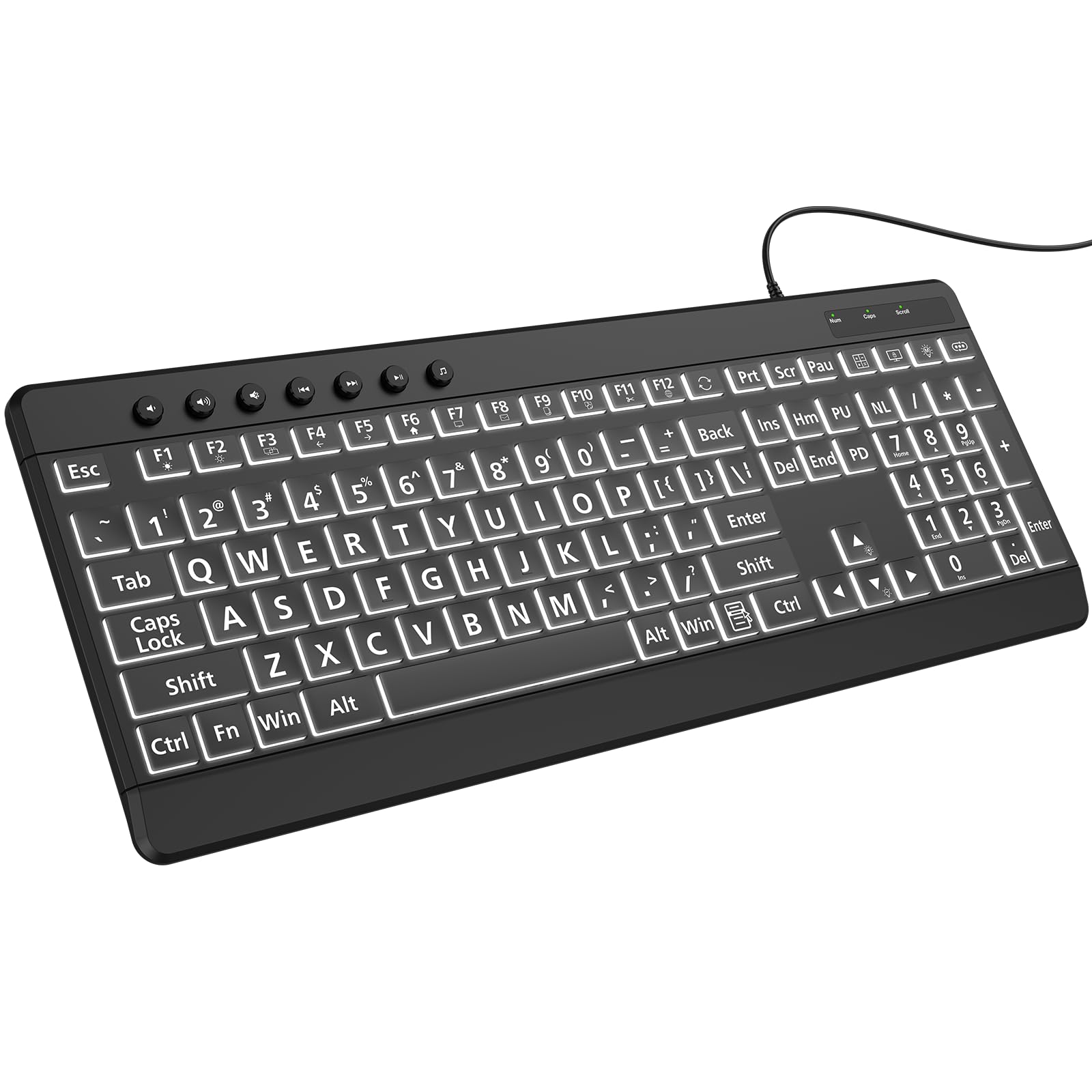
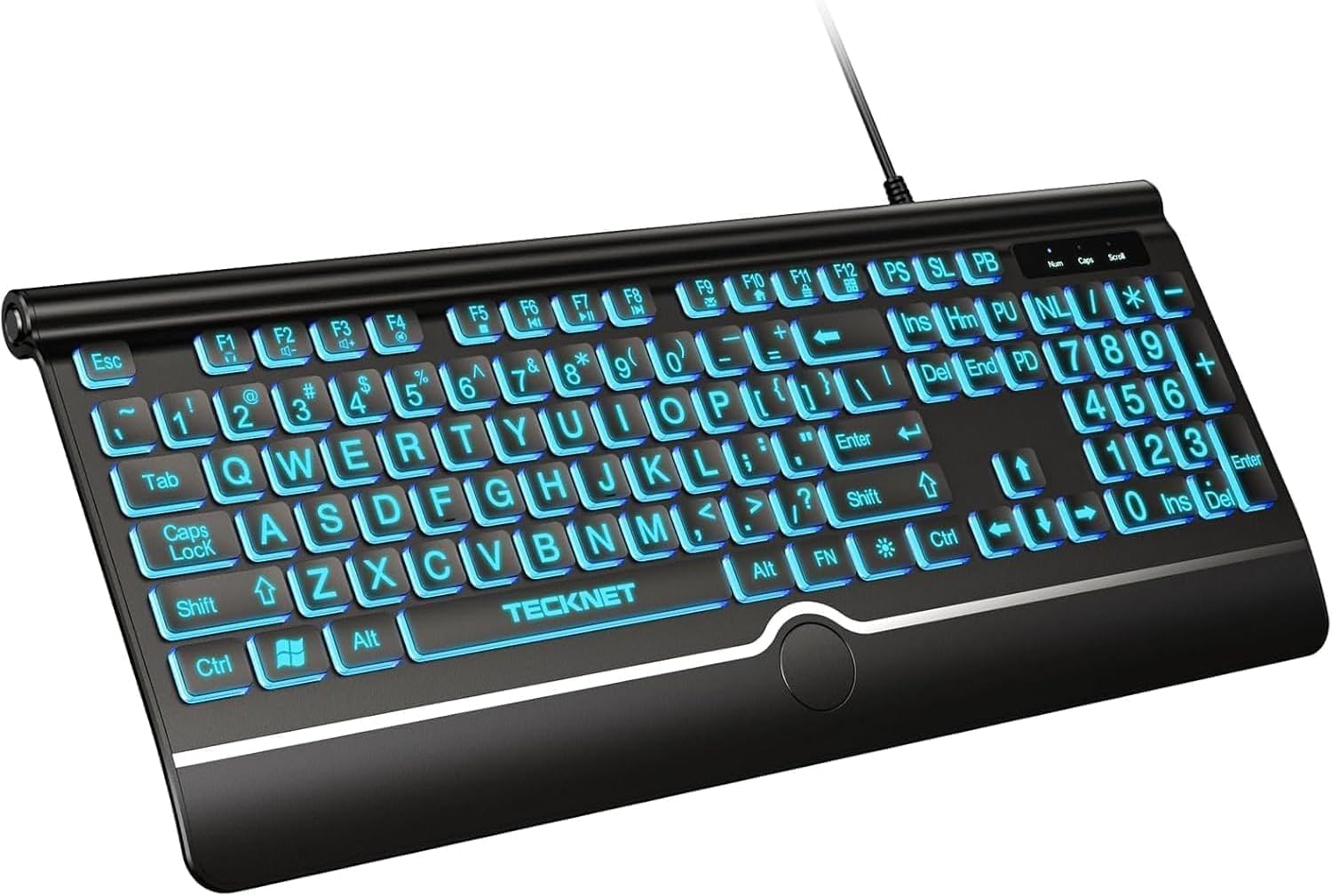
For the price, this is quite the stunning keyboard. If you're looking for a good gaming keyboard without those obnoxious backlights, this is (almost) perfect for you. The main reason I got this keyboard was for the custom macros. The macros themselves, however, aren't back lit, so you'll have to rely on muscle memory to find them in the dark. That's really my only gripe, but hey, beggars can't be choosers I suppose. The backlight is perfectly fine nonetheless. That being said, here's a comprehensive list of pros about this keyboard:Pros:-Space bar has a unique sound when pressed (as a fast typer (100 WPM), I appreciate this and you might too)-Volume function keys are actually placed in a very good spot (productivity). You'll understand for yourself when you try it.-The FN key on the keyboard stands out. It strongly implies its importance when it comes to productivity.-You can "hard" toggle the WASD keys with the arrow keys. It's hard to say where this could be used, but the concept itself is good to know and I'm sure there's an amazing use for this.-The status backlights (the lights when caps lock or num lock is on) will always match whichever keyboard backlight color you choose. No you can't change the color of the status backlights, but they'll match nicely with the keyboard backlight anyway.-The WASD print on the arrow keys, and the arrow key print on the WASD keys, are icing on the cake. In a way I always disliked keyboards for gaming because they are bland and the keys don't stand out much from their controller button counterparts. As a gamer, I appreciate the extra mile of highlighting practically the most used buttons for PC gaming.-The status backlights (num lock, caps lock, scroll lock, etc) are placed very in well thought-out spots. It provides a visual balance when you glance at it and it just feels nice looking at it. Let me explain what that means. Since num lock will be on most of the time, it's backlight is placed in the middle. Since caps lock might be on every so often, it's placed on the right of num lock. Since scroll lock is hardly on (I never use it personally), it's placed at the very right. And since the windows button lock backlight (the 'Game' backlight) will probably be used at some point for gaming, it's placed to the left on the num lock key. The macro backlight ('Mr' backlight) will be used once every so often so it's placed on the very left. The manufacturers thought this out well and based on priority of these keys. Had these backlights be placed in any other position it would really bother me because of the lack of visual balance. Thankfully they are in the best spots possible.Cons:-No macro backlights. Might be annoying when finding them in the dark.-Tiny learning curve when it comes to memorizing how programming the macros work. You'll end up referring to the manual a few times before truly getting the hang of it. In reality though, it's really simple to use anyway.-Wide open spaces between the keys. This is very necessary for the backlight, so I don't think this can be changed, nor do I have any suggestions. But, if you're the kind of guy who likes to eat over his keyboard, you should strongly consider getting a different keyboard. Or alternatively, cover your keyboard with something while you eat (a paper towel?), and no crumbs will easily enter the keyboard. Problem solved.Now if the manufacturers decide to improve on this keyboard, here's a couple of improvements I'd like to see on future iterations:-Backlit macros and multimedia keys-Custom status backlight colors-"Clicky" (mechanical?) macro & multimedia buttonsVerdict:Regardless of the cons, the pros most definitely out weight cons. This is definitely tons of bang for your buck and I'm not sure how you could do better than this. The keyboard has custom macros that stand out, the keys feel nice to type on, and it has a perfectly fine backlight to see the keys in the dark; a backlight that isn't so obnoxiously colorful compared to other gaming keyboards. It has distinct placement of certain function keys and status back lights. The macros work amazingly fine, though I wish they were a bit more clicky. The multimedia keys are a nice addition, and surprisingly useful. All in all it's a "budget" keyboard that works with no compromises and, imo, just the right amount of aesthetic (and kinesthetic?) appeal. The amount of features are icing on the cake and aren't over the top. I'm happy I chose this keyboard over the plethora of options out there. I think you should strongly consider buying this one. Whether you are a gamer or programmer or a "power user", or I guess even a casual user, you'll most certainly be highly satisfied.Ver másVer menos
49 personas la encontraron útil