
StinkerBell
20 de julio de 2023
Works good
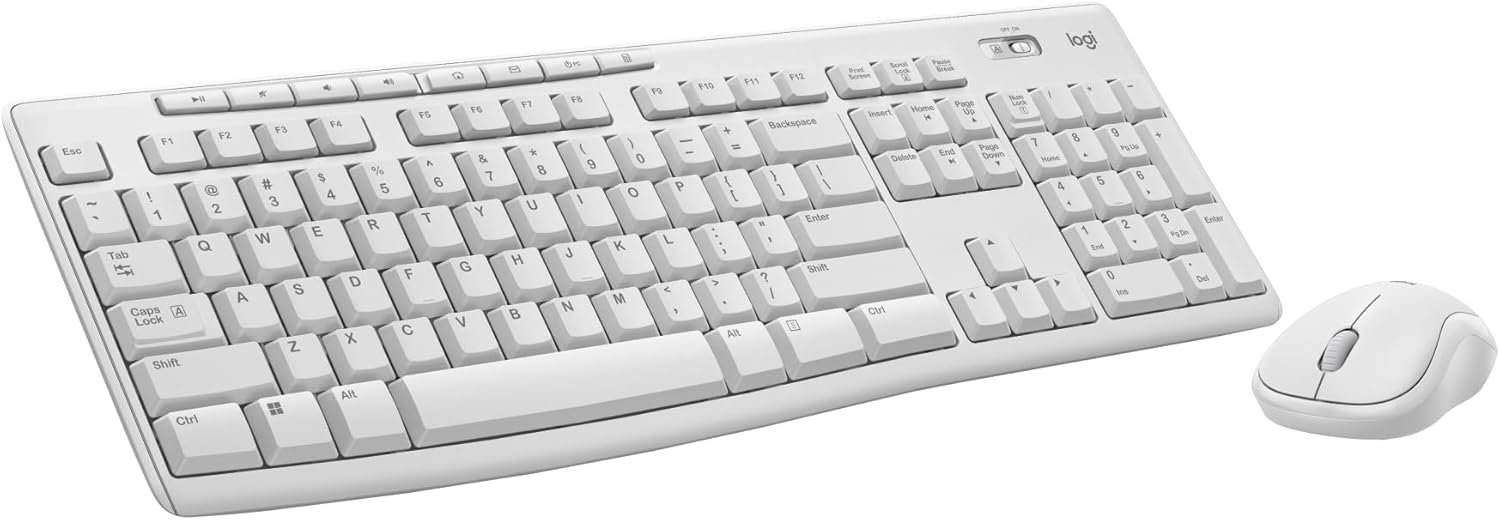
Edit 7/24/23: I just picked up a Logitech compact wireless mouse, M325. It did have the unifying symbol on it, and I was able to very easily sync it up with the keyboard. Took about 10 secs for it to do it.I just bought this to replace a keyboard/mouse combo I picked up at the W store about 2 years ago. It's the same model, but this is slightly different. It's white on the bottom, the keys are really quiet and seem smoother, and this one has the unifying dongle to it.My other one was not unifying, and the mouse had gone out. That's when I discovered about the "unifying", and so it was either pay a few more dollars for this keyboard that is unifying and buy a separate unifying mouse, or buy the same combo that isn't unifying which was on sale for 17. And seeing as if one goes out on the combo, you can't just buy another to use on the same dongle, I went this route. I figure in the long run this would be the cheaper option. I had another mouse handy that is not unifying, and it would not sync up with this keyboard.So, if you want one dongle to run both mouse and keyboard, as well as other stuff you need to look for that orange symbol on the dongle or package. Then you need to use the software on the logitech site to sync them together. IMO kinda dumb. Just make everything sync up together.Overall, decent keyboard for me for basic medium web browsing type of use, no gaming. I have the keyboard about a foot away from the monitor, and no issues with it. My old keyboard was still working ok, it just had a bunch of dust and gunk in the keys and a few keys I never use popped off and lost due to my cat digging it up for some reason. I had spilled stuff on it before, and it still worked fine. Battery had lasted, it was going on about 2 years I'd had it.Ver másVer menos
8 personas la encontraron útil